
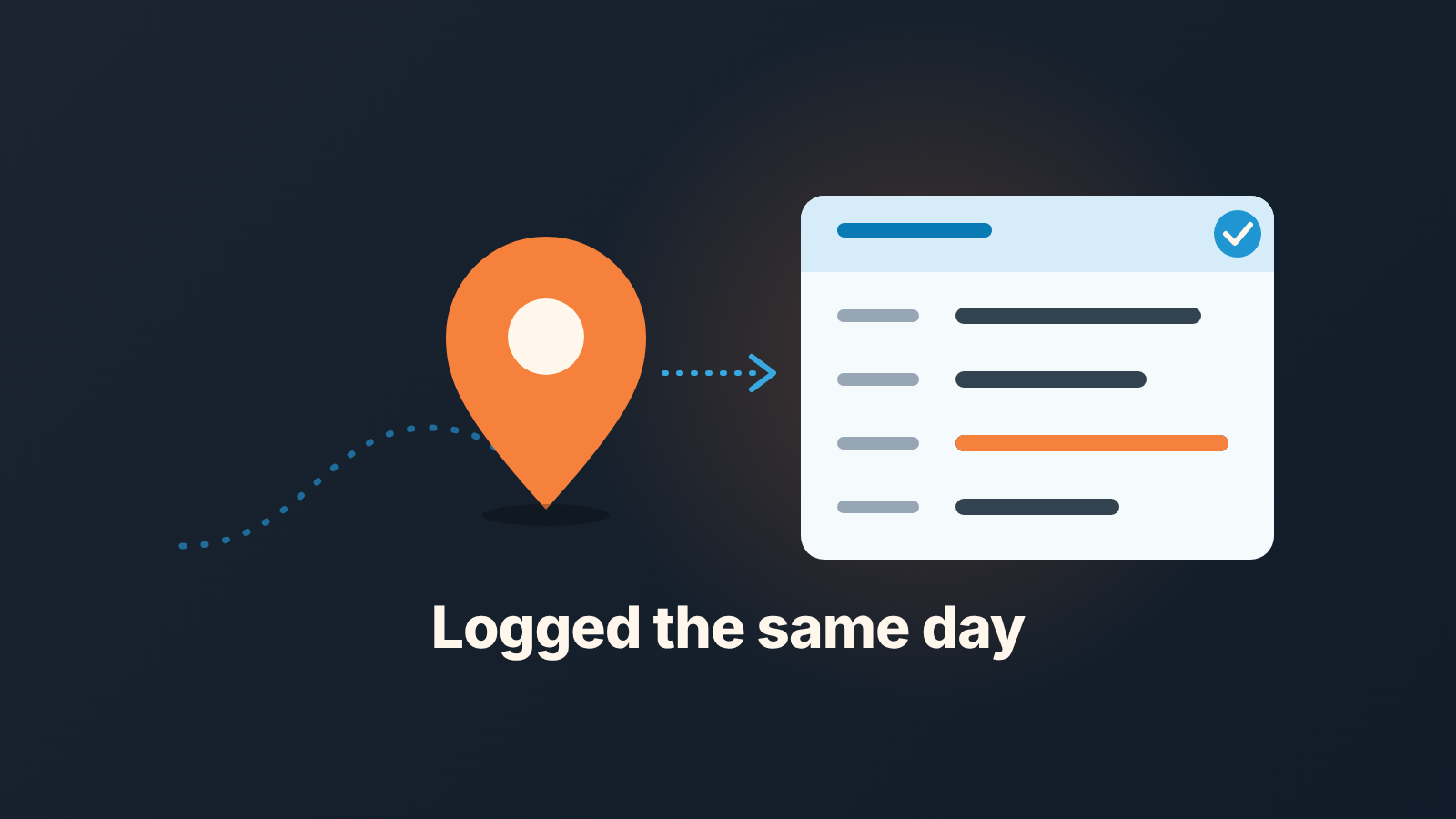
Field sales is selling in person, at the customer’s site, not over phone or video. For a field team the CRM rule is short: log every visit the same day, with who was there, the outcome and a dated next step. The manager then reads one weekly view: visits with no outcome, deals with no step after a visit.
That is the whole system. The rest of this piece is how to get reps to actually do it, with Pipedrive as the worked example.
What field sales changes for the person reading the CRM
The rep drives to the prospect’s office, the plant, the store or the front door, and the sales conversation happens there (Sales Focus: what is field sales). The rep still uses the CRM, email and a calendar all week. What leaves the screen is the sale itself.
For the manager that changes one thing. With a desk rep the CRM half fills itself: the dialer logs calls, email syncs, you can watch the day unfold from your own chair. With a field rep the CRM knows only what the rep types in afterwards. Three visits on Tuesday leave no trace until somebody writes them down, and the somebody has been in a car since seven in the morning.
Revenue Grid’s description of the field sales manager’s job lists monitoring team performance, setting targets, analyzing territories and managing travel schedules (Revenue Grid: field sales manager). Every item on that list rests on the record of the visit, and the record is the part nobody owns. We would start from the other end: decide what one visit has to leave behind in the CRM, and most of the reporting takes care of itself.
One scope note. This is not about comparing field reps with desk reps; we wrote that up separately in inside sales vs. outside sales in one CRM. A team that works from home offices rather than from the car has its own version of the problem, covered in what Pipedrive shows you about a remote sales team. Here it is only the visit: what gets logged, when, and what the manager reads.
The four things to record after a visit
A visit record a manager can use has four parts. Anything beyond that is nice to have, and in our experience the more fields you ask for, the fewer of them come back filled.
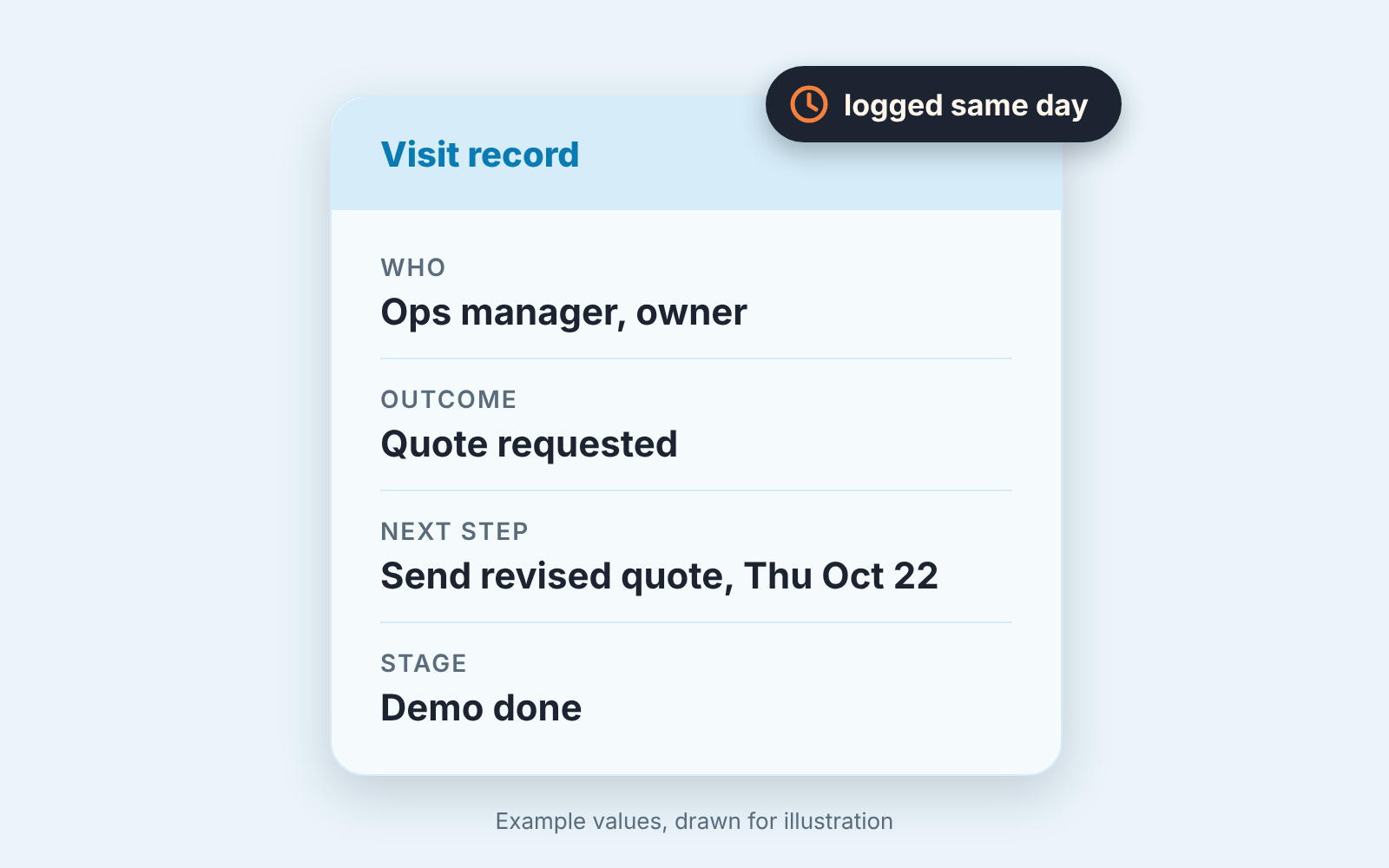
- Who was in the room. Names and roles, added as contacts if they are new. “Ops manager and the owner” is enough.
- What came out of it, in one line, in a structured field rather than buried in a note. In Pipedrive this is the activity’s Outcome; we covered agreeing the values with the team in make the Outcome field work for you. For visits a short list does the job: demo done, quote requested, price objection, no decision yet, lost.
- The next step, with a date. A new activity on the deal, owned by the rep, with a due date and a verb in it. “Send revised quote by Thursday” passes. “Follow up” does not, and this ten-second test sorts the two.
- The deal stage, if the visit moved it. If the visit was the demo, the deal goes to the post-demo stage that evening, not when the quote finally goes out.
Two things we leave out on purpose. Mileage and time on site belong in the expenses tool, not on the activity. And a long free-text note is optional: when the rep has something to say, the note field is right there, but nobody chases a note if the four parts are filled.
In Pipedrive the setup is a custom activity type called Visit next to the built-in call and meeting types, Outcome filled on every one, and the next activity created from the deal before the visit is marked done. The inside-versus-outside piece linked above covers where the activity types live.
Same day, not Friday: the logging rule
The rule is one sentence, and we say it at the Monday meeting until nobody rolls their eyes anymore: a visit is logged before the next visit starts, or at the latest before the rep walks into their house. Not on Friday afternoon with a coffee and five days of receipts.
Why so strict? Because by Friday the four visits from Tuesday have merged into one. The rep remembers the plant tour and the owner who liked the demo, but not which of the two asked about delivery terms, and the next step for the smaller account quietly becomes “follow up”. A visit takes a morning and a tank of fuel. It is the most expensive thing a rep does all week, and it is the one record the team is most casual about.
Same-day logging is also the cheapest version. Right after the meeting in the parked car, the four parts take a couple of minutes because they are still in working memory. On Friday the same four parts take far longer and come out worse.
Pipedrive’s mobile app is built for exactly this moment. The focus view opens on today’s activities and has a plus icon for adding a new one (Pipedrive: focus view in the mobile app). A rep who would rather talk than type can record an audio note on the activity and have it transcribed, up to one minute long (Pipedrive: audio notes in the mobile apps). One minute, it turns out, is plenty for the four parts.
The manager’s side of the rule is just as short. On Monday you don’t ask for the story of the visit. You ask why the outcome field is empty.
What a field sales manager reads on Monday
The view fits on one screen, and you read it before the one-on-ones, not during them. Forget the activity count for a moment. What you are looking for is the places where the four-part record broke, and there are three of them:
- visits marked done in the last seven days with the Outcome field empty (one or two per rep is noise; more means the rep is batching, or the visit never happened);
- deals whose last activity was a visit and whose next activity is empty, every one of which lost its thread the day of the visit;
- next steps dated more than two weeks out, which are often a soft “no” the rep did not want to write down.
All three are the same question asked three ways: did the visit turn into a next step the deal can be read by? That is what you bring to the one-on-one. “You saw Lindqvist on Wednesday, the outcome says quote requested, and there is nothing scheduled. What’s the plan?” is a conversation about a deal. “Your visit count is down” is a conversation about a number, and reps have heard that one before.
Visits per rep per week are worth a glance as context. They are never a score, and they never sit in a column next to a desk rep’s calls. One more thing to keep half an eye on: a visit with an outcome while the stage did not move, like “demo done” three times on one deal with the stage unchanged. That one is harder to catch from the activity list, and we come back to it below.
If the team is on HubSpot, Salesforce or Zoho CRM, the reading is the same: a meeting or custom activity type for the visit, an outcome property on it, and a saved list of deals whose last activity was a visit and whose next activity is empty. We are not giving the click path here because it differs by edition and keeps moving. The three checks above are the spec, and an admin can build them in an afternoon.
If you already run a short weekly report, these checks replace the activity-volume section in it rather than adding to it; we argued for cutting that section in what to include in a weekly sales report and what to cut.
Phone, notes app, nothing: when the road does not allow the CRM
Some days the rule bends. Four visits back to back with twenty minutes of driving between them. A site with no signal. A rep who has been doing this for fifteen years and dictates everything into voice memos.
Two of those three have a clean answer in Pipedrive. The mobile app works without a connection: a rep can add notes and activities and move deals offline, and the app syncs them when the phone is back online (Pipedrive: do the mobile apps work offline?). And the voice-memo rep can keep dictating, as long as it is the audio note on the activity and not a file on the phone that nobody else can open.
The back-to-back day is the real compromise, and we accept it on one condition. A line in the notes app or a thirty-second voice memo between visits is fine. Typing the four parts into the CRM happens that evening, by the rep, from those notes. What we don’t accept is the Friday notebook, or an assistant entering last week’s visits from the rep’s calendar. Logging done by somebody else is a second guess about thier visit, and the manager’s Monday view ends up reading the guess.
Where the CRM stops
A logged visit tells you that a visit happened and what the rep made of it. Whether the deal moved is another matter. A rep can log “demo done, next step: send quote” on the same account for four weeks in a row, each entry on time and perfectly formatted, and the Monday checks above will pass every week. The outcome is filled. The next step exists. Only the stage history shows that the deal has been standing still, and only a person reading the deal notices that the next step is the same next step as last time.
No field or rule on the activity fixes that. The signal lives on the deal: stage movement and next-step freshness, read together, across the pipeline, every week. For a manager with a few dozen open field deals that reading is doable by hand. At several times that it stops being a Monday habit and becomes a thing that happens when something has already gone wrong.
A disclosure, since this is where we come in: we build SalesBond, a sales management layer on top of the CRM a team already uses; we started with Pipedrive. It reads the deals from the CRM and shows which ones have no next step, which next step keeps slipping, and which deals are at risk and why, so the Monday list is already there when the manager opens it. If your field team’s visits are logged but the pipeline still surprises you, check your CRM with SalesBond. The visit record, though, is still the the rep’s job, and no tool reads what was never typed in.
Start with the four parts and the same-day rule. Give it three weeks before you judge it. The first Monday view will be ugly, because it shows every visit that used to disappear, and that is the point: you are seeing the road for the first time.


