
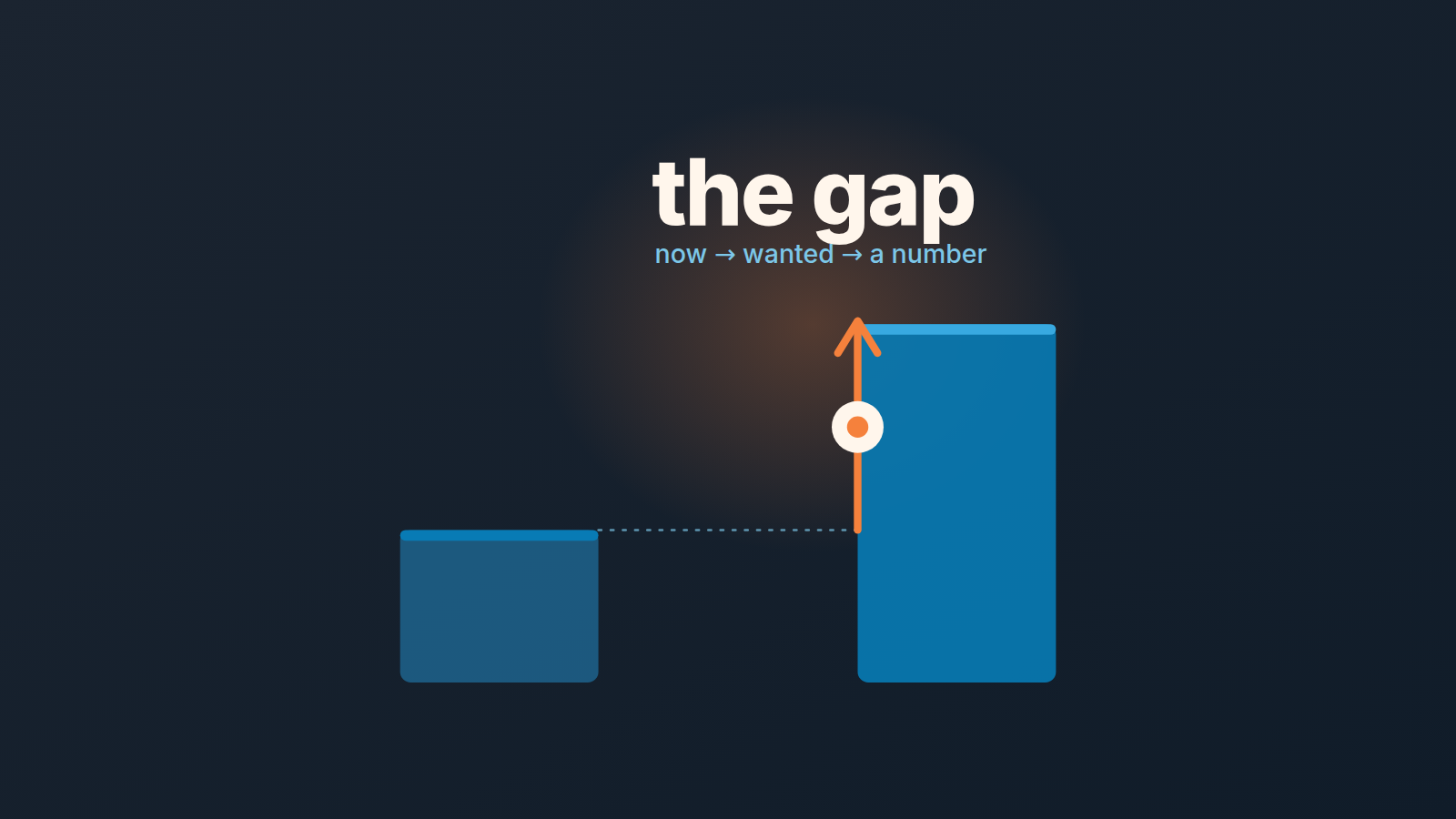
Gap selling is a discovery method: find the customer’s current state, the state they want, and put a number on the distance. In Pipedrive that means four deal fields and a rule that a deal does not leave discovery while the quantified gap is empty. The rest of this post is the setup, a before-and-after example, and what a manager should do when that field is blank.
The one idea worth keeping
The method comes from Keenan’s 2018 book Gap Selling: Getting the Customer to Yes, and most of what ranks for the term retells it chapter by chapter (Gong’s summary is a decent one). We won’t repeat that. There is one idea in it that matters for anyone running a pipeline, and it fits in a sentence: the buyer’s motivation lives in the distance between where they are and where they want to be, and the wider that distance, the stronger the reason to buy.
Keenan puts the practical consequence bluntly. “Problems get you to the impact and the impact is where urgency, value, and need live,” he writes, as quoted by Gong. A rep who writes down the problem (“their reporting is slow”) has done half the job. The impact is the part that tells you whether the deal will close, and it is the part that almost never makes it into the CRM.
That is the real failure we see. Reps do the discovery call, they even ask good questions and then the answers go into a call note that nobody opens again. Three weeks later the manager looks at a deal in Proposal Made with a value of $18,000 and has no idea why the customer would pay it. The rep remembers, maybe. The CRM does not. Before any gap fields, there is a simpler thing to get right: the decision the call has to leave in the CRM.
So the goal of this setup is modest. We are not trying to teach anyone gap selling. We want the output of discovery to be something a manager can read in ten seconds and a filter can find.
The same failure shows up in any consultative approach, and we cover what to ask and what to log for a team without a sales engineer in consultative selling in Pipedrive.
Four gap selling fields, not one notes box
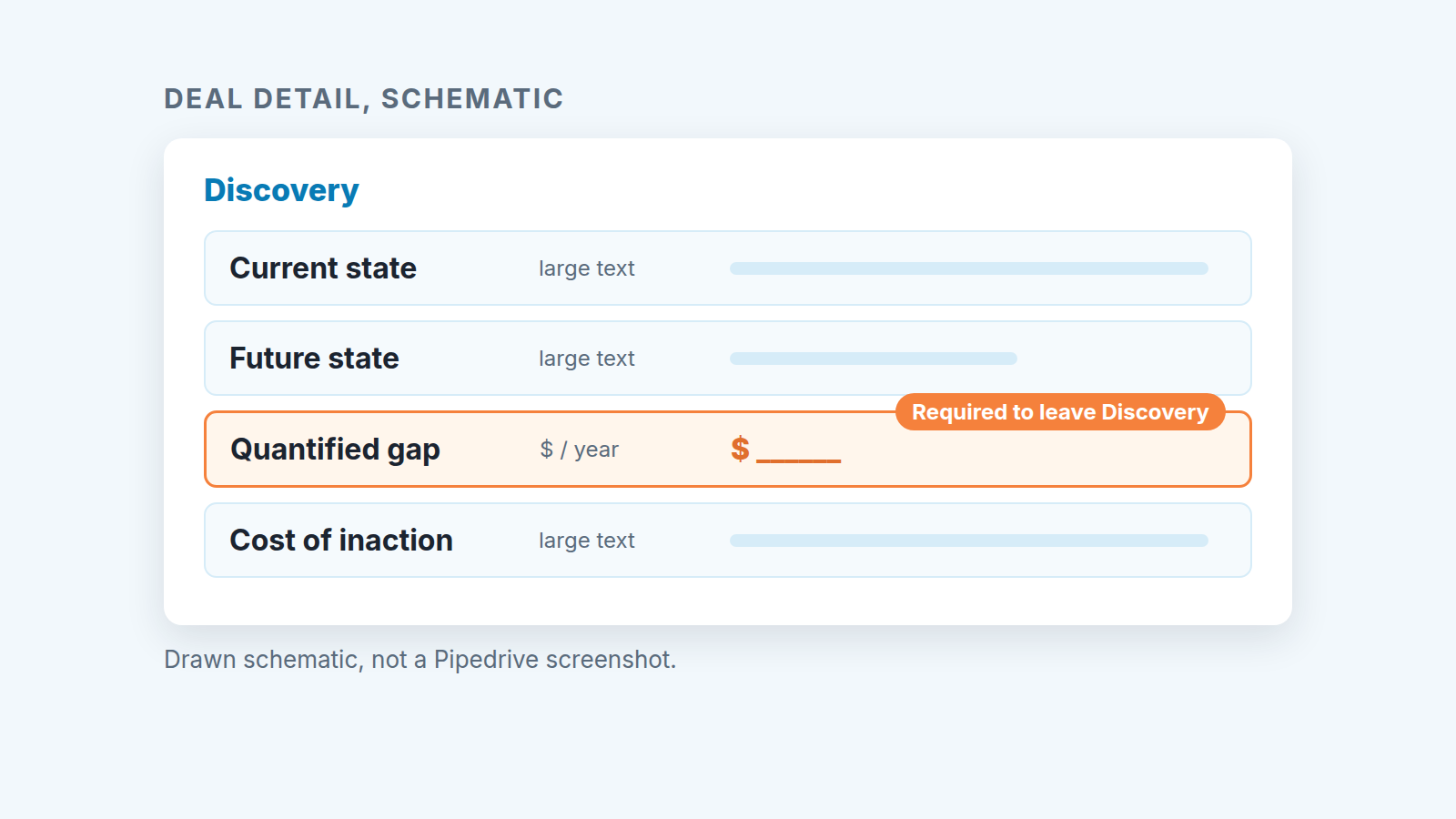
Gong’s summary splits the method into three parts: the current state (which Keenan breaks down into environment, problem, impact, root cause and emotion), the future state, and the gap between them. In a CRM we’d store it as four fields, because the gap needs two halves: a size and a consequence.
Current state is a large text field: what is happening now, in the customer’s words where you can get them. “Two ops people rebuild the weekly pipeline report by hand every Monday.” The question that fills it is usually some version of “walk me through what happens today, step by step.”
Future state, also large text, is what they said they want instead. Not what your product does. What their Monday looks like after.
Quantified gap is the distance as a number. Dollars per year if you can get it, hours per month if you can’t; one number, one unit.
Cost of inaction covers what happens if they do nothing. Ask it plainly: “What happens if you leave this alone for six months?” This is where the urgency either shows up or doesn’t.
Why not one “Discovery notes” box? Because a notes box can’t be required in any useful way, can’t be filtered by “is this a number,” and invites a paragraph that reads fine and says nothing. Splitting it forces the rep to notice which part is missing. A rep can write four lines of current state and then stare at an empty Quantified gap field, and that stare is the point.
The third field is the one that does the work. Make it a monetary field if your deals are sold on money saved or earned, a numeric field with the unit in the field name (“Gap, hours per month”) if they’re sold on time. Don’t make it text. A text field will fill up with “significant” and “a lot,” and you can’t sort a pipeline by “a lot.”
Keep the field names short and literal. Nobody on the team should need a glossary to know what “Cost of inaction” wants.
Making the gap field a gate for the stage
A field that’s optional will be empty. Pipedrive lets an admin mark a deal field as required for specific pipelines and stages, so you can require the gap field only where it makes sense, according to its help article on required fields. When a rep tries to move a deal into a stage where a required field is empty, Pipedrive prompts them to add the missing information.
Here’s the setup we’d use:
- Create the four custom deal fields and put them in one field group so they sit together on the deal.
- Open the Quantified gap field’s settings and make it required for the stage right after discovery (for most teams that’s “Proposal” or “Demo scheduled”). Required for that stage and the ones after it, not for the first stage. A brand-new deal shouldn’t need a number before anyone has spoken to the customer.
- Leave current state, future state and cost of inaction optional, but mark them as important fields for the same stages (Pipedrive offers these on Advanced and higher plans). The deal then shows a flag when they’re missing, which nudges without blocking.
- Tell the team why, in one line, at the next pipeline meeting: “If you can’t write a number for the gap, the deal isn’t past discovery yet.”
Two caveats from the required-fields article. The feature is available only on Professional and higher plans, and only a global admin can set it up. And the check does not apply to imports, bulk edits, the API, automations or third-party integrations, so a deal moved by a workflow can skip the gate. If you move deals with automations, audit those separately, and put that check on the list for your next Pipedrive audit.
We’d resist the urge to require all four fields. One hard gate plus three soft nudges gets filled in. Four hard gates get filled in with a period and a zero.
A weak entry and a strong entry, side by side
The example below is hypothetical. It’s a made-up deal for a mid-size logistics company, written the way we see reps fill these fields in the first week and the way they fill them after a manager has pushed back twice.
| Field | Weak entry | Strong entry |
|---|---|---|
| Current state | Reporting is slow, they’re frustrated. | Two ops analysts rebuild the weekly pipeline report by hand every Monday, about 6 hours each. The VP gets it Tuesday afternoon. |
| Future state | Wants better reporting. | VP wants the numbers on Monday at 9am, without the analysts touching a spreadsheet. |
| Quantified gap | (empty) or “big” | 12 hours/week of analyst time, roughly $31,000/year at their loaded cost (their estimate, from the call). |
| Cost of inaction | Status quo. | Q1 hiring plan adds a third analyst mostly to keep up with reporting. If nothing changes, that hire happens in January. |
The weak column isn’t lazy. It’s what honest notes from a first call look like. The difference is that the strong column answers the question a manager actually has, which is “why would they sign this quarter?” The $31,000 number came from the customer, not the rep, and it gives the deal value a reference point. If the deal is priced at $45,000 a year against a $31,000 gap, that’s a conversation to have now, not at the contract stage.
Notice also where the urgency came from. It isn’t in the problem at all. It’s in the hiring plan, which the rep only found by asking what happens if they wait.
What a manager does with an empty gap
Treat an empty Quantified gap on a deal past discovery as a forecast risk, not a data-entry problem.
The distinction matters because the two lead to different conversations. A data-entry problem gets “please fill in your fields,” and the rep types in a number to make the reminder go away. A forecast risk gets “walk me through why they’d buy,” and either the rep knows (and the field gets a real number) or they don’t (and the deal was never qualified).
In practice, we’d build a saved filter: deals in stages after discovery, plus the condition “Quantified gap is empty.” Pipedrive’s filters include an “is empty” operator, though the operators on offer depend on the field type, so check that it appears for your gap field when you build the filter. Then look at the list once a week before the pipeline review. For each deal on the list, there are really only three outcomes. The rep has the number and just didn’t write it, which takes two minutes to fix. The rep needs one more call to get it, so the deal moves back a stage until then. Or the customer can’t say what the problem costs them, which is usually a sign the deal will stall. An empty gap is a good input for any deal health score you keep.
Moving a deal back a stage feels harsh. It isn’t. It makes the pipeline report honest, and its the cheapest moment to find out. If your sales pipeline stages already have exit criteria, the gap field is simply the written-down exit criterion for discovery.
One more pattern worth watching: a gap that’s filled in but only ever by one contact. If the $31,000 came from the ops lead and the VP has never confirmed it, the number is real but fragile. That’s the single-threaded deal problem wearing a different hat.
Where gap selling breaks
Not every deal deserves four fields and a gate.
If your average deal is a few hundred dollars and closes in a week, asking reps to quantify the gap is overhead. Gong’s summary makes the same point from the other direction: the method fits B2B sales of complex problems with custom solutions, and not transactional sales. For a high-volume, low-price motion, one required “reason for buying” option field is plenty.
It also strains when the buyer genuinely can’t put a number on the problem. Compliance purchases, security, anything bought to avoid a bad outcome that hasn’t happened yet. The gap exists, but it’s a a probability, and forcing a dollar figure produces fiction. In those deals we’d let the rep put the cost of inaction in words and skip the number, and we’d make that an explicit exception rather than a quiet one.
And it breaks when the manager never looks. Four fields that nobody reads are just a slower notes box. The setup only earns its keep if the empty-gap filter shows up in the weekly review, every week, until the team stops needing it.


