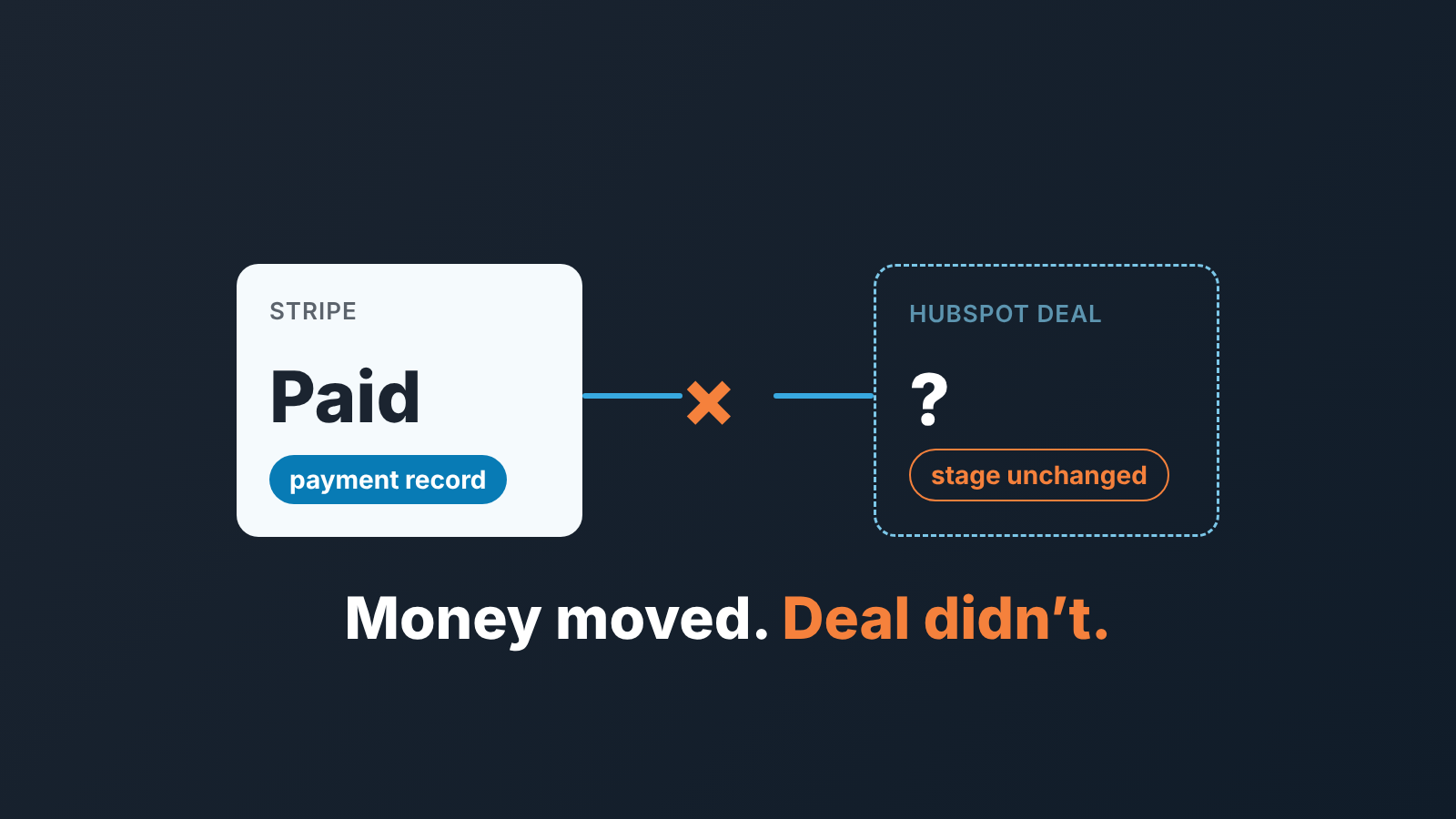
The HubSpot Stripe integration moves money, not the verdict on the deal. Whether you connect Stripe as HubSpot’s payment processor or install the Stripe Data Sync app, HubSpot gets payment records, and nothing in HubSpot’s documentation for either route changes the deal stage or marks the deal as paid. So add one payment status field on the deal, decide who sets it, and read two lists every week: deals in Closed Won with no payment behind them, and payments with no deal in front of them.
What the HubSpot Stripe integration actually syncs
People mean two different things by that phrase. HubSpot’s own overview, Use Stripe with HubSpot, lists both, and they run in opposite directions.
The first route is Stripe as the payment processor. HubSpot’s invoices, payment links, quotes and subscriptions charge the buyer through your Stripe account. Setup lives in Revenue > Payments: click Set up payments, then Integrate with a Stripe payment processing account. HubSpot collects, Stripe processes, and “payment data for each transaction, such as gross amount and fees, will sync with your Stripe account.” Invoices and subscriptions created in HubSpot are not created in Stripe, and existing Stripe customers, subscriptions and webhooks outside of HubSpot “remain unchanged” (Connect your Stripe account as a payment processor in HubSpot).
The second route is the Data Sync app (the overview calls it the Stripe data app), and it pulls Stripe data into HubSpot without setting up payment processing at all. Customers sync both ways with contacts. Invoices arrive one-way as HubSpot invoices, products as products, and subscriptions and payment transactions as custom objects. So a Stripe dashboard invoice does reach HubSpot, as an invoice record. No deal is on that list, and the overview says nothing about attaching a synced invoice to one.
Limits of the processor route: one Stripe account per HubSpot account, shared by every brand in it. Connecting needs Super Admin or “Manage payments and subscriptions” permissions, and HubSpot adds a 0.75% platform fee on top of Stripe’s own processing fees. Stripe payment processing is available on all HubSpot subscriptions (Create and share payment links), though quotes need a Revenue Hub subscription and seat.
For the next pipeline meeting: either route tells HubSpot that money moved. Neither has an opinion on whether the deal was won.
Payment status on the deal: the one field to add
Open a deal where a quote or payment link was paid. The payment sits in a card on the record, and we have not found a line in HubSpot’s documentation that says the deal stage or any deal property changes when the money lands. A card works for the rep reading one deal. A manager scanning the board doesn’t see cards.
The association rules, from the payment links article and from HubSpot’s collect payments article:
- By default a payment link creates no deal. A payment attaches to an existing deal only if that deal is not in Closed Won and the paying contact, matched by email, is associated with it.
- With “Allow this link to create new deals” switched on, HubSpot creates a deal for each payment, unless an open deal is already associated with the link.
- A one-time link created from the deal record attaches to that deal, whatever email the buyer types at checkout.
- A quote’s first payment goes to the quote’s deal. Recurring payments sit on the subscription, which is associated with the deal.
Read the first rule twice. A rep moves the deal to Closed Won on the signed contract, the client pays through a shared link a week later, and the payment won’t attach. That one rule explains a lot of orphan payments.
Hence the field. Create one single-select deal property, Payment status, with five values: Not invoiced, Invoiced, Partially paid, Paid, Refunded. We would not add more, the sixth value is where reps start guessing. Two rules go with it. A deal cannot sit in Closed Won with Not invoiced, and the rep fixes that the same day. And Paid is set only by the person who saw the money, never on the client’s promise. If you forecast cash, add Paid date. Nothing else.
Three ways to ask for money, and which reach the deal
Teams on Stripe usually run all three at once.
A HubSpot invoice, charged through Stripe, reaches the deal when you create it from the deal record. Its status lives on the invoice: Draft, Open, Paid or Void, and “Record payment” lets someone mark an Open invoice with a balance due as paid (Manage invoices). A standalone invoice, HubSpot says plainly, isn’t associated with a deal.
A payment link reaches the deal by the rules above, or makes its own. Either way you get a payment record, not a deal property.
An invoice sent from the Stripe dashboard bypasses the processor connection. Without the Data Sync app, HubSpot has no trace of it. With the app, it shows up as a HubSpot invoice, and the deal still says nothing.
Our position: anything the sales team works as a deal gets a HubSpot invoice created from that deal, and payment links stay for self-serve purchases. Stripe dashboard invoices either stop for pipeline deals, or someone sets Payment status by hand for each one. If your quotes also carry the amount the deal should close at, the quote vs deal stage and amount check is the companion to this article.
Weekly lists: won not paid, paid not won
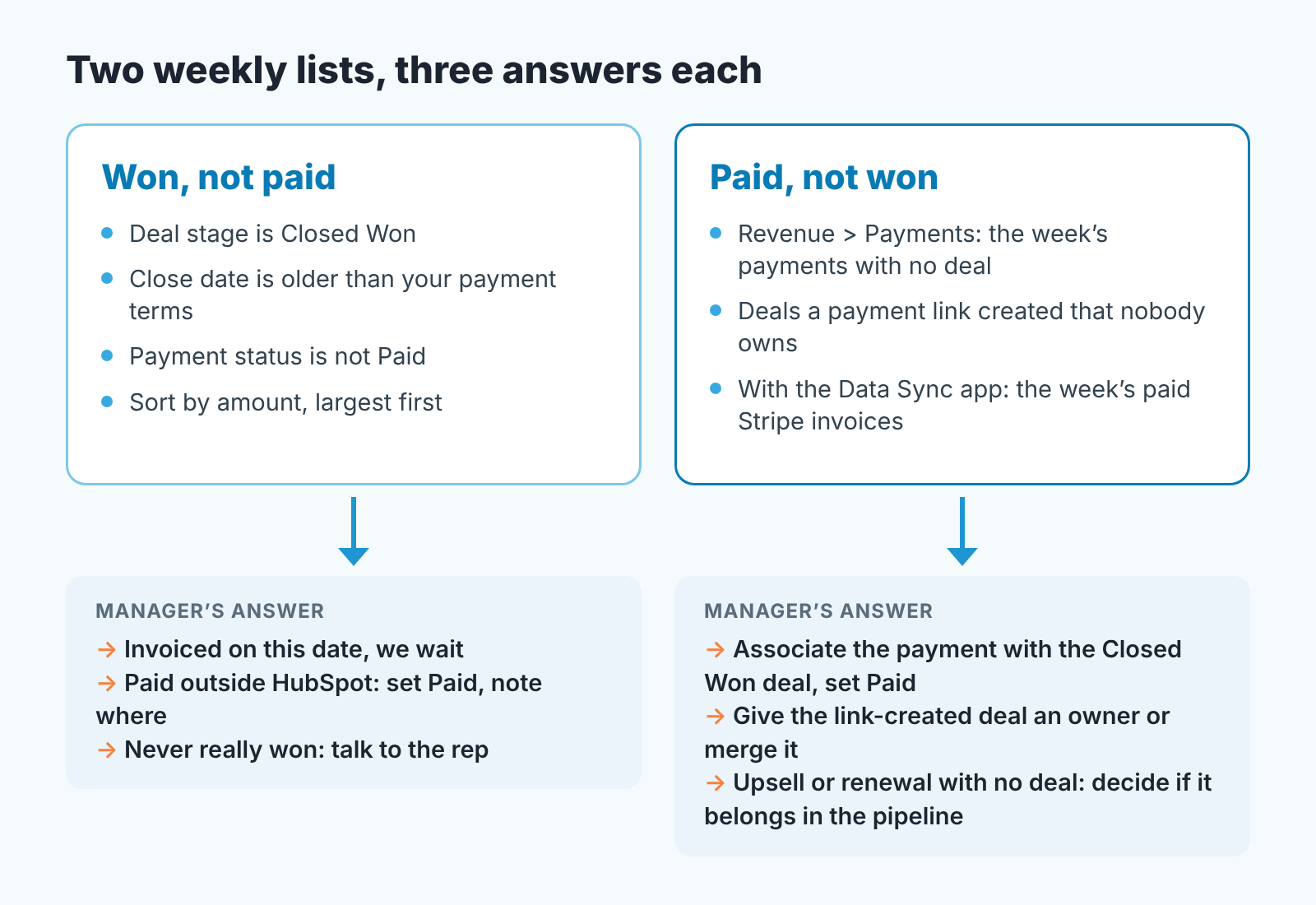
The first list is a saved deal view: Deal stage is Closed Won, Close date is older than your payment terms, and Payment status is not Paid. Sort by amount, largest first. Every row gets one of three answers, out loud, in under a minute: the invoice went out on this date and we wait; it was paid outside HubSpot, so set Paid and note where; or it was never really won, and that’s a conversation with the rep, not a field change. The third answer has its own article, won but not paid, written for Pipedrive; the conversation is the same.
The second list starts in Revenue > Payments. Pick out the week’s payments with no deal, plus deals a payment link created that nobody owns. If you run the Data Sync app, the week’s paid Stripe invoices belong here too, since nothing in the sync puts them on a deal. Three answers again: associate the payment with the deal that was already Closed Won and set Paid; give the link-created deal an owner or merge it; or admit an upsell or renewal never got a deal and decide whether it belongs in the pipeline. Usually it does.
If the Stripe route changes
Payment connections get rebuilt more often than CRM fields do. Nothing in the two lists depends on the route: they filter deal properties and payment records, and Payment status is set by a person. Switch from the processor to the app, or back, and the manager’s Monday looks the same. That’s why the check lives on a deal field, not on whatever the integration writes this year.
Handoff to finance
Finance doesn’t live in HubSpot. They reconcile Stripe against the bank, and the deal needs one bit from them: did this money arrive. So the agreement is short. Reps set Invoiced on the day the invoice goes out. Finance sets Paid, weekly, from Stripe, on deals where the payment did not attach by itself. Refunds get Refunded on the the original deal, which is not reopened or edited: the history should show what happened. If finance works in an accounting system instead, the same handoff for QuickBooks invoices and payments on the HubSpot deal applies, field for field.
One number goes into the monthly review: how many deals are Closed Won and not Paid past terms, and the amount. When its not zero, the first list is where to look.
We build SalesBond, a sales management layer on top of the CRM a team already uses; we started with Pipedrive. It analyses deal and customer data, finds risks and explains what needs attention, and you can check your CRM with SalesBond to see what it flags in yours. The lists were never the hard part, though. The hard part is row three, where the deal was won in May and nobody can say who was supposed to send the invoice.