
Keap CRM is a CRM and automation platform for small businesses, formerly called Infusionsoft and now a Thryv brand. It fits an owner-led team that wants follow-up automation and client records in one place. Teams whose main need is a sales pipeline for several reps usually compare it with general CRMs such as HubSpot, Zoho CRM or Pipedrive.
Keap’s own one-line description is “the leading small business CRM and automation platform built exclusively to help small businesses save time and grow without the chaos” (keap.com, read 2026-11-05). “Leading” is the vendor’s word and nobody can check it. Without it, the sentence still describes one tool that keeps the client record and runs the follow-up on its own.
Who Keap is for, in Keap’s own words
Read the description again, slowly. “Small business CRM”: a client database first. “And automation platform”: the work that happens without a person. “Built exclusively to help small businesses”: the vendor has picked its audience and says so. “Save time and grow without the chaos”: the promise is fewer things dropped.
That last part is the useful one. The headline sentence says nothing about a forecast or a sales manager. It is written for the owner who sells, delivers and follows up personally, and who loses clients because the third follow-up never went out. That is a real problem and a real audience.
It is a different audience from a five-to-fifteen-rep sales team with a Monday pipeline meeting. For that team the first question is whether every deal has a stage, an owner and a next step. Keap does list a pipeline (more on that below), so it is not ruled out. It just means you test that job yourself instead of taking it from the headline.
If you have used the product under another name: Keap is the former Infusionsoft. The timeline on Keap’s About page puts the rebrand in January 2019, and Keap’s Thryv FAQ is headed “Keap Is Now Part of Thryv!” The site now signs itself “Keap, A Thryv, Inc. Brand”. For a system you plan to keep for years, that ownership is worth one question on the demo: what changes for existing Keap customers, and what stays.
What Keap covers, by its home page
The feature list on the home page goes further than the one-liner. It names a CRM that helps you “engage with leads, stay on top of your bookings, track every deal, and nurture customers”, an Automation Builder, Email & Text, Landing Pages that “capture contact information in forms”, Appointments, Payments with automated invoicing, Reporting, and a Sales Pipeline to “visually track deals as they move through stages of the sales process” (keap.com, read 2026-11-05).
That is a broad list for a small-business tool, and invoicing next to the CRM is the part a general CRM usually leaves to a separate app. A feature on a home page is still a promise about how it behaves with your data. Treat every line of it as something to see on the demo, the same standard we use for every vendor in our CRM tools compared by job piece.
Three jobs, side by side
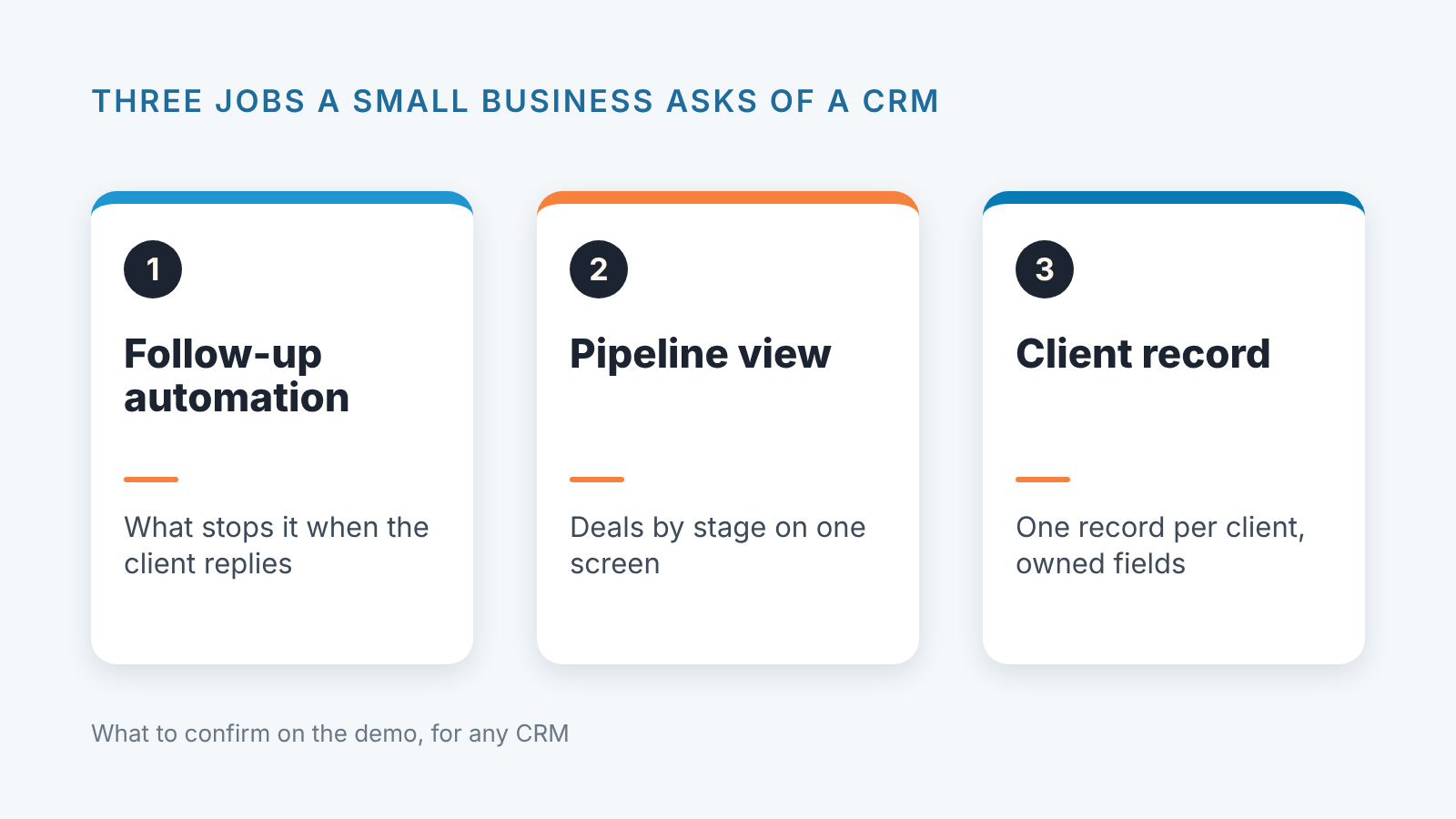
Three jobs cover most of what a small business wants from a system like this: follow-up that runs on its own, a pipeline you can look at, and one record per client. The table shows what Keap’s home page states about each and what to confirm in any CRM on the same job.
| Job | What Keap’s home page states | What to confirm in any CRM, Keap included |
|---|---|---|
| Follow-up automation | “Automate email and text communications” (keap.com) | What triggers it, what stops it when the client replies, and who in the team may edit the sequence |
| Pipeline view | “Visually track deals as they move through stages of the sales process” (keap.com) | Deals by stage, stage names everyone agrees on, and one screen the manager opens on Monday |
| Client record | “Know your customers so you can maximize every opportunity” (keap.com) | One record per client, custom fields, and who is allowed to add or delete a field |
Follow-up automation is the job Keap leads with, and it is the job most teams test least. On a demo everyone watches the email go out. Nobody asks what happens when the client replies to email two of a five-step sequence. Does the sequence stop? Does the owner get a task? Does the reply land on the client record or in someone’s inbox? Ask those three, in that order.
The pipeline view is where general CRMs put most of their effort. Keap lists one, but further down the page than the automation. For an owner who sells alone that may not matter much: the pipeline is in their head and the follow-up is what they drop. For a team of six it matters a great deal, because the pipeline view is the manager’s instrument and nothing else replaces it. Look at Keap’s the way you would look at any pipeline. Can two people disagree about which stage a deal is in, and if so, what settles it?
The client record is the quiet job. Every system has one. The differences are in who may add a field, whether a field can be required, and how duplicates are handled when a client fills in a second form with a different email. Those three questions take ten minutes to ask on a demo.
HubSpot, Zoho CRM, Pipedrive, Salesforce: the same jobs from the other side
By “general CRM” we mean a system built around contact and deal records for any kind of sales team, with automation added on top. HubSpot’s CRM page offers “free CRM software for small businesses to organize your contacts, track deals, and close more sales” (hubspot.com/products/crm, read 2026-11-05). Put that next to Keap’s line. Both name small businesses. HubSpot leads with contacts and deals; Keap leads with “CRM and automation”. Keap sells a bundle in which the automation is the point, and HubSpot sells a CRM you can start on at no cost. Neither sentence tells you who owns the fields, and the demo has to show it.
What Zoho CRM, Pipedrive and Salesforce say on their own pages about records, pipeline, automation and reports is quoted, with dates, in the vendor tables of CRM tools for a sales team, compared by job. If your choice depends on the kind of business more than on team size, CRM software by business type comes at it from that side.
Our position: the general CRMs and Keap are not answering quite the same question. A general CRM starts from the record and the pipeline and adds automation as a layer. Keap’s description starts from the automation and treats the record as what the automation runs on. Which starting point is right depends on what you drop today. If you drop follow-ups, start from the automation side. If you drop deals because nobody can see them all on one screen, start from the pipeline side. Our small-business CRM shortlist walks through that decision with the general CRMs, and it doubles as a list of Keap alternatives.
Run the demo with your own fifty contacts
Pages tell you what a vendor wants to say. A demo with your own data tells you what the product does. Here is the test we would run on Keap, and on any general CRM you put beside it, in the same hour and with the same file.
Start with an import. Take fifty of your real contacts in a spreadsheet, with at least one column the product will not have by default (say, “referred by”). Import them. Watch three things: whether the custom column became a field or got dropped, whether two contacts with the same email became one record or two, and how long it took you to find the record afterwards. An import that silently drops a column is the first sign of a record you will fight with later.
Second, a form that triggers an action. Build the simplest web form the product offers, submit it yourself, and ask for one automatic consequence: a tag, a task for the owner, or the first email of a sequence. Then reply to that email from the test address and see what the the product does with the reply. This is the whole automation claim in one exercise, and the reply step is the one that separates a mail-merge from a follow-up system.
Third, a deal and its status. Create one deal for the test contact, move it through two stages, then ask the presenter to show you every open deal on one screen without filtering. If there is no such screen, you have learned something about the pipeline job that no page will tell you. If there is, ask how a stage is defined and who may rename it.
Fourth, a report by source. Mark the test contact’s source as, say, “referral”, and ask for the report that shows deals by source. You want to know whether the report is built from the records as they are, or whether it needs an export and a spreadsheet. The answer tells you if the system can answer “where did last quarter’s clients come from” on a Tuesday without homework.
Four checks, one file, under an hour. Run them on Keap and on one general CRM and you will have a comparison that is yours.
Thirty days in: how to check the pipeline you built
Whatever you choose, the system is clean on day one and tells the truth about your habits by day thirty. Deals without a next step. A stage called “Negotiation” that holds everything from a first call to a signed contract. Close dates that move forward every Friday. None of this is the vendor’s fault, and none of it shows up on a demo.
This is the part of the job we built SalesBond for. SalesBond is a sales management layer on top of the CRM a team already uses. It works with Pipedrive, HubSpot, Salesforce, Zoho CRM, Microsoft Dynamics 365, Freshsales, Close, monday CRM, Copper, Zendesk Sell, Nutshell, Insightly, Attio, Bitrix24 and Kommo (amoCRM); Keap is not on that list, so this step applies if you land on one of the general CRMs. The quickest way in is the free CRM audit. SalesBond reads the last 30 days of the connected CRM and sends a PDF with money at risk, a CRM score, the top findings, managers and deal health, the pipeline bottleneck, repeat customers and up to five things to fix, sorted by money. Seven days later a second PDF shows what changed, and the report stays weekly after that. Check your CRM with SalesBond once the first month of real deals is in, and compare what the audit finds with what you expected on demo day.
What a 30-day check tends to turn up, and why the stage names are usually the first finding, is in CRM audit: what a 30-day check finds. Read it before the demo, since it makes a good list of questions for the presenter.
FAQ
Is Keap a CRM?
Yes. Keap describes itself as a “small business CRM and automation platform” (keap.com), and its feature list includes contact records and a sales pipeline. The automation is what the vendor leads with, so expect the demo to lead with it too, and bring the pipeline questions yourself.
Is Keap the same as Infusionsoft?
Yes. Keap is the former Infusionsoft: the timeline on Keap’s About page lists “Infusionsoft rebrands to Keap” in January 2019.
How much does Keap cost?
Keap publishes its plans on its own pricing page (checked 2026-11-05). Prices change, so we do not repeat them here. Read the page on the day you decide and write the date next to the number.
Who acquired Keap?
Thryv. Keap’s own Thryv FAQ is headed “Keap Is Now Part of Thryv!”, and the site describes Keap as “A Thryv, Inc. Brand”. If ownership matters for a long-term system, ask on the demo what the change means for your account and keep the written answer.
Keap or HubSpot for a small team?
Compare them on the three jobs, with the demo test above run on both with the same fifty contacts. HubSpot’s page offers “free CRM software for small businesses” (hubspot.com/products/crm); Keap’s describes “CRM and automation”. Which of the two names the job you actually drop is a better guide than any review score, and the small-business CRM shortlist has the rest of the general-CRM side.


