Sign a standard mutual non-disclosure agreement (NDA) before a sales demo only when the prospect needs product or pricing detail you would not put on a public page; otherwise offer the demo without one, and either way log the request on the deal so that the NDA never becomes the reason a deal sits untouched for weeks. That is the whole policy. The rest of this article is how to run it in Pipedrive without a lawyer on the team.
One thing first. This is an article about the sales process, not about what an NDA should say. Where we describe what these agreements usually contain, we cite the source, and none of it is legal advice. The template page at Docusign puts it plainly: “Users are strongly advised to consult with a qualified attorney licensed in their jurisdiction before using or adapting these templates” (Docusign: nondisclosure agreement template). The same goes for this article.
“Can we get an NDA signed first?”
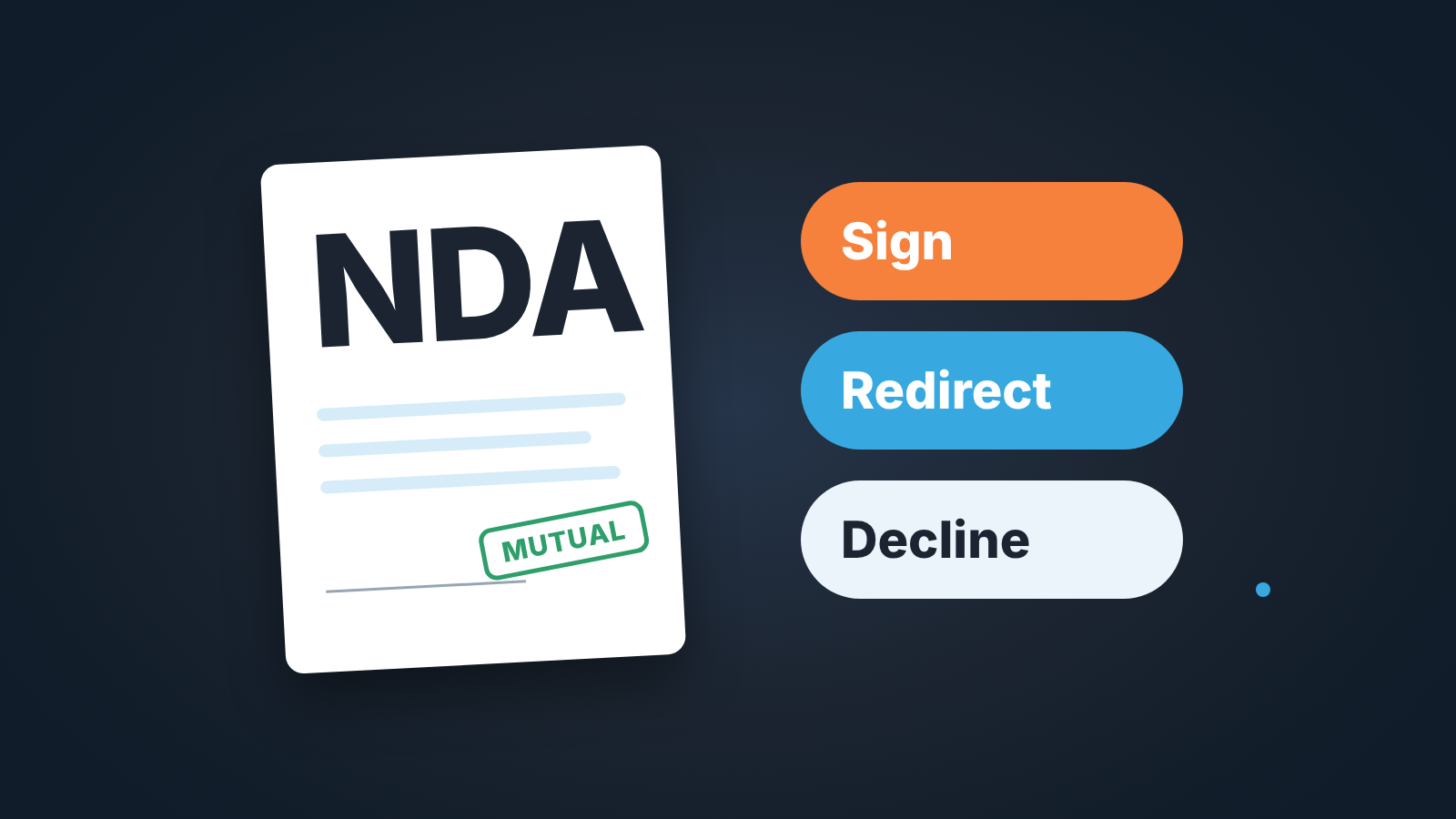
The request usually arrives in the thread where you were trying to book the first call. “Before we go further, our policy is to have an NDA in place.” There are three possible answers, and the rep should know which one fits before replying.
Sign, when the prospect is going to tell you something they genuinely need protected, or when the demo you are about to give shows roadmap, unreleased features, or a price list you do not publish. A buyer who has to describe their own data, process or customers to get a useful discovery call has a real reason. An NDA, in the Wikipedia definition, “is a legal contract or part of a contract between at least two parties” that “creates a confidential relationship between the parties” (Wikipedia: Non-disclosure agreement). If nothing confidential is about to cross the table, the relationship it creates is paperwork.
Redirect, when the demo itself is the standard one. If your first demo shows the same screens as the website video, at the price that is on the pricing page, say so. “Our standard demo only covers what is public, so we can do that tomorrow without an NDA. If we get to roadmap or custom pricing, we’ll sign one before that session.” When the request came from a procurement checklist rather than from a real secret, this is where it ends.
Decline, when the document arrives with terms a small company cannot carry, or when it is the prospect’s own paper with no room to edit and nobody on your side to read it. Declining is a sentence, not a fight: “We can’t sign this version. We can sign our standard mutual NDA, or we can do the public demo now and come back to this.” Know the cost before you send it. LegalTemplates notes that refusing to sign can mean losing the contract or partnership “if the other side insists on it,” and suggests asking for changes first, such as narrowing the scope, adding a time limit or making the agreement mutual (LegalTemplates: Should I sign an NDA?). Then the deal either moves or it tells you something.
The mistake to avoid is treating all three as the same event: a document showed up, it went to someone, the deal went quiet. The reply is a sales decision. Make it in the first message back.
Mutual vs one-way NDA: what you can accept without a lawyer
A one-way (unilateral) NDA “involves two parties where only one party (i.e., the disclosing party) anticipates disclosing certain information to the other party.” A mutual (bilateral) one “involves two parties where both parties anticipate disclosing information to one another” (Wikipedia). So an NDA works both ways only when it is mutual. When the prospect is the one asking, the document they send may well be one-way: you promise to keep thier information confidential, they promise nothing about yours.
Our position: a small sales team should have one standard mutual NDA, reviewed once by counsel, and offer it every time instead of redlining whatever lands in the inbox. Two reasons. First, the demo is where you disclose, so a one-way agreement that protects only them leaves your roadmap and pricing uncovered. Second, a document the team already understands can go out in minutes. A new one needs reading, and small teams do not have a reader on standby.
What goes into such a document is a question for that one review, not for the rep. For orientation, the Wikipedia article lists the usual issues: the parties, what counts as confidential, the term of confidentiality in years, the recipient’s obligations (including disclosing “only to persons with a need to know the information for those purposes”), and destruction or return of materials “upon request” (Wikipedia). Docusign’s template page names similar components, including legal remedies for breach, and says the confidentiality period “is generally one to five years, but it can also be indefinite” (Docusign).
The rule for the rep: if the prospect accepts your mutual NDA, send it today. If they insist on theirs, that is no longer a rep decision. It goes to the owner of the request, which is the next section, and the deal gets a date.
Who owns the request, and how many days it gets
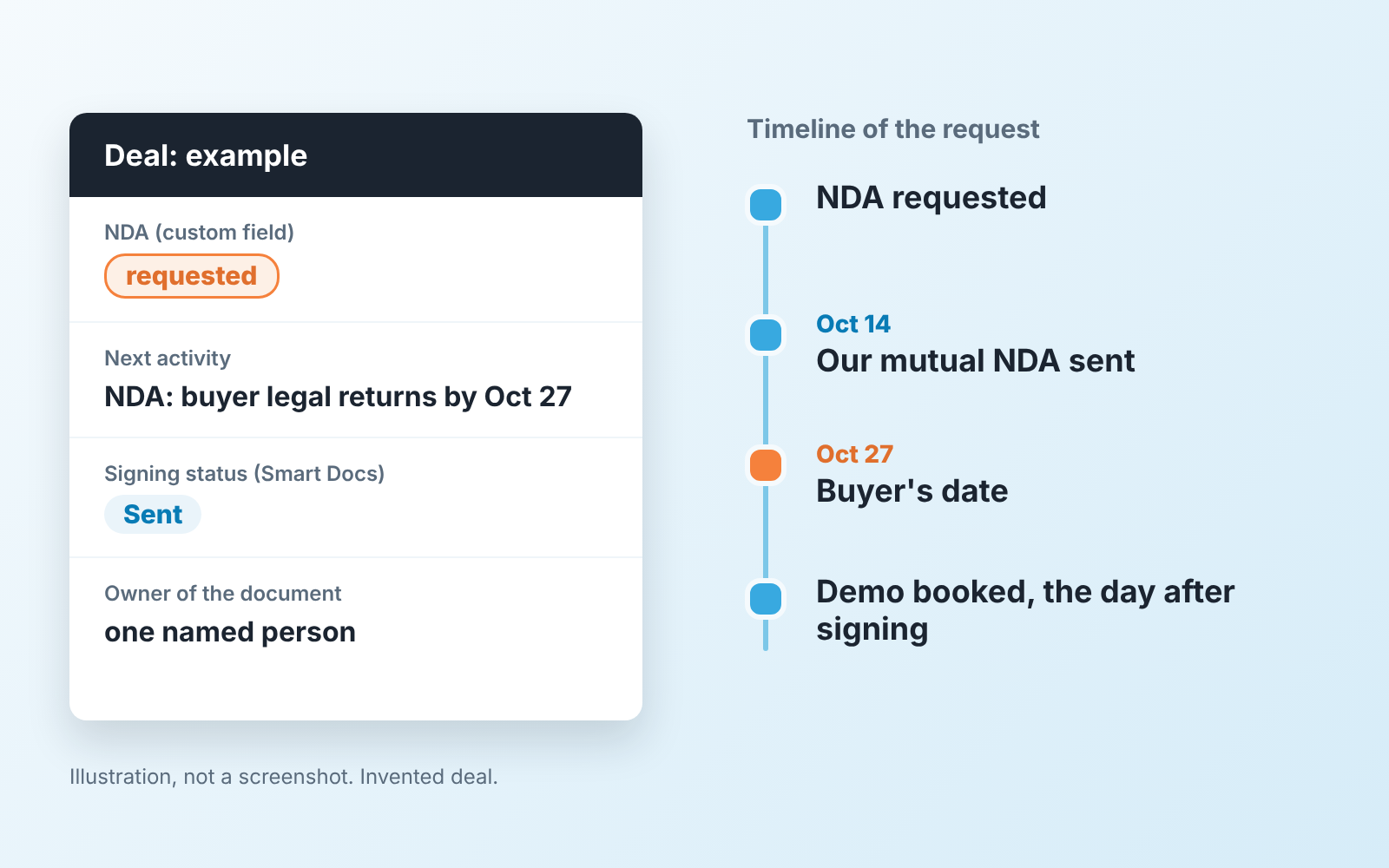
The rep owns the conversation, one named person owns the document. In a ten-person company that might be the founder or whoever signs contracts. Write the name down somewhere the whole team sees it, because the failure mode is not a bad NDA. It is an NDA that nobody is reading because everyone assumed someone else was.
Give the request a clock when it comes in. Something like:
- Prospect accepts our standard mutual NDA: send it the same day, signed within a week, demo booked for the day after signing. Do not wait for the signature to put the demo on the calendar.
- Prospect sends their own paper: the owner reads it within two working days and answers with one of three outcomes: sign, propose our version, or decline.
- Prospect’s legal team has our version and is “reviewing”: ask for the reviewer’s date on the first call, and put that date on the deal.
These numbers are ours, not a standard; shorten them if your owner is fast. What matters is that each step has a person and a date, the same discipline we use for the whole paper stage in deals stuck in legal and procurement. An NDA is the smallest document in that stage and the easiest to lose, precisely because it arrives before anyone has committed to anything.
The NDA field and the activity on the deal
A deal in Pipedrive needs two things to carry an NDA request without hiding it: a field that says where the NDA stands, and an activity that says who does what next.
Start with the field. Add a custom field to deals called NDA with three values: not needed, requested, signed. Pipedrive lets you create custom fields for deals, and in the detail view they appear in the details panel on the left (Pipedrive: custom fields). Pick a field type that gives a fixed list of values rather than free text, and decide before creating it, because “the custom field type can’t be changed once it has been created” (same page). Three values is deliberate. Not needed is a decision someone made; blank is not.
Want the field to nag? Pipedrive’s important fields highlight missing info in the deal detail view without blocking the save (Growth plan and up), and required fields block saving a deal until filled (Premium) (Pipedrive: custom fields). For an NDA field we would use important, not required: a rep logging a cold deal should not have to answer a question nobody has asked yet.
If you have cleaned up fields before, you will recognise the risk here: one more field nobody fills. The way to avoid that is in Pipedrive custom fields cleanup: a field earns its place when a filter or a report reads it. This one does. Filter deals where NDA = requested, and you have the list of deals waiting on a document, which is the list the owner of NDAs should look at on Monday.
Then the activity. The moment the NDA is set to requested, schedule an activity on the deal for the owner of the document, with the buyer’s date in the subject: “NDA: buyer legal returns by Oct 27.” If the NDA goes to signature through Pipedrive, Smart Docs with eSignatures is included on the Premium and Ultimate plans and available as an add-on for Lite and Growth. A document can go to up to 10 signers, the requester and the linked contact are added automatically, and the signing status shows on the deal’s detail page as Sent, Declined or Completed (Pipedrive: Smart Docs eSignatures).
Two limits from the same page are worth knowing before you rely on it. Incomplete signature requests expire after 60 days. And a password-protected or already digitally signed file is never received by Pipedrive: no error appears, and the document never shows as complete. If the buyer sends back a PDF they signed in their own tool, attach it to the deal, set the field to signed by hand, and do not wait for a status that will never arrive.
Stalled on the NDA: following up without annoying anyone’s legal team
Take a typical case. The NDA went to the prospect’s legal team on the 14th. The rep, reasonably, does not want to hassle a lawyer. The champion, reasonably, does not want to chase their own legal team over a demo they have not seen yet. Nobody is being unreasonable, and the deal is three weeks old with no activity.
The follow-up is never to legal. It goes to the champion, on the date they gave you, and it offers something: “Your legal team had our NDA for review by the 27th. While that’s in progress, want to do the public version of the demo this week so the signed one covers only the roadmap part?” That message does two things. It moves the demo off the the NDA’s critical path, and it tells you whether the champion is pushing on their side or waiting like you are.
If the date passes with no answer the deal does not stay where it is. Move it back to the stage it was in before the request, or set the close date honestly. A deal that cannot get a short document signed in a month is telling you about priority on the buyer’s side, and the forecast should hear it.
We build SalesBond, a sales management layer on top of the CRM a team already uses; we started with Pipedrive. Its Deal Health checks open deals against a set of rules and shows the reason a deal needs attention, for example that no next activity is scheduled and the expected close date has passed. That is exactly the shape an NDA stall takes in the data. It will not read the NDA for you. It will keep the deal from sitting in the pipeline unnoticed because “legal has it.” Check your CRM with SalesBond.
What stays out of the NDA: pricing, references, the demo itself
A prospect may expect that once an NDA exists, everything in the deal is covered. The sources we checked agree that it is not. Wikipedia notes that confidentiality restrictions are invalid where the recipient already knew the materials, learned them later from another source, or where the materials are generally available to the public, and that disclosure required by law or court order is a permitted exception (Wikipedia). Docusign’s template page describes the same carve-outs: information already in the public domain, information the receiving party already knew, and information developed independently (Docusign). In sales terms:
- Your list price, if its on your website, is public. Putting it under NDA changes nothing, so do not let the NDA become the reason pricing is delayed.
- Reference customers are their information to share, not yours. An NDA with this prospect does not let you name another customer who has not agreed to be named. Handle references the way you handle a security questionnaire: with what you are actually allowed to say.
- The standard demo is the same for everyone. If a prospect wants it under NDA, agree if it is quick, but do not let the document gate a session that shows nothing private.
What does belong under it is narrower than the request suggests: unreleased features, custom pricing or discount structure, the prospect’s own data you need for a tailored demo. Keep the list short and say it out loud when you send the document, so the NDA covers a defined session and not “everything we ever discuss.”
An NDA that arrives before the demo is also the first sign the buyer has a paper process. The master agreement and the order form will come through the same door later, with the same reviewer and the same silence, and the setup for those is in MSA, SOW and order form for a sales team. So this week, add the NDA field, name the owner and put a date on every open request. When the big contract arrives, the deal will already know how to wait with a clock running.