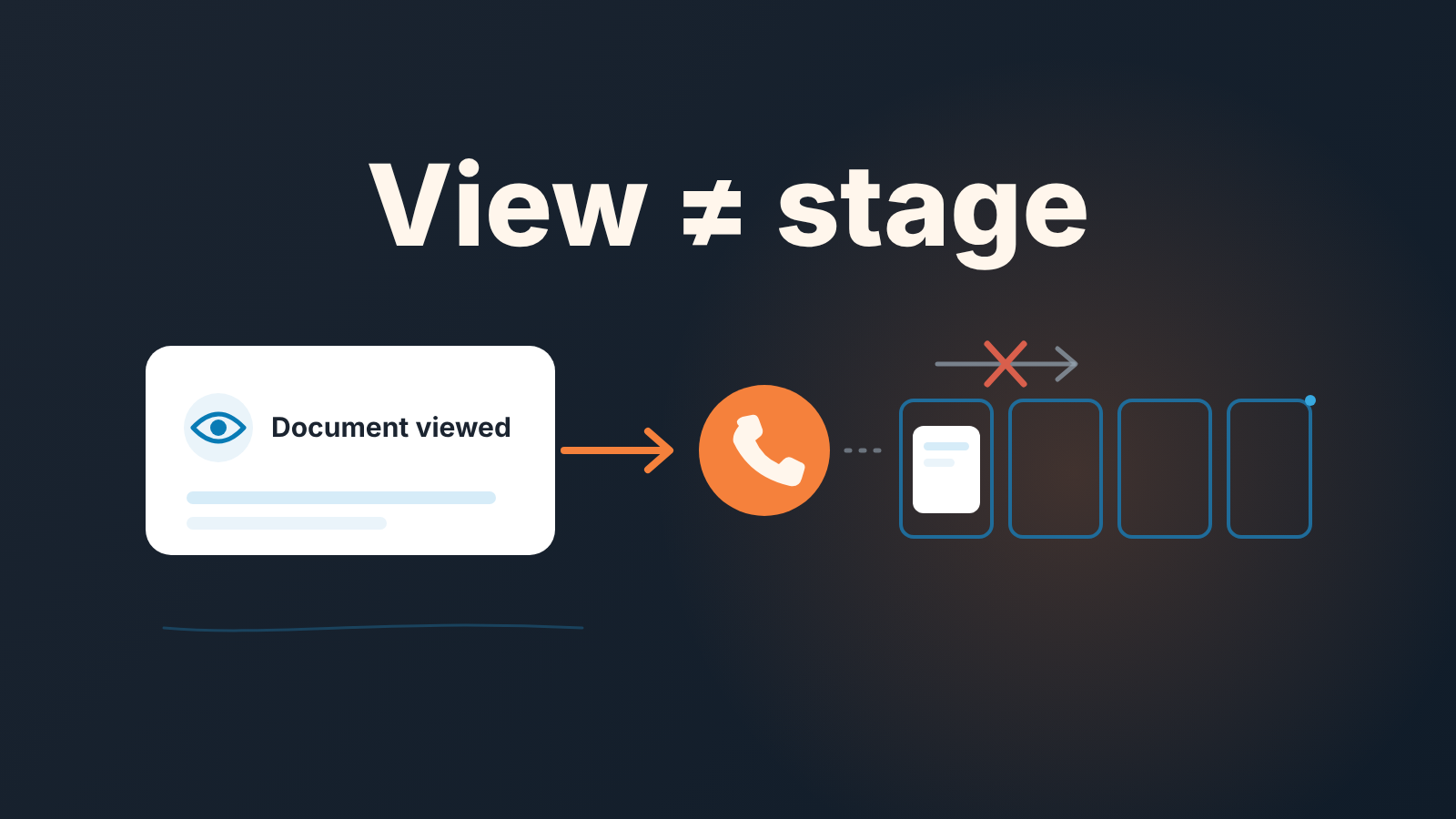
HubSpot document tracking shows whether and when a prospect opened a PDF or deck you shared, and, when the link asked for an email address, which contact opened it. That is a reason to call, not a reason to move the deal. The rule we use: every view gets a call within one working day, and the stage stays where it was until the buyer does something that costs them more than a click.
A view is a signal, not a stage change
A rep shares the pitch deck on Tuesday, the notification arrives Wednesday morning, and by the Friday review the deal has moved from Qualified to Proposal with “they’re reading the deck” as the reason. Nobody has spoken to the buyer since Tuesday.
A view is the buyer’s attention for the length of one click. A stage is a claim about where the buyer is in their decision. Let the first move the second and the pipeline report starts reading the rep’s notification feed, every reload and forward included. We made the same argument about email opens in what an open tells a manager and what only a logged reply proves, and Pipedrive teams get the same rule for Smart Docs view tracking. Documents tempt people more, because the signal looks richer.
So the view goes in a separate box. It prompts the rep. It does not inform the forecast.
What HubSpot document tracking actually records
Everything in this section comes from HubSpot’s help page (HubSpot: upload and share documents, read 2026-10-24). The tool lives under Sales > Documents. A rep uploads a file, then shares it as a link or inside an email template. Tracking is applied automatically to a shared link. In an email template, views are tracked only if the “Require email to view document” checkbox is selected, so if your team sends decks through sequences, make that checkbox part of building the template.
When a contact views the document, the user who shared the link gets a notification. HubSpot ties the first open to the email address of the contact the link was created for. Anyone else who opens it is asked for an email address, unless they’ve already viewed a document shared from the same HubSpot account. The document’s own page shows total links created, visitors and views, plus a Visitors table where Details opens one contact’s interaction with the document.
The tool is part of Sales Hub and Service Hub (Starter, Professional, Enterprise) and Smart CRM (Professional, Enterprise). The user needs a Core, Sales or Service seat and Sales access.
That is the whole record. Build the rule on that.
What a view does not prove
A document view does not prove who read it. For a shared link the email requirement is a separate switch, “Require email address to view document”, and with it off, viewers aren’t identified unless they entered their email for an earlier document from the same HubSpot account. The count goes up. The name does not appear.
Nor is the count clean. The help page carries two warnings most teams never read: a link sent through a third-party messaging service such as LinkedIn may count a view for each send, and re-uploading a document over an existing one may cause discrepancies in viewing data. A “corrected” deck can carry a number that no longer means anything.
The decision-maker may never have seen it either. The link is public on the internet, which is why HubSpot says not to share sensitive information this way, and a public link travels. A second person who opens it is asked for an address; the help page doesn’t say what happens when they type a colleague’s. With the switch off, the budget holder’s open is one more anonymous view, indistinguishable from the champion reloading the deck.
And it doesn’t prove reading. Neither the help page nor HubSpot’s product page says the tool reports how long someone read or which page they stopped on. The product page talks about opens, forwards and how long it’s been since they last looked. A rule that depends on “they spent time on pricing” depends on something HubSpot doesn’t promise.
The rule: view, call within one working day
Every document view gets a call task due the next working day, and the deal stage does not change on a view. Written out:
- The notification goes to the rep who shared the link. Same day, the rep creates a call task on the deal, due the next working day.
- The call asks about the content, never the view. “You’ve seen the deck, which option fits the way you buy?” works. “I noticed you opened the proposal” tells the buyer they’re being watched reading a PDF and has never helped a deal.
- The outcome is logged on the deal and the next activity date is set before the rep moves on.
- The stage changes only on something that costs the buyer effort: a reply with a question about terms, a meeting booked, a quote requested.
- No answer by the due date: one more attempt by email, then the deal keeps its stage or moves back with a note saying why. It never moves forward on silence.
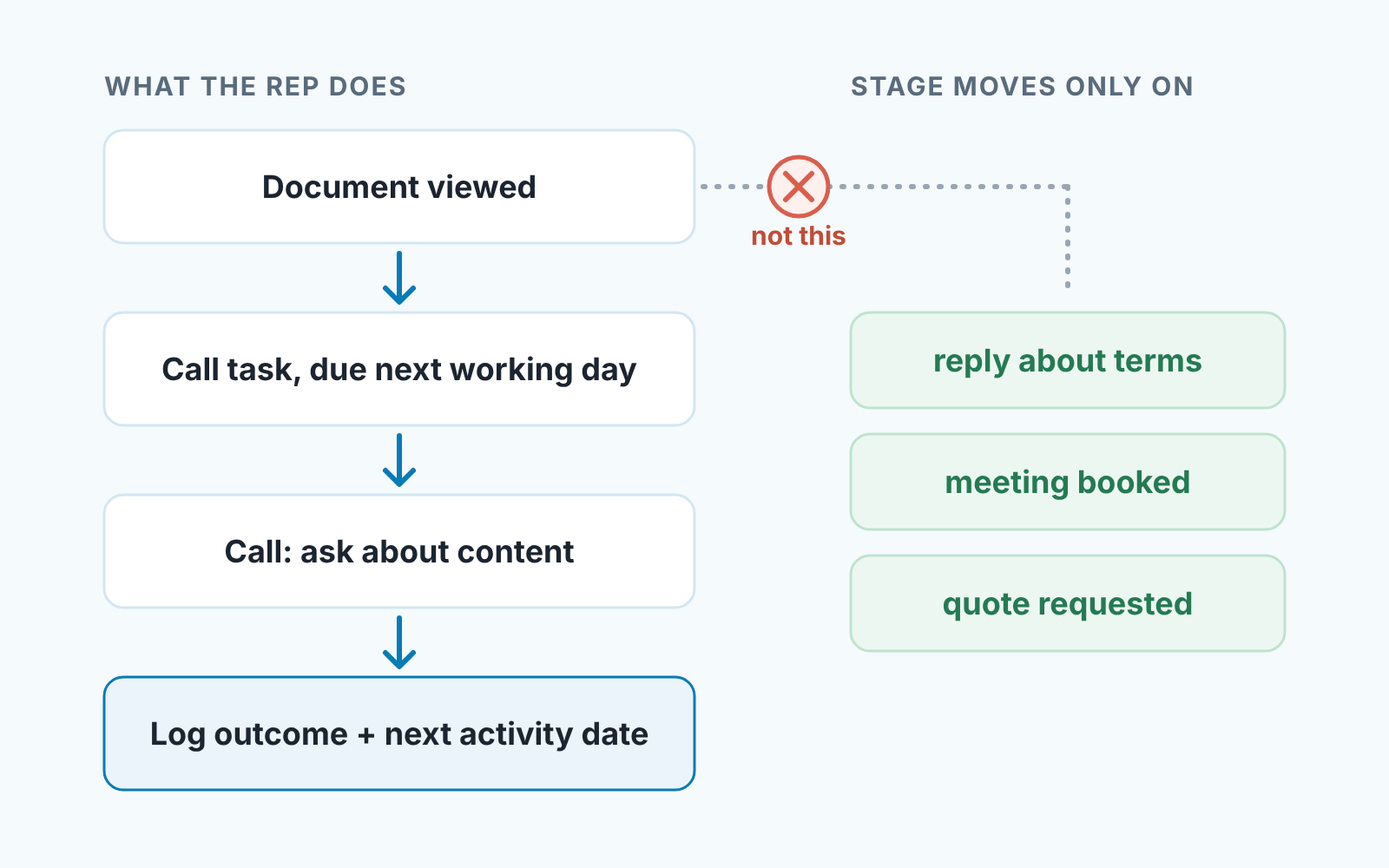
Steps 1 and 3 are the ones that get skipped. The rep reads the notification, feels good and calls “when there’s a moment.” The moment arrives after the buyer has shortlisted someone else.
Documents viewed on deals with no next step
Once a week, the manager checks deals with no next activity for documents viewed that week. Start from the saved view of deals with no next activity. For each one, open the document that was shared in Sales > Documents and look for the deal’s contacts in its Visitors table. A view this week on a deal with an empty next activity date means the rule broke at step 1 or step 3, and that’s the question for the rep: “They viewed the deck on Tuesday. What’s the next step, and when?”
The answer is either a date, which the rep enters before the meeting ends, or an admission that the deal is colder than its stage says. The view count on its own answers nothing, and you’ll notice how often its offered as the answer anyway. Note the direction: you’re not scanning views to find hot deals, you’re scanning deals without a next step to find views nobody acted on.
Documents vs quotes: where each belongs
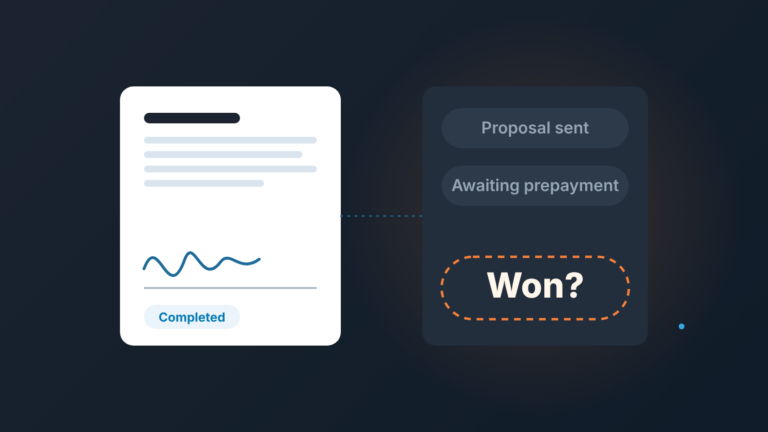
Documents are for the material that comes before the number: the deck, the case study, the one-page comparison. They show the buyer is still curious. Quotes hold the amount and the terms, and that’s where the deal stage and amount get checked against each other, as we covered in HubSpot quotes: the deal stage and amount check.
Two consequences follow. Don’t put the price in a tracked PDF; shared documents are public, and a price on a public link is a price you no longer control. And don’t let a viewed deck stand in for a sent quote at review time. “They have the deck” and “they have the quote” are two different stages, and only the the second has an amount a manager can hold a rep to.
We build SalesBond, a sales management layer on top of the CRM a team already uses; we started with Pipedrive, and today it works with Pipedrive, HubSpot, Salesforce and Zoho CRM. It doesn’t read document views. Its Deal Health checks every deal against more than 20 rules, including activity and progression rules, flags deals with no next activity and explains what needs attention. If you want to see which deals are sitting without a next step, check your CRM with SalesBond.