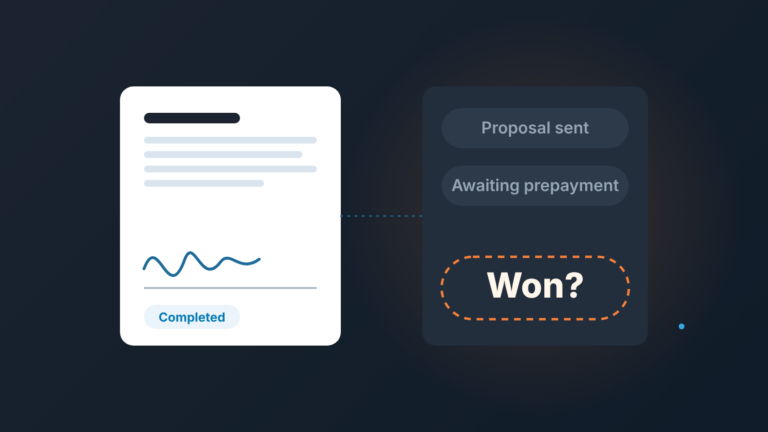
When you share a proposal with Pipedrive Smart Docs view tracking, set the notification to “the first time the document is opened”, keep exactly one live link per proposal, and treat the signal asymmetrically: a view with no reply is a reason to call, and no view at all is missing data, not a verdict. Pipedrive only counts a view after the recipient accepts the cookie prompt on the link, so a zero can mean “never opened” or “opened and declined” (Pipedrive: is document tracking GDPR compliant). Build the follow-up rule on that, and the view count becomes useful instead of a thing reps argue about.
“They’ve opened it four times”
A made-up scene, but you have sat in it. Friday review, a deal at Proposal, and the rep says: “They’ve opened it four times since Tuesday. It’s warm.” The manager nods, the deal stays in the forecast, next deal.
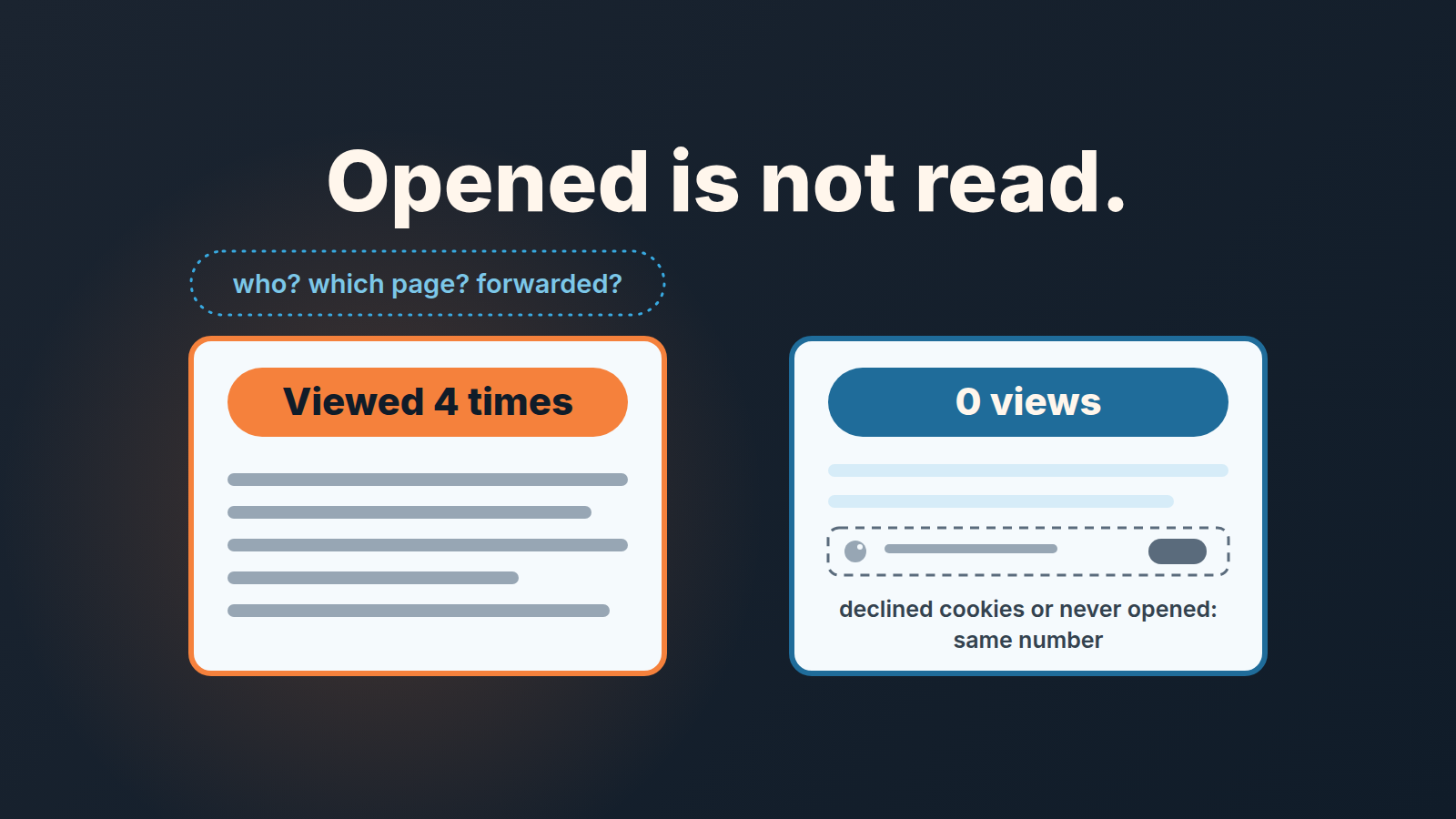
Ask three questions and the warmth drains out. Who opened it? Which of the four was a real read and which was someone looking for the price on page six? Was it forwarded to the person who actually signs, or is it the same champion reloading a PDF? Nobody in the room knows because the record doesn’t hold any of that. What it holds is a count and a time.
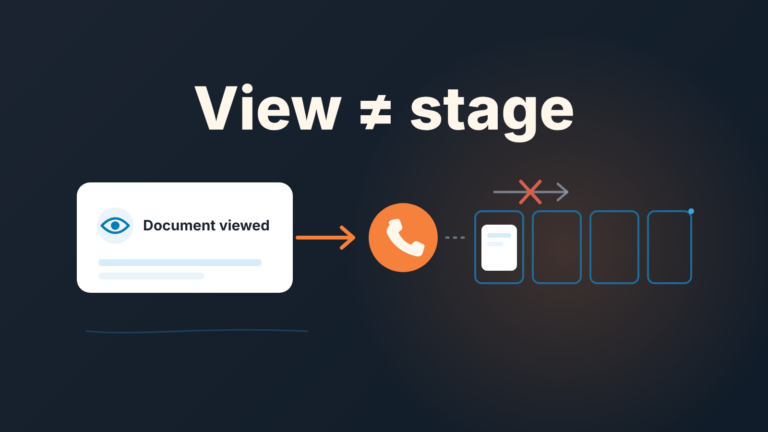
Four views is not nothing. It is also not a buying signal in the sense we use in buying signals in Pipedrive: something the buyer did that you can name with a who and a date. Opening a link is a thing a buyer did, true, but the “who” is blank and the action costs them one click. So we put document views in a separate box. They are a prompt for the rep, not evidence for the forecast.
That distinction is the whole article. The rest is how to set up Smart Docs so the prompt is reliable, and how to write the rule down so a team of three to ten reps reads the signal the same way.
What Pipedrive Smart Docs records, and what it cannot
Start with what Pipedrive’s own help page says the feature does, because the limits come straight out of the description. Smart Docs builds a document from a template with deal, contact, product and project fields filled in, and shares it as a link to a read-only PDF. When you generate that link you can enable view tracking and choose email notifications. Each link you generate creates a new version of the document, and the version carries its number of views and the creation time (Pipedrive: Smart Docs). Availability, per Pipedrive’s help page (updated September 2026): Smart Docs is on the Premium and Ultimate plans, and Lite and Growth accounts can buy it as an add-on, which comes with a 14-day trial that includes five signature requests.
So the record is: this version, opened this many times, link created at this time, plus an email when someone opens it. Nothing in the help article about who opened it, how long they stayed, or which pages they looked at. If your process needs those things, Smart Docs is not the tool that gives them to you, and pretending otherwise is how “they opened it four times” ends up in a commit number.
Then there is the cookie prompt, and this is the part most teams don’t know. When a recipient opens the link they see a notification asking permission to track and store cookies, and Pipedrive starts counting views only after they accept (Pipedrive: is document tracking GDPR compliant). A buyer who clicks “decline” can read every page of your proposal and leave your version sitting at zero views.
Read that again before you write the follow-up rule. Zero views is two different states collapsed into one number. You cannot tell them apart from inside Pipedrive, so your rule must not depend on telling them apart.
First open, every open, never: pick the first one
Smart Docs gives three notification options when you generate the link: the first time the document is opened, every time it’s opened, or never (Pipedrive: Smart Docs). Teams usually pick “every time” because it feels like more information. We think that is the wrong choice for a small team, for two reasons.
The first open is the only event with a clear action attached. It tells the rep the proposal landed, someone accepted the cookie prompt and looked, and the clock on a reply has started. The right move is obvious: if two working days pass without a reply, call with a question about the content, not about the open. Every open after that tells the rep less, not more. Open number three might be the champion rereading the pricing before a meeting, or it might be the same browser tab restored on Monday morning. Either way the action is the same as after open number one, and the rep has already taken it.
The second reason is what a stream of notifications does to behavior. A rep who gets an email at 9:14, 9:31 and 14:05 reading “your document was opened” will start to narrate the buyer’s day in thier head, and the next follow-up starts to carry that narration: “I noticed you’ve been looking at the proposal.” That sentence has never improved a deal. It tells the buyer they are being watched reading a PDF, and it anchors the conversation on your tracking instead of their decision.
“Never” is fine for documents where no follow-up is expected, a signed order form sent for the buyer’s records, for example. For a live proposal it throws away the one useful event.
Our setting for proposals: tracking on, notify on first open, switched on by the rep who shares the proposal. The manager doesn’t need the email; the manager needs the review rule in the last section.
One live link per proposal
Here is a failure that view tracking creates rather than prevents. The rep sends the proposal, the buyer asks for a change, the rep edits the original document and generates a new link. Now there are two versions in Pipedrive, both tracked, both live. Version 1 shows three views, Version 2 shows none. The buyer is still opening the old link from the old email, so the rep sees “no views on the revised proposal” and starts chasing, while the buyer is reading a price that no longer exists.
The mechanics make this easy to fall into. Once a version is shared it becomes read-only, so any change means a new link and a new version number, and Pipedrive itself recommends disabling older links to avoid confusion: open the “…” menu next to the older version, choose “Share as link” and toggle off “Enable link” (Pipedrive: Smart Docs). The recommendation is right. Most teams skip it because nothing forces them.
So we make it a rule with three parts, and the third one is the one that holds it together:
- When a new version goes out, the old link is disabled in the same sitting. Not “later today.”
- The new link goes to every person who had the old one, with one line saying the earlier link no longer works. A buyer who hits a dead link and gets no explanation assumes you withdrew the offer.
- The deal gets one note: “Proposal v2 sent to [name], tracking on, v1 link disabled.” One line, in the deal, where the manager will see it on Friday without opening the Documents tab. For the price, keep the quote version in one note and the current amount in Value.
The note matters more than it looks. View counts live inside the document versions. A manager reviewing twenty deals is not going to open twenty Documents tabs, and shouldn’t have to. The note puts the fact that matters, which version is live and since when, where the the pipeline review already happens.
A side effect we like: once there is only ever one live link, the version’s view count means one thing. There is no adding up views across versions, no “well, v1 had three and v2 has one, so four.” One link, one count, one state. Teams that want the buyer side of a deal in one place can compare this with how a digital sales room is tracked in the CRM.
The Friday rule: viewed without a reply, or not viewed at all
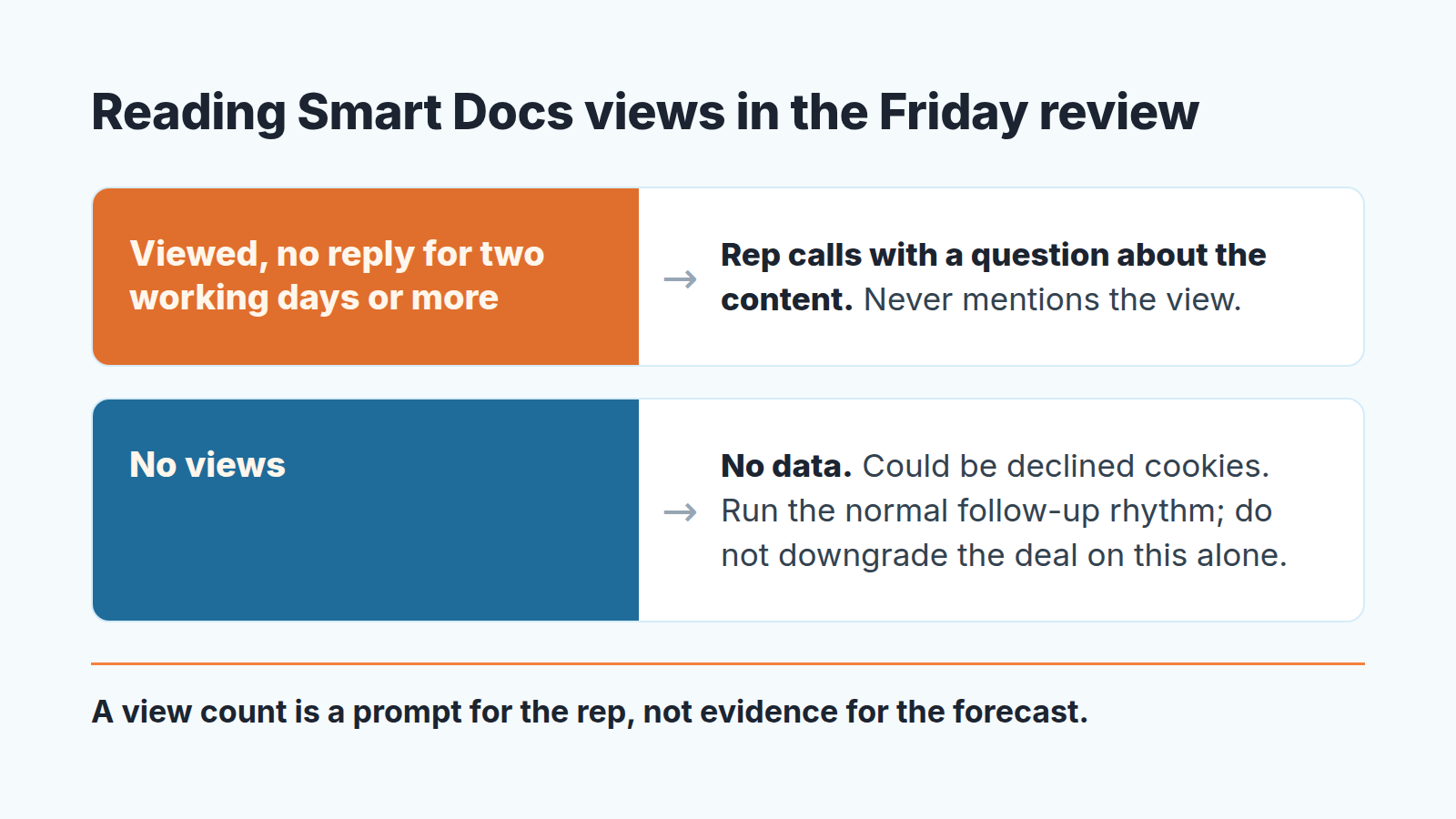
The review question is not “how many views.” It is “which of two states is this proposal in, and did the rep do the matching thing.”
State one: the version has at least one view, and there has been no reply for two working days or more. This is the state where Smart Docs earns its keep. Someone looked and then went quiet, and quiet after looking usually means the proposal raised a question or landed with someone who wasn’t on your calls. The matching action is a call, that day if possible, that opens with the proposal’s content: “On the implementation timeline in section two, does the March start still work on your side?” Not “I saw you opened it.” The rep should be able to say what they asked and what they heard. If the call doesn’t connect this deal joins the normal cadence from follow-up after a proposal, and the view changes nothing about that cadence except that the first touch comes sooner.
State two: zero views. Here the manager’s job is mostly to stop a wrong conclusion. The rep says “they haven’t even opened it” and the deal slides down the forecast in everyone’s head. But zero is “never opened” or “opened and declined cookies,” and the second one is a buyer who is reading your proposal right now. The matching action is the normal follow-up rhythm, unchanged, and a direct question in the next touch that gives you real information: “Did the proposal reach you, and is it with the right people?” An answer to that is data. A view counter at zero is not.
What we don’t allow is the third thing reps do, which is to read the count as temperature. Four views, hot. One view, lukewarm. Zero, cold. Everything in the two sections above says the count can’t carry that weight, and a forecast built on it will be wrong in both directions: hot deals where a buyer reloaded a PDF, cold deals where a buyer declined a banner.
A disclosure, since this is the point where tooling comes up. We build SalesBond, a sales management layer on top of the CRM a team already uses; we started with Pipedrive. Its Deal Health product checks every deal against more than 20 rules and flags the ones that need attention, for example a deal with no next activity scheduled and an expected close date that has already passed. It doesn’t read Smart Docs view counts, and after this article you can see why we are in no hurry to: the deal that needs a manager’s eye is the one at Proposal with nothing booked and nothing heard, whatever the counter says. The Friday rule above works with a Pipedrive filter and the one-line note. If you want the quiet deals surfaced without reading every deal, check your CRM with SalesBond.
Write the rule down in the same words for everyone. Ours fits on one line in the team wiki: “Tracking on, notify on first open, one live link, note in the deal. A view means call about the content. No view means nothing.” A rep who has that line doesn’t need to argue about four opens on a Friday, and a manager who has it doesn’t need to pretend the number told them more than it did.