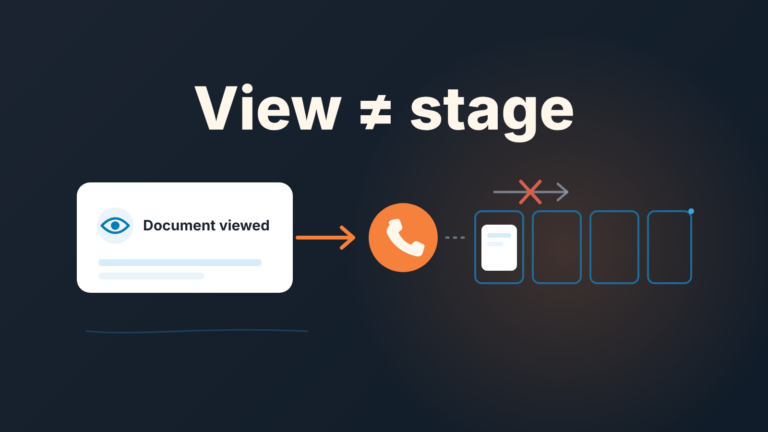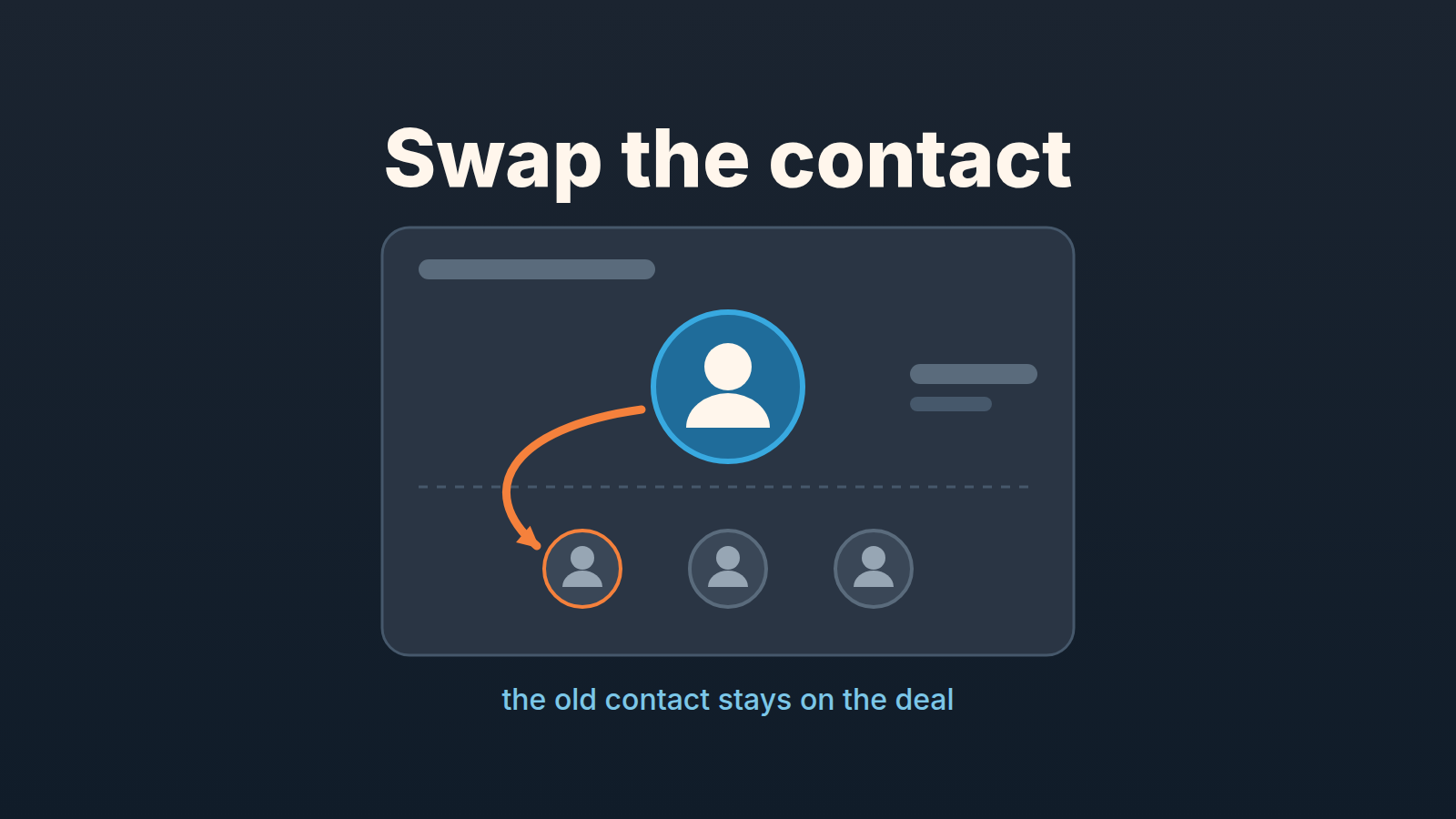
A deal in Pipedrive has one linked person. When you change the deal’s contact person (Pipedrive calls it switching the linked person), the previous one stays on the deal as a participant, so the deal keeps its connection to them and you don’t lose the history of who you were talking to (Pipedrive: Participants). That is the whole mechanism. The work is in the two things around it: making sure the new person is the one Pipedrive now treats as the contact, and making sure the next email from that deal does not go to someone who no longer works there.
The champion’s last day
A made-up scene, so the details can be specific. Anders Roe sells route-planning software to delivery companies. His biggest open deal this quarter is with a regional courier, and the only person on it is Tessa Quill, their fleet manager. She ran the pilot, she asked for the proposal, she is the one who answers his emails. Every activity, every email thread, every note on that deal points at her.
On Tuesday his follow-up on the proposal bounces. Address not found. He calls the courier’s main number and gets a name: Tessa left last month, and the fleet is now run by Malik Osei, who was not on any of the pilot calls.
Anders has a deal with a close date in three weeks and a contact who no longer exists. Swapping Tessa for Malik takes ten seconds and mostly works. The side effects are below, in the order we would deal with them.
One linked person, the rest are participants
Pipedrive’s model is simple. A deal can only have one linked person at a time. Everyone else who matters on that deal goes in as a participant, which Pipedrive describes as a way to add people “without losing the one clear point of contact your deal is built around” (Pipedrive: Participants, updated September 11, 2026).
There are three ways to add a participant. The one you will use most: open the deal, find the participants section in the detail view sidebar, click “+”, type a name, and either pick an existing person or create a new one. The second is from the deal’s own email history: hover over a contact on a linked email and click “Add as deal participant”. The third is a spreadsheet import, which has a catch we come back to below. To remove someone, click “View All” in the participants section and then “Unlink” next to their name.
Once a deal has participants, Pipedrive starts suggesting them. The help article lists three moments: when you add guests or link people to an activity, when you add recipients to an email, and when you switch the deal’s contact person. Since February 2026 those suggestions appear before you start typing when you add or switch the linked person (Pipedrive product updates).
So Anders’s first question is not “how do I replace Tessa” but “who else from the courier has ever been on this deal”. If he had added the dispatcher from the pilot demo as a participant in month one, that dispatcher is the suggestion when he switches the contact. If Tessa was alone on the deal, there is no suggestion, and that is a finding in itself; the routine below comes back to it.
Changing the deal’s contact person: what stays, what moves
Here is the line from Pipedrive’s help that answers the question in the title: “When you switch the deal’s linked person, the previous linked person stays on the deal as a participant, so you don’t lose their connection to the deal” (Pipedrive: Participants).
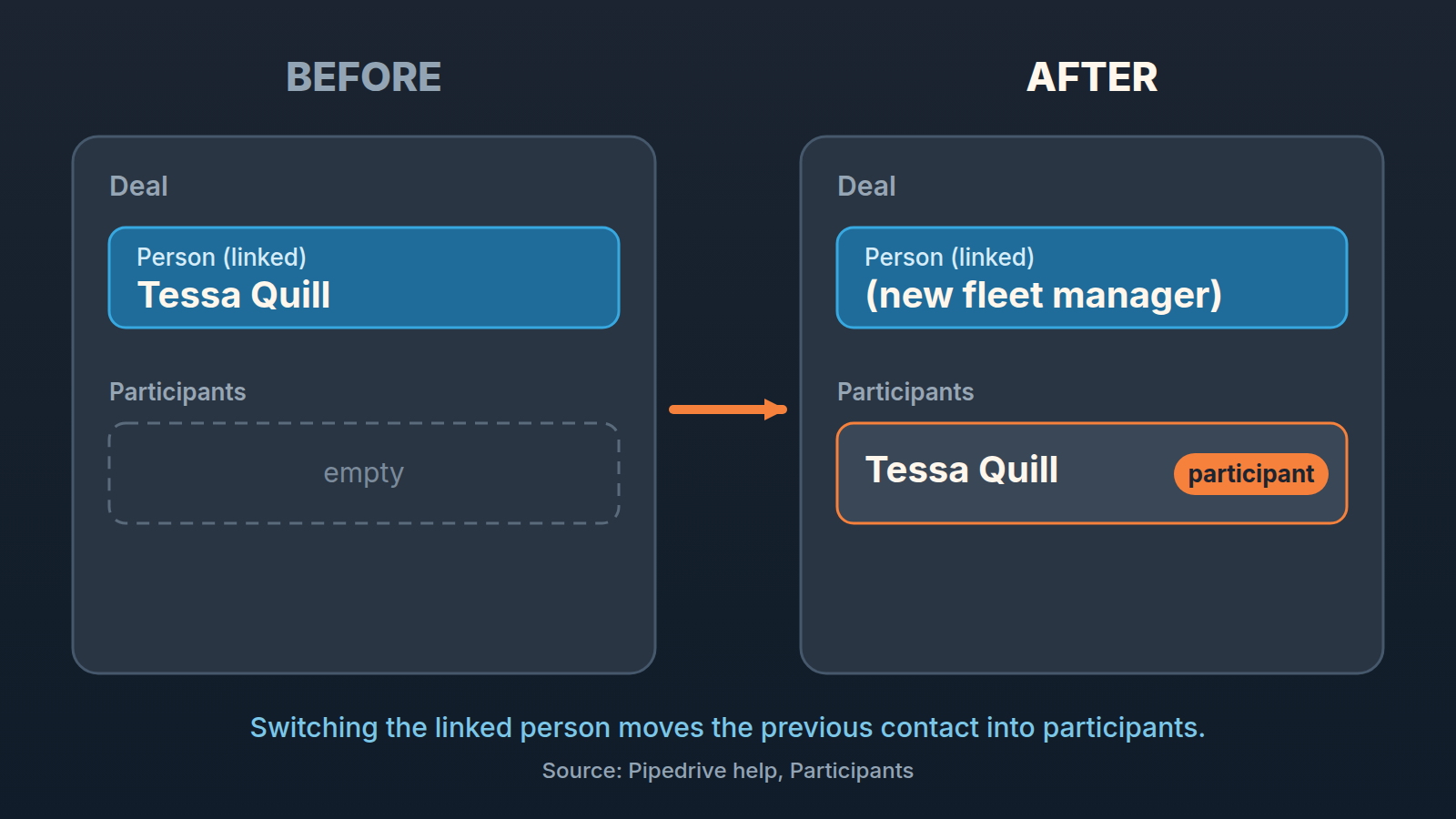
So what moves is the slot. The deal’s person field, the one Pipedrive shows as the deal’s contact, now holds the new person. What stays is the previous contact’s link to the deal: Tessa is still listed on it, in the participants section, and the deal still knows she was involved. The history of the deal is the deal’s history. It was never stored on Tessa.
In practice switching the linked person is not destructive. You are not deleting Tessa from the deal; you are demoting her from contact to participant, and Pipedrive does that part for you. Plenty of reps hold off anyway and leave the old contact in place “so we don’t lose anything”, and the deal then sits with a departed person as its contact for weeks. There is nothing to lose. Switch it.
One shortcut to avoid: opening Tessa’s person record and renaming it to Malik. That changes who the person is, not who the deal is linked to, and everything else attached to Tessa’s record now looks like it belongs to Malik.
Before you send the next email: recipients and suggestions
This is where the switch bites, and it bites in the direction you would least expect: the old contact does not disappear from your emails. She gets closer to them.
Tessa is now a participant. Pipedrive suggests participants when you add recipients to an email from the deal, and since August 2026 it goes further: when you compose an email from a deal, Pipedrive automatically adds all linked deal participants as recipients (Pipedrive product updates, “Auto-populate deal participants”). Which means the next time Anders opens a new email from this deal to introduce himself to Malik, Tessa’s address is in the recipient list before he has typed a word.
For an ex-employee that is a mild embarrassment at best. At worst the mailbox is now being read by someone else at the courier, or forwarded, and your revised pricing lands in front of a person you have never spoken to.
So the rule for the week after a contact leaves is short: look at the To line before you send. Every email from that deal, not only the first one. The auto-populate feature is doing exactly what its designed to do, which is to reach every stakeholder on the deal. It has no way of knowing that one of the stakeholders has left the company.
When should Tessa come off the deal entirely? We would unlink her once the new contact has replied at least once and there is a note on the deal recording that Tessa left and when. From then on her connection to the deal lives in the note and the email history, and keeping her as a suggested recipient only adds risk. If she is the person who agreed the terms on a deal close to signing, keep her a little longer. Her name on the old thread is the paper trail.
The spreadsheet trap: import overrides the linked person
The third way to add participants is in bulk, from a spreadsheet, and it comes with a note in Pipedrive’s help that is easy to skim past: “Importing participants in bulk will override a deal’s existing linked person with one of the imported participants” (Pipedrive: Participants).
Read that with Anders’s deal in mind. His manager decides, sensibly, that every open deal should have at least two people on it, and asks for a spreadsheet of deals and extra contacts to import as participants. The import runs, and the deal Anders just relinked to Malik now has a different contact: one of the imported participants, chosen by the import, not by him. The help page does not say which one. It says the linked person is overridden.
Our position: do not bulk-import participants onto deals where the linked person was chosen deliberately. For a handful of deals, add participants by hand from the sidebar; slower, and it leaves the contact alone. If a bulk import has to happen treat it as something that resets the deal’s contact and go through the deal list afterwards with the contact person column visible. The same care applies to any spreadsheet update of existing Pipedrive records, where matching on the wrong column creates duplicates instead of updates; we wrote up System ID matching for spreadsheet updates separately.
A fifteen-minute routine when a contact leaves
This is what we would do on the day the bounce arrives. It assumes the deal is worth keeping, which for most deals with a close date inside the quarter it is.
- Find out who inherits the role before touching the deal. A call to the main number, the courier’s website, a colleague who was on the pilot. The point is to switch the contact once, to the right person, not to a placeholder.
- Switch the linked person on the deal. Open the deal and change the person to the new contact, creating them if they are not in Pipedrive yet. Tessa stays on the deal as a participant automatically (Pipedrive: Participants).
- Open “View All” in the participants section and read the the list. If other people from the account were already there, decide whether each one still belongs. If Tessa was alone, write that down somewhere you will see it on Monday; it is the real finding of the day.
- Compose the introduction email from the deal, then check the recipients. Tessa is a participant now and Pipedrive adds participants as recipients. Take her out of To before sending.
- Record the change on the deal (a short note that Tessa left and Malik took over) and move any open activity that was waiting on her over to him.
- Add the Participants column to the deal list. Click the gear icon in the deal list view, find the “Participants” field, click “Save” (Pipedrive: Participants). Scan the column for empty cells. Those are the deals where a single departure does to you what Tessa’s did to Anders. Pipedrive’s help describes no filter on the number of participants, so this is a pass by eye.
Step 3 is the one that turns a contact change into a management conversation. If a deal of any size had one person on it and that person just left, the question for the next pipeline review is not “did we relink the deal” but “why was nobody else ever on it”. That is the subject of our piece on single-threaded deals, and we will not repeat it here, except to say that the Participants column is the cheapest way to see how many of your open deals are one departure away from the same Tuesday.
We build SalesBond, a sales management layer on top of the CRM a team already uses; we started with Pipedrive. Deal Health checks every deal in the connected CRM against more than 20 rules, assigns a health score, shows the specific violations and explains what to do. If you would rather not find the next Tessa through a bounced email, Check your CRM with SalesBond.
One boundary. Everything above is about the customer’s contact leaving. If it is your rep who leaves, the field in question is Owner, not Person, and we covered that in reassigning deals when a rep quits. A deal can lose its rep and keep its contact, or the reverse, and the fix sits on different fields.
Participants vs followers in one paragraph
Participants are people on the customer’s side: contacts, in Pipedrive’s sense, attached to a deal as additional stakeholders next to the one linked person. Followers are people on your side: Pipedrive users who follow a deal without owning it, so a colleague can watch it while the owner is out. Tessa, the courier’s former fleet manager, was the linked person and is now a participant. Anders’s teammate who covers his pipeline during his vacation would be a follower, and would never show up as a participant or as a recipient suggestion. When a contact leaves, you are working the participants section and the person field. When your own rep is away, you are working followers, and we wrote that one up as covering a rep’s deals with followers. The two lists solve problems on opposite sides of the deal. And once the new contact replies read that first email closely: what they ask for and how fast they answer says more about where the deal stands than the close date does, which is what our list of buying signals in Pipedrive deals is for.