
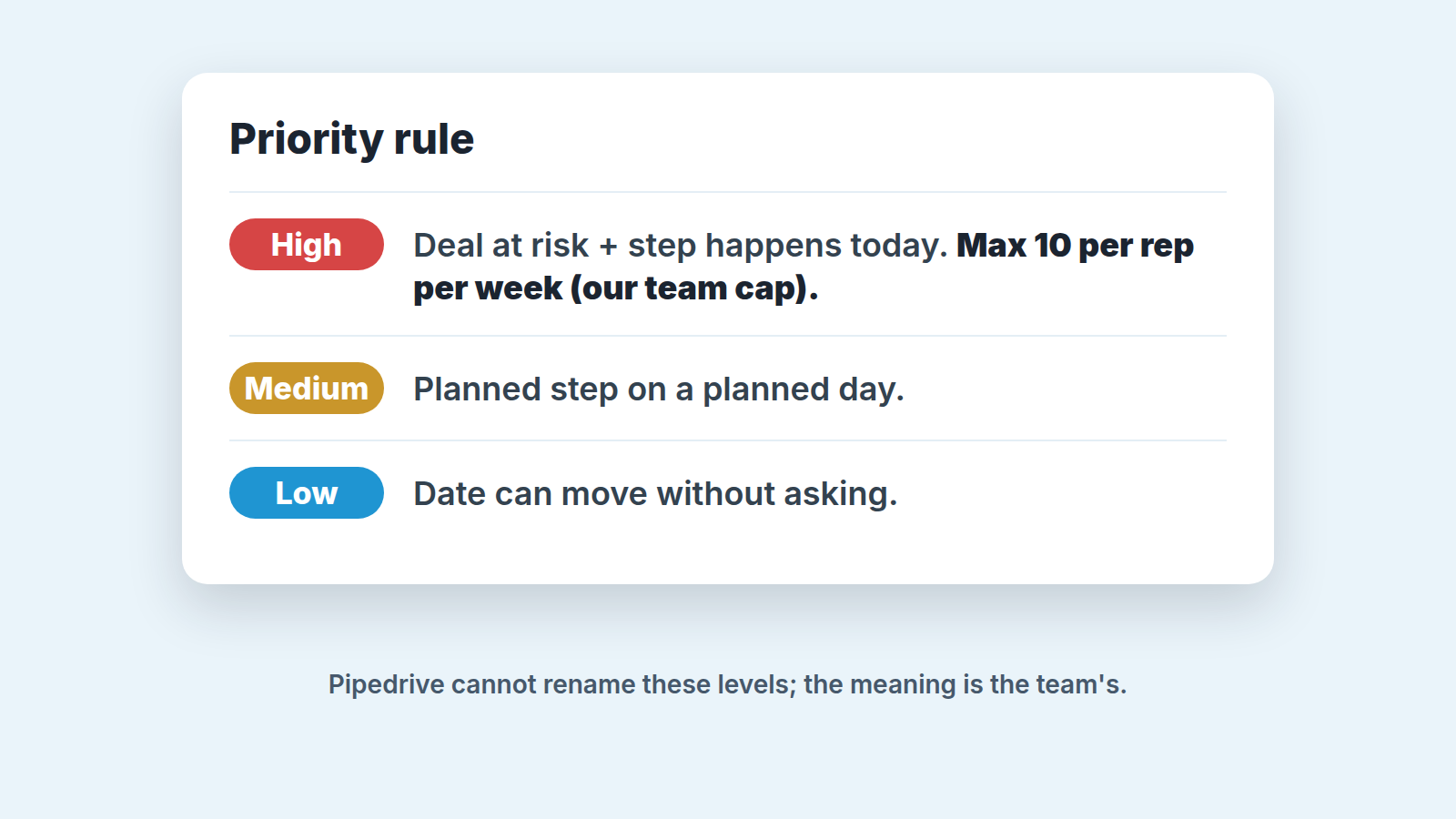
Pipedrive gives an activity three priority levels: High, Medium and Low. You cannot add a fourth, and you cannot rename or recolor the three you have (Pipedrive: activity priority labels). So the labels mean nothing until your team agrees what each one means. Ours is short. High means the deal is at risk and the step happens today. Medium is a planned step on a planned day. Low can move without anyone asking.
Everything is High
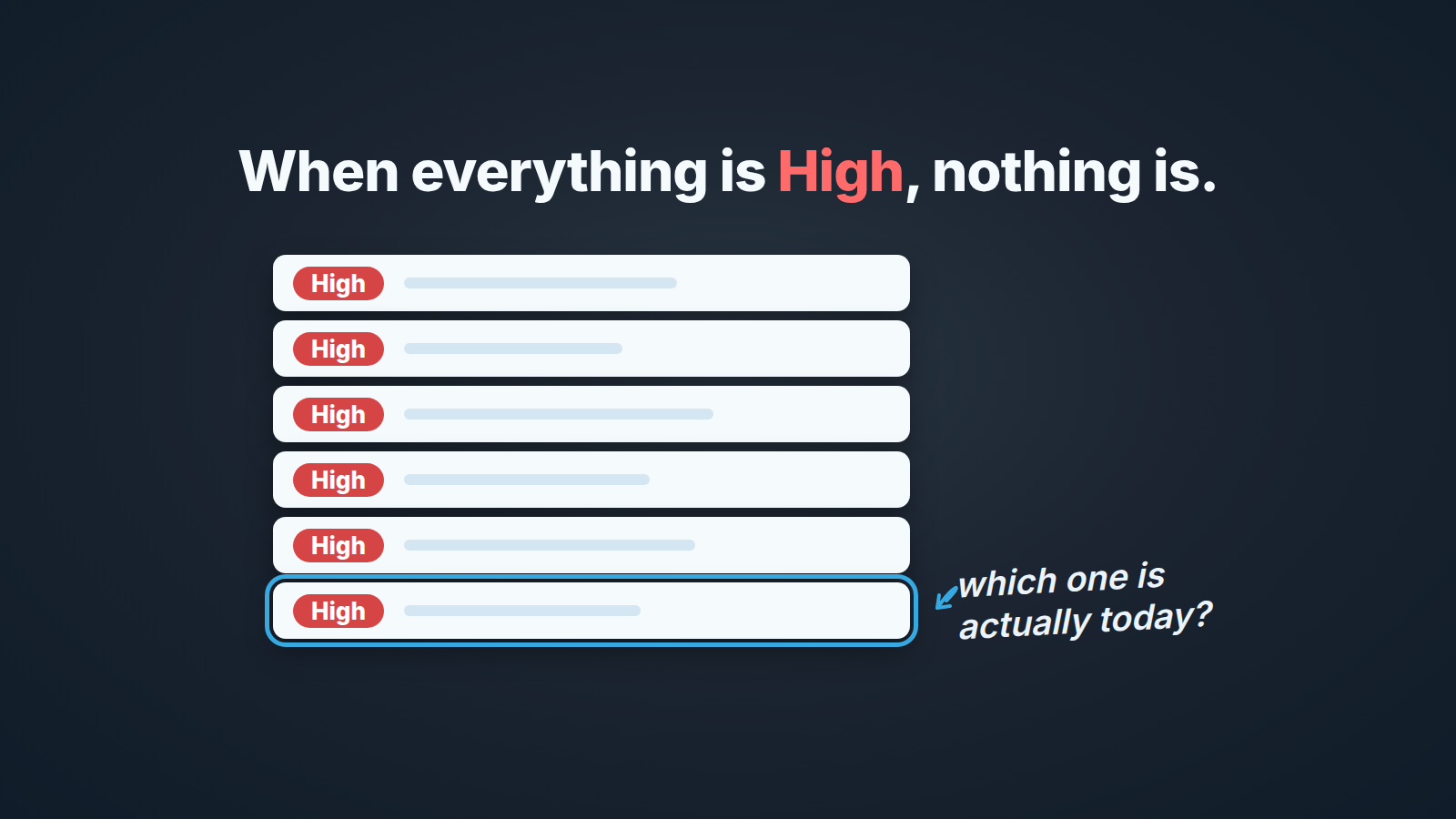
Monday morning, a sales manager opens the Activities list, adds the filter for High priority and gets most of the day’s activities back. Three reps, each marking their own work as urgent, because last week the manager asked why a call to a stalling deal was sitting on Medium. The reps learned the lesson the wrong way round. Now nothing is Medium.
We have watched this happen in two different teams. Priority in Pipedrive is a dropdown with three options, and none of them costs anything. Marking a follow-up High takes one click and feels responsible. Marking it Low feels like admitting the deal does not matter. So the whole list drifts upward, and the manager who wanted a short morning view gets the full one, colored red.
A fourth level would not fix it, and Pipedrive will not give you one anyway. What fixes it is a rule the team can repeat out loud, plus a number that stops High from being free.
The three levels and where you set them
Pipedrive’s help page lists three places to set or change a priority label (Pipedrive: activity priority labels):
- in the activity itself, from the Priority dropdown in the activity’s contextual view;
- in bulk, by selecting several activities in the list and editing the priority for all of them at once;
- in the list view, after adding Priority as a column through the gear icon (Priority > Save) and then clicking the pencil icon in the column to edit a single row.
You can also pick a priority when you create activities in bulk, right in the activity composer.
The column is what we use most. A manager scanning the week’s activities can correct a label in the row without opening anything, and a rep clearing the morning can do the same.
Once a label is set it shows up in more places than the activity list. The same help page says it appears on the appointment tile in the calendar and in the focus section of the linked deal’s or person’s detail view. In the pipeline view, a linked activity shows a colored symbol; hover over it to see the level. So a priority set in the Activities tab follows the activity into the deal and into the calendar, which matters later for the morning view.
And the limit, in Pipedrive’s own words: “Currently, it’s impossible to add new priority labels or change the name or color of the existing ones.” Three levels, three names, three colors.
Don’t confuse these labels with the colored arrows on deal cards in the pipeline view. Those rank deals within a stage based on their activities (Pipedrive: pipeline view priority), and we covered them in what counts as a real next activity in Pipedrive. The activity label is a separate field you set by hand.
It also isn’t the activity type. Type says what you did, priority says how urgent it is, and we keep the type list short for the reasons in Pipedrive activity types.
One gap in the help page: it does not say what priority a new activity gets by default. So we treat an unlabeled activity as unlabeled, not as Medium. That comes back in the automation section.
What each level means in our team
Here is the rule we settled on. It took one planning meeting and one argument.
High means the deal is at risk and this step happens today, and both halves have to be true. A call to a deal that is slipping past its expected close date is High. A call to a happy customer about renewal terms next quarter is not, however much the rep likes the customer. If it is High, it is on the rep’s screen before the first coffee, and the manager expects it done by the end of the day or a note on why not.
Medium is a planned step on a planned day, and most of the pipeline lives here. The follow-up after a proposal, the demo scheduled for Thursday, the check-in agreed with the buyer. These are the activities that make a deal’s next step real. Medium does not mean unimportant. It means nothing has gone wrong.
Low is the one where the date can move without asking. Research, a LinkedIn connect, a “touch base in six months” that the rep set to keep the deal from rotting. If a Low activity gets pushed a week, nobody needs to know. A rep whose week is full of Low is a different conversation, about the pipeline rather than the labels.
Then the number. We cap High at ten per rep per week, which is roughly two a day. That is our recommendation, not a Pipedrive setting, and Pipedrive will not enforce it for you; the help page describes no such limit. The cap works socially. When a rep hits ten High on a Tuesday, they know the manager will ask which of them are genuinely at risk, and the rep usually demotes a few before the question arrives. The point of the cap is not the number, its that High stops being free.
We also decided on purpose that the label describes the activity, not the deal. A deal in trouble might have one High call on it and two Low research tasks. That is fine. The deal’s risk lives in the deal, and the priority on each activity says what to do about it today.
The priority filter: the rep’s morning view and the manager’s check
Rep and manager use the same filter. In any list view with filtering, the help page says, add a new filter and pick Activity > Priority > is > High (Pipedrive: activity priority labels). We save that filter once and share it; how to share a filter and keep its columns consistent is in shared filters and saved columns in Pipedrive.
For the rep, it is the first screen of the day:
- Open the Activities list with the shared “High today” filter.
- Work through it before opening email.
- Anything that is High and still open at the end of the day gets a note on the deal, not a quiet push to tomorrow.
Step three keeps the list honest. Without it, High activities get rescheduled the same way Medium ones do, and by Friday the label means nothing again. A pushed date is the quietest way to lose a deal, and with High the stakes are just higher.
For the manager, the same filter is the Monday check, read differently. The manager isn’t looking at the activities. They count them per rep and read the deal next to each one. Ten High on one rep is a conversation. Zero High on a rep with three deals past their close date is a louder one, because the rule is being ignored in the other direction. We keep the Priority column visible in that view so the label and the deal name sit side by side and nobody needs to open the activity.
What the filter cannot tell you is which deals should have a High activity and do not. It only shows the labels people set. That gap is the one we build for. SalesBond is a sales management layer on top of the CRM a team already uses; we started with Pipedrive. Its Deal Health product checks every deal against more than 20 rules, one category of them about activity, and shows the specific violations with a recommended action for each, so a deal in trouble surfaces whether or not anyone labeled an activity. If you want that list without building the filters yourself, check your CRM with SalesBond. The three-level rule is still yours to write.
Let automations set the default
Priority works in Pipedrive automations in both directions. The help page gives one example of each: an automation where an activity created with High priority moves the linked deal to a different pipeline stage (priority as a condition), and one where any newly created activity gets a priority of Medium (priority as an action) (Pipedrive: activity priority labels).
We recommend the second one, and it is almost boring. New activity created, set priority to Medium. That’s all.
Why bother, if Medium is the default meaning anyway? Because an unlabeled activity and a Medium one look different in the list, and the difference is noise. With the automation on, every activity carries a label from the the moment it exists, and an activity becomes High or Low only because a person decided so. That decision is what the manager’s Monday check is reading.
We are more careful with the first example. Moving a deal to another stage because someone created a High activity is a strong action from a weak signal. A rep who over-labels, the problem this article started with, would be moving deals around the pipeline by accident. If you want priority to trigger something, make it reversible: a note, a notification to the manager, a field update. Stage changes stay a human decision.
The help page shows these two examples and says nothing about which plan includes automations or how many you can run, so we don’t claim anything about that either.
Start with the Medium default this week, and put the three-line rule in the team’s pipeline notes before Monday’s check. By the second Monday you will know whether High still means something.


