
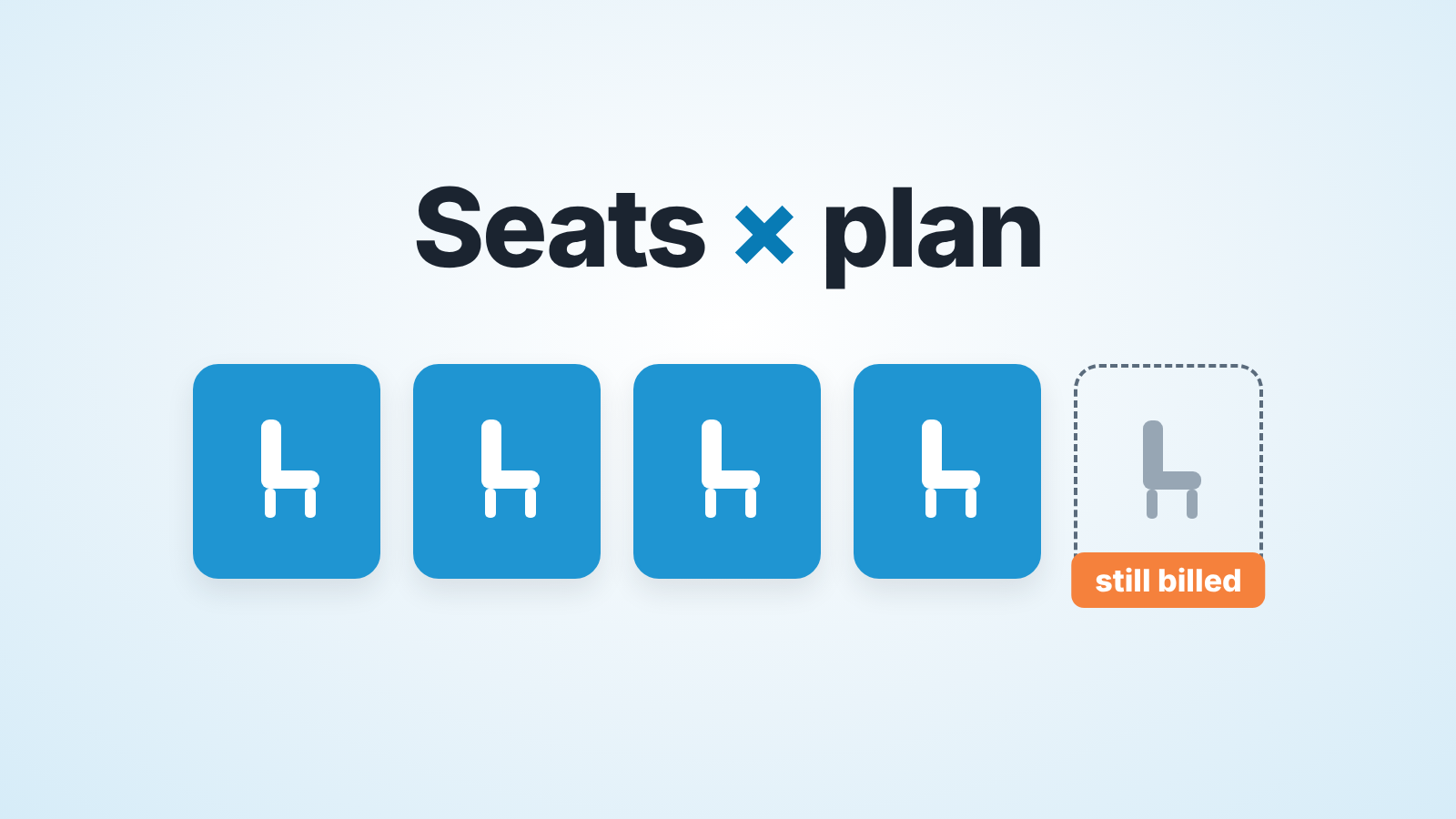
Pipedrive charges per seat per month on four plans: Lite, Growth, Premium and Ultimate (Pipedrive: how does pricing work). Pipedrive’s own blog puts Growth at $39 per seat per month billed annually, so five Growth seats come to $195 a month before add-ons. Most five-person teams can stop at Growth. Premium earns its price only if you need permissions or mandatory fields.
That $39 comes from Pipedrive’s article on choosing a CRM, last updated 22 September 2026, which also gives the range for all four plans: from $14 for Lite to $79 for Ultimate, per seat per month, billed annually (Pipedrive blog: best CRM software). Monthly billing costs more, and the price you actually pay depends on your region and currency, so confirm it on Pipedrive’s pricing page in your own currency on the day you buy. Everything below on what each plan includes was checked against Pipedrive’s help centre on 20 October 2026.
How Pipedrive pricing works: seats, plans, add-ons and top-ups
Pipedrive’s billing article lists what moves the invoice: the plan, the billing cycle, the number of seats, and add-ons or top-ups, with your location deciding the currency (how does pricing work).
The plan sets the base price per seat. Monthly billing is charged on the same day each month; annual billing is paid upfront for the year, with a discount. Seats are the part people miss. You pay for every seat whether or not a user is sitting in it, so a seat left empty by a rep who quit is still on the bill until someone removes it (user vs seat).
Add-ons are separate tools on top of the plan. LeadBooster, Projects and Smart Docs are paid add-ons on Lite and Growth and included on Premium and Ultimate; Campaigns and Web Visitors are add-ons on every plan. Top-ups don’t add a tool. They raise a usage limit you have hit, in fixed packs that follow your billing cycle: reports +50, automations +50, leads and deals +25,000, each available from Growth up. Teams, custom visibility groups and custom permission sets come as one bundled team-management top-up, and that one only exists from Premium.
The top-up list is a quick way to read the plans. Reports and automations can be topped up on Growth, so Growth has them. Custom permission sets can only be topped up from Premium, so Growth has none.
Lite, Growth, Premium, Ultimate in one paragraph
Pipedrive’s help centre still shows the retired Essential, Advanced, Professional, Power and Enterprise plans next to the current four (usage limits in Pipedrive), so a comparison article that says “Professional” is describing the old ladder. Two rows of that limits table tell you the shape of the new one. Automations per company: none on Lite, then 50, 150 and 250. Insights reports per user: 15, 50, 250 and 500. Read it as a manager and it’s simple: Lite is a shared address book with a pipeline, Growth is where the account starts doing work for you, Premium is where you control who sees and does what, and Ultimate is Premium with higher limits.
What a manager needs: reports, forecast, automations, permission sets
Our list for a five-person team is short and we would defend each item.
Reports, because the Monday meeting runs on them. Not fifty of them: pipeline by stage, conversion, activity per rep, and one dashboard that holds them.
A revenue forecast, because “what closes this quarter” is the question the owner asks every week. Pipedrive’s Insights revenue forecast report shows open deals by expected close date and won deals by won time, measured by deal value or weighted value (deal revenue forecast). It is only as honest as the close dates in it, but thats a management problem, not a plan problem.
Automations, because the manager should not be the person who remembers to create the follow-up activity. One automation that schedules a call when a deal enters Proposal covers a surprising share of what a small team needs; the reminder side is in Pipedrive activity reminders that reps actually act on. Only global admins, or regular users with the right permission, can create automations (Automations: first steps), so decide early who owns them.
Permission sets and visibility. At five people you may already have a rep who should not be able to delete deals, or two reps on separate territories who shouldn’t browse each other’s pipeline. Pipedrive splits this in two: visibility groups decide what a user can see, permission sets decide what a user can do (permission sets).
We build SalesBond, a sales management layer on top of the CRM a team already uses; we started with Pipedrive. Its Deal Health checks every deal in the connected CRM against the enabled rules and shows the specific violations, such as no next activity scheduled or an expected close date that has passed. It doesn’t change which Pipedrive plan you need: report limits, forecast access and permissions stay Pipedrive’s. Check your CRM with SalesBond once the plan question is settled.
Which Pipedrive plan includes what a manager needs (help centre, 20 October 2026)
Every cell here comes from a dated Pipedrive help-centre article, linked in the row.
| What the manager needs | Lite | Growth | Premium | Ultimate | Source |
|---|---|---|---|---|---|
| Insights reports per user | 15 | 50 | 250 | 500 | usage limits |
| Multiple Insights dashboards | no | no | yes | yes | Insights: dashboards |
| Revenue forecast report | no | yes | yes | yes | deal revenue forecast |
| Automations per company | none | 50 | 150 | 250 | usage limits |
| Custom permission sets | none | none | 15 | 25 | permission sets |
| Custom visibility groups | default group only | default group only | 15 | 25 | visibility groups |
| Required fields on a deal | no | important fields only | yes | yes | custom fields |
The permission rows are where Growth and Premium split. On Lite and Growth there is one default visibility group for everyone, and the only switch is whether an item is visible to its owner or to all users (visibility groups). Custom permission sets aren’t available on either (permission sets). So “a rep cannot delete deals” and “territories cannot see each other” both start at Premium.
The required-fields row is the quiet one. On Growth you can mark a field as important, which highlights it in the deal when it’s missing, but blocking the save until the field is filled is a Premium feature (custom fields). If your pipeline hygiene depends on a mandatory “next step” or “budget” field, you are on Premium.
The rest of what a manager asks for weekly (reports, a forecast, automations) is on Growth.
Counting the real cost for five people
Pipedrive’s own worked example is the whole method: “4 seats × Growth annual plan price + LeadBooster add-on price” (how does pricing work). For your team, swap the four for your seat count and add only the lines you use.
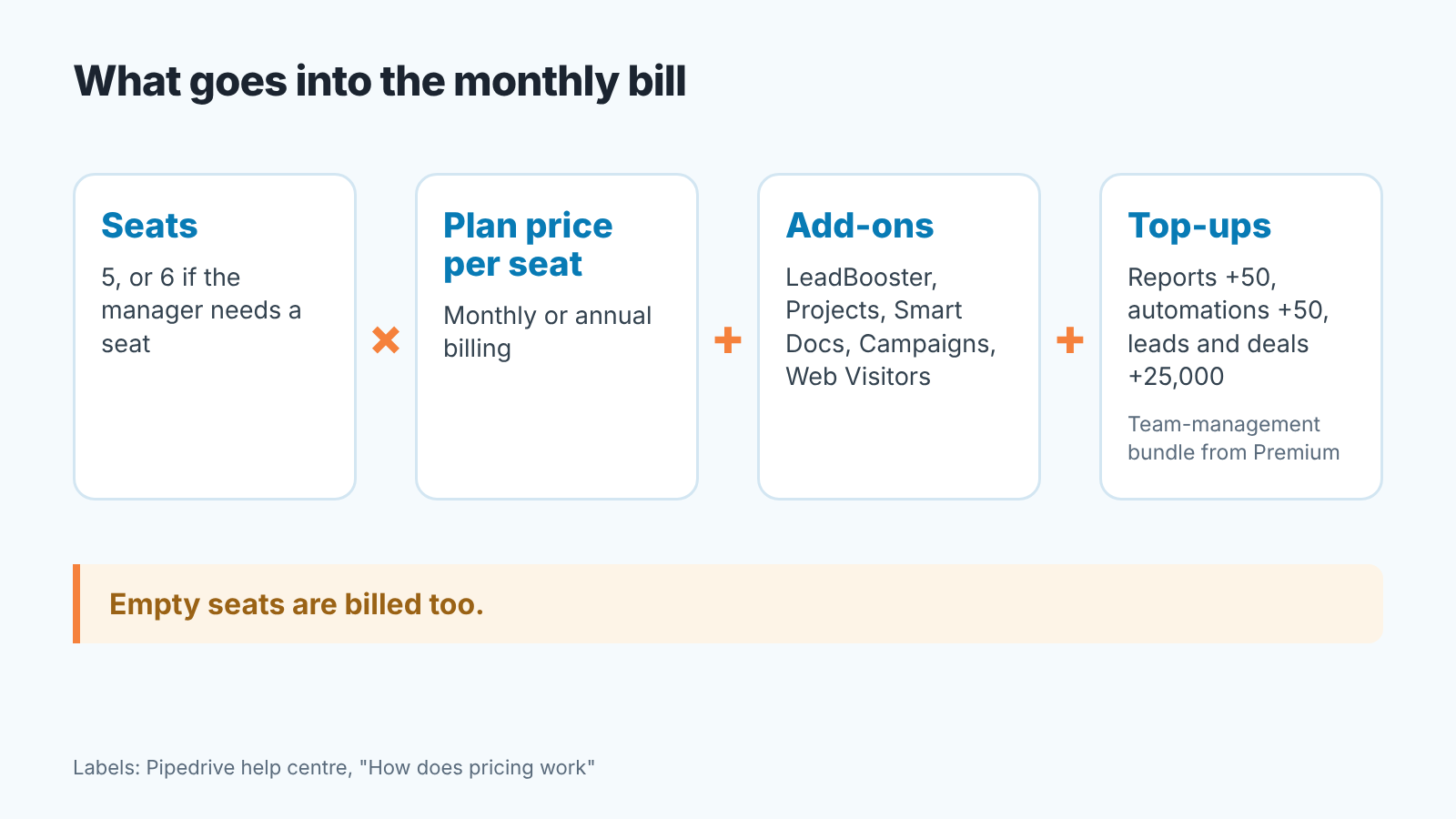
Start with the seat count, and be honest about it. Every active user takes a seat (user vs seat), so five reps plus a manager who logs in to read dashboards is six seats. At the $39 annual Growth rate from Pipedrive’s blog, that’s $234 a month instead of $195. A shared login for the owner looks cheaper and breaks every per-user report and every permission rule you set up. Count the people who will open Pipedrive, not the people who sell.
Then the plan: seats times the per-seat price of the the tier the table points you to, at the billing cycle you choose. For Premium, take the per-seat price from the pricing page in your currency; we haven’t printed it, because we could not confirm it on a page we were able to open.
Then add-ons, only the ones you would miss. On Growth, LeadBooster, Projects and Smart Docs are each a separate line. On Premium they are included, which is one of the few places where the step up partly pays for itself.
Then top-ups, which a five-person team rarely needs on day one. Fifty automations per company is a lot for a small team. Leads and deals on Growth are capped at 5,000 per seat, so 25,000 for five seats, and admins get an in-app and email notice at 80% and at 100%. After that, manual adding is blocked until you archive, top up or upgrade (usage limits). Check Settings > Company > Usage before you assume you need a pack.
If you haven’t bought yet, Pipedrive offers a 14-day free trial with no credit card required (pipedrive.com), which is enough time to build the three reports above and see whether Growth’s limits pinch.
Billing: who can change the plan
Only users with account settings access can manage Pipedrive billing (how does pricing work), and in a five-person company that’s as likely to be the founder as the sales manager. The switch itself is short: account menu, then Billing > Manage subscription, pick the plan and billing cycle, click Continue and finish the billing flow; you can do it at any time (how can I switch to a different plan). One habit worth building: the person with billing access should also be the one reading the 80% usage notice. Otherwise the first you hear of a limit is a rep who can’t add a deal.
A decision rule: when Growth is enough
We would put a five-person team on Growth unless one of three things is true.
The first is that you need to stop a rep from doing something: deleting deals, changing a won date, seeing other reps’ deals. Custom permission sets and custom visibility groups do not exist below Premium. A real case today, not a hypothetical one, settles it.
The second is that you need a field to be mandatory, not merely highlighted. Required fields that block saving start at Premium, while Growth’s important fields flag the gap without stopping anyone.
The third is that you were going to buy two of LeadBooster, Projects or Smart Docs anyway. On Premium they’re included, so price both paths with the real numbers from the pricing page before you decide.
If none of the three holds, Growth has the revenue forecast, fifty automations, fifty reports per user and the activity data a manager needs to run a weekly review, and the money saved against Premium is better spent on time with the reps. Still choosing between CRMs rather than between plans? Pipedrive vs HubSpot, a sales manager’s checklist and Zoho CRM vs Pipedrive walk the same reports, forecast and permissions list on the other side.


