
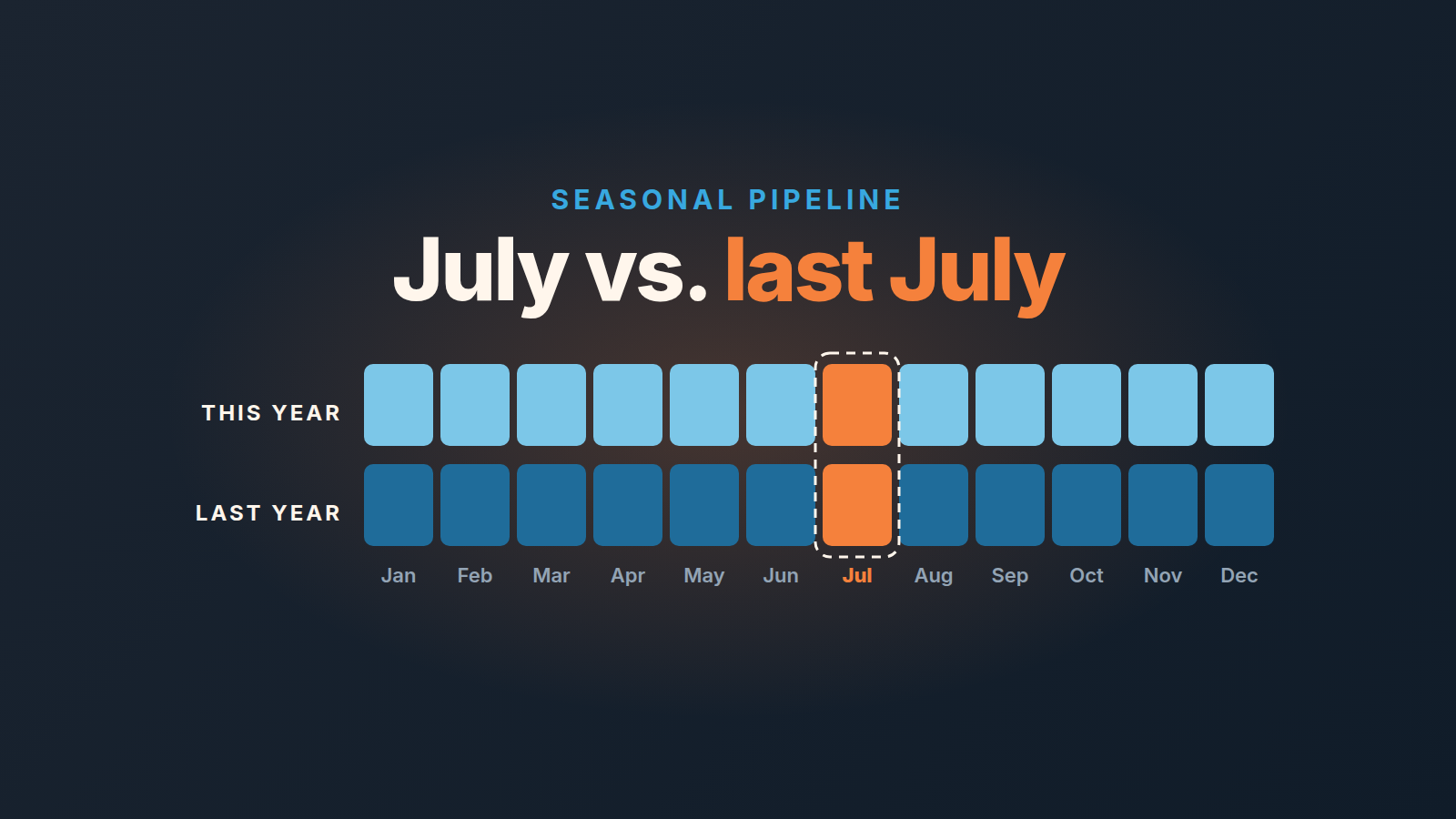
To read sales seasonality, compare each month’s new deals and pipeline value with the same month a year ago, not with last month, and shift the comparison by your sales cycle: July’s pipeline predicts September’s wins. With less than twelve months of Pipedrive history, you cannot separate a slow season from a slow team, so judge stage conversion instead.
Put another way, a thin July is a September problem, and a fat June says nothing about July. Say that out loud before anyone rewrites the targets.
July looked like the wheels came off
Monday, 3 August 2026. A sales manager we will call Ines opens Insights before the weekly call. The column for deals created in July is the shortest on the chart, by a distance. She starts typing a message about activity targets and an extra prospecting block for August.
Then the founder asks the only useful question: what did July look like last year?
Nobody knows. The report shows this year, because that is what it shows by default. Last July exists somewhere in Pipedrive, but nobody has ever put the two Julys next to each other. That is why the panic feels new every summer. It is the same July, read against a different June.
First, find out whether you have anything to compare
A season is a pattern that repeats, and you cannot see a repeat in one pass. Twelve months of Pipedrive history gives you one of each month, which is enough to say “July was our quietest month last year”. Twenty-four months gives you two Julys, and only then can you tell a season from a one-off: a lost rep, a product launch, a customer who ordered early.
So the first step is boring. Find the oldest deal in the account by its creation date and count the full months since. Subtract anything that was not real selling: a bulk import of old spreadsheet rows, the months before teh current team existed, a stretch when half the deals were logged after the fact. What is left is your usable history.
If it is under twelve months, do not try to prove seasonality. You cannot, and a chart drawn on nine months will be read as proof anyway. What you can judge without a calendar is how deals move through stages. A cohort created in a slow month should still convert from stage to stage at roughly your usual rate; if it does not, the problem is not the season. Our guide to stage conversion rates in Pipedrive covers how to read that.
Then tell the team plainly: “We don’t know yet whether July is slow for us. We will know next July.” That sentence costs nothing and stops a year of guessing.
Sales seasonality in Insights: two years of created deals side by side
Pipedrive’s Deal performance report is where the two rows come from. Create it from Insights with the “+” button, then Report, Deal, Performance (Pipedrive help: Deal performance report). It opens with one filter already set, “Deal created > is > this year”. That filter is exactly the problem from the opening scene. Change it so the report covers your last two full years of created deals.
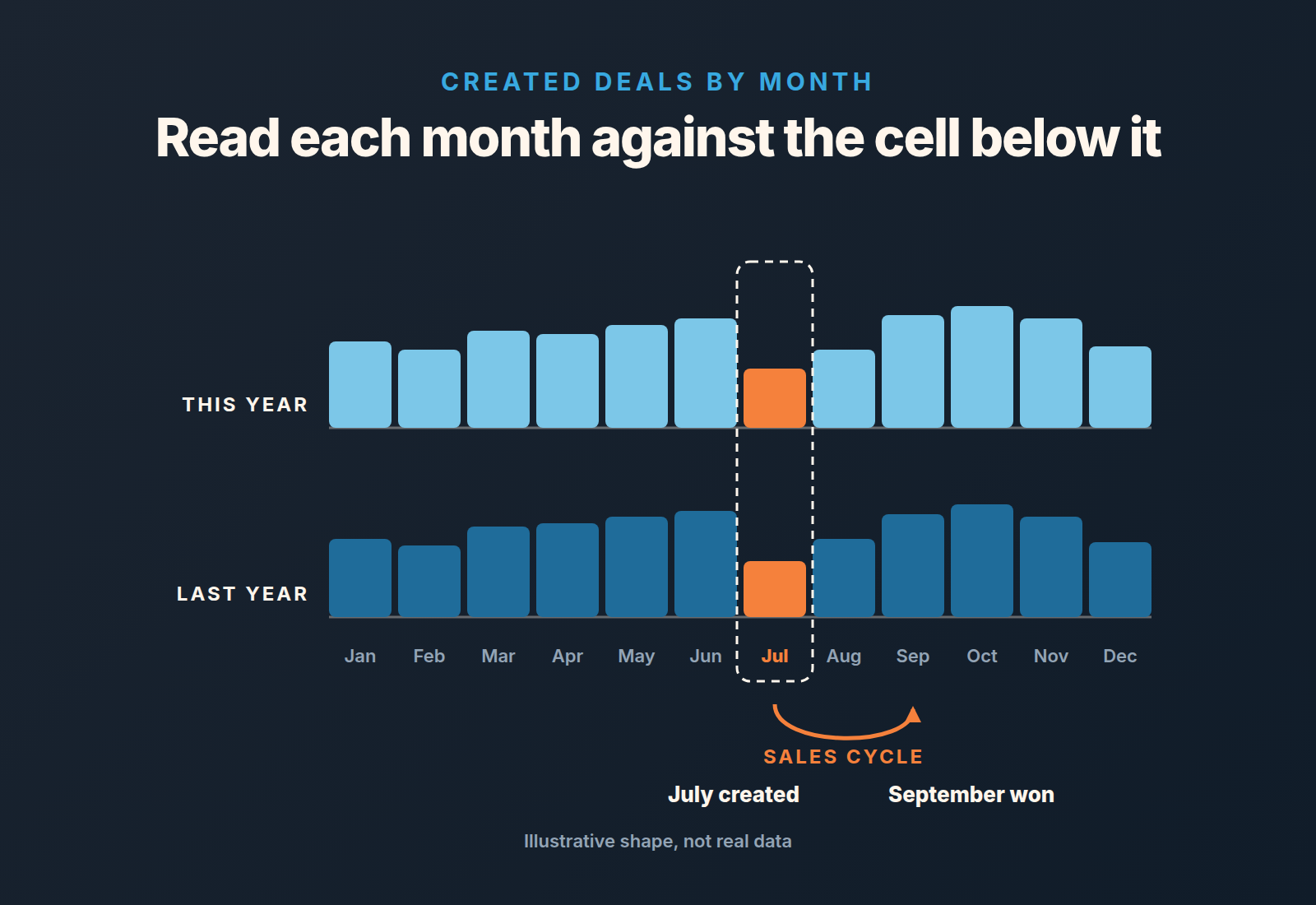
In the visual builder, pick one of the five chart types or switch to the table view, and use the view by, measure by and segment by dropdowns: creation month on the axis, number of deals as the measure, pipeline as the segment if you run more than one. The help article describes filters, chart types and the builder. It does not describe comparing one period against another, so the year-over-year comparison (same month last year) is manual, and that is fine. Copy the monthly counts from the table view into a spreadsheet and lay them out as two rows of twelve: this year on top, last year underneath. Twelve pairs. That is the whole instrument.
Build the same report a second time for won deals and their value, by the month they were won. Keep it as the second instrument, not the first. The pipeline leads revenue by the length of your sales cycle, so created deals are the earliest honest signal you have. And count deals before you weigh them: in a small team one large deal can double a month’s value and hide a drop in the number of conversations that actually started.
Shift by your cycle length, then read the gap
A pipeline report tells you about the future, offset by one sales cycle. If your sales cycle in Pipedrive runs about two months, deals created in July are the ones that close in September. July’s row therefore answers the the question “how will September look”, and July’s wins answer “how did May’s pipeline work out”. This is the cycle-length method from our overview of sales forecasting methods for a small team, applied to a calendar with a shape.
Two things follow, and both are easy to get wrong at the start of August. You do not judge July’s revenue by July’s selling; the revenue in July came from the spring. And a weak won column in July and August is not evidence of a summer slump in effort. It is evidence about the pipeline built two months earlier, so go and look at that row.
Pipedrive’s own forecasting guide treats seasonality mostly as a cash-flow effect, “increased cash flow due to seasonality spikes in sales”, and lists it among the factors a forecast should account for (Pipedrive: sales forecast). The cash shows up late. The pipeline shows it a cycle earlier.
When the two-row sheet shows a thin July created last year and a normal September won last year, you are looking at a season. The gap between the two Julys is the number to watch. The gap between July and June is noise.
What counts as an alarm, and what is just August
Here is the rule we use. It has three parts, and they don’t weigh the same.
- New deals this month sit below the same month last year, and that gap is wider than the gap in any other month this year. Treat it as a real drop, not weather.
- The cohort created this month converts from stage to stage below your usual rate. That is an alarm in any season, because conversion does not read the calendar.
- New deals are below last month but level with, or above, the same month last year. Nothing to fix. Write “season” in the margin and move on.
Coverage catches people out too: divide a quiet month’s pipeline by the target of the month it will land in, one cycle ahead, not by the current month’s target (pipeline coverage ratio). If a quarter opens nearly empty, ask what last year’s same quarter opened with before reaching for the empty-pipeline playbook.
Put the created-deals goal one cycle earlier
Monthly goals in Pipedrive have their own article: Pipedrive goals and monthly targets. The one rule to add here is timing. Set the created-deals goal not for the month you are planning but for the month one sales cycle earlier, because that is when the work for it happens. A September target with no July created-deals goal in front of it is a wish.
What to tell the team in a quiet month
Not a contest, and not a speech about effort. The team can see the chart as well as you can, and if the chart shows that last July was also quiet, a prize for the most calls in August tells them you have not looked at it.
What works is the plain version. July is our quiet month, and here is last year’s row to show it. Our buyers are not buying in July, so fewer new deals is the market, not the team. This is the month we build the autumn pipeline and fix what we skipped in the busy months.
Then name the fixes. Deals with no next activity, close dates pushed three times, contacts with no company, the lost reasons nobody filled in. A quiet month is the only month that work gets done, and it is the work that makes September’s forecast believable.
If one rep is quiet while the chart says the month should not be, that is a different conversation: a sales slump on a small team compares a rep against their own history rather than against the calendar.
A disclosure, since the fix list is where a tool helps: we build SalesBond, a sales management layer on top of the CRM a team already uses; we started with Pipedrive. Deal Health checks every open deal against the rules you enable, more than twenty of them, and shows each violation with the action to take, which is roughly the August list above without anyone compiling it. Check your CRM with SalesBond if you want the list made for you.
Either way start the two-row sheet this month. Next July, you will have the second row, and the founder’s question will take ten seconds to answer.


