
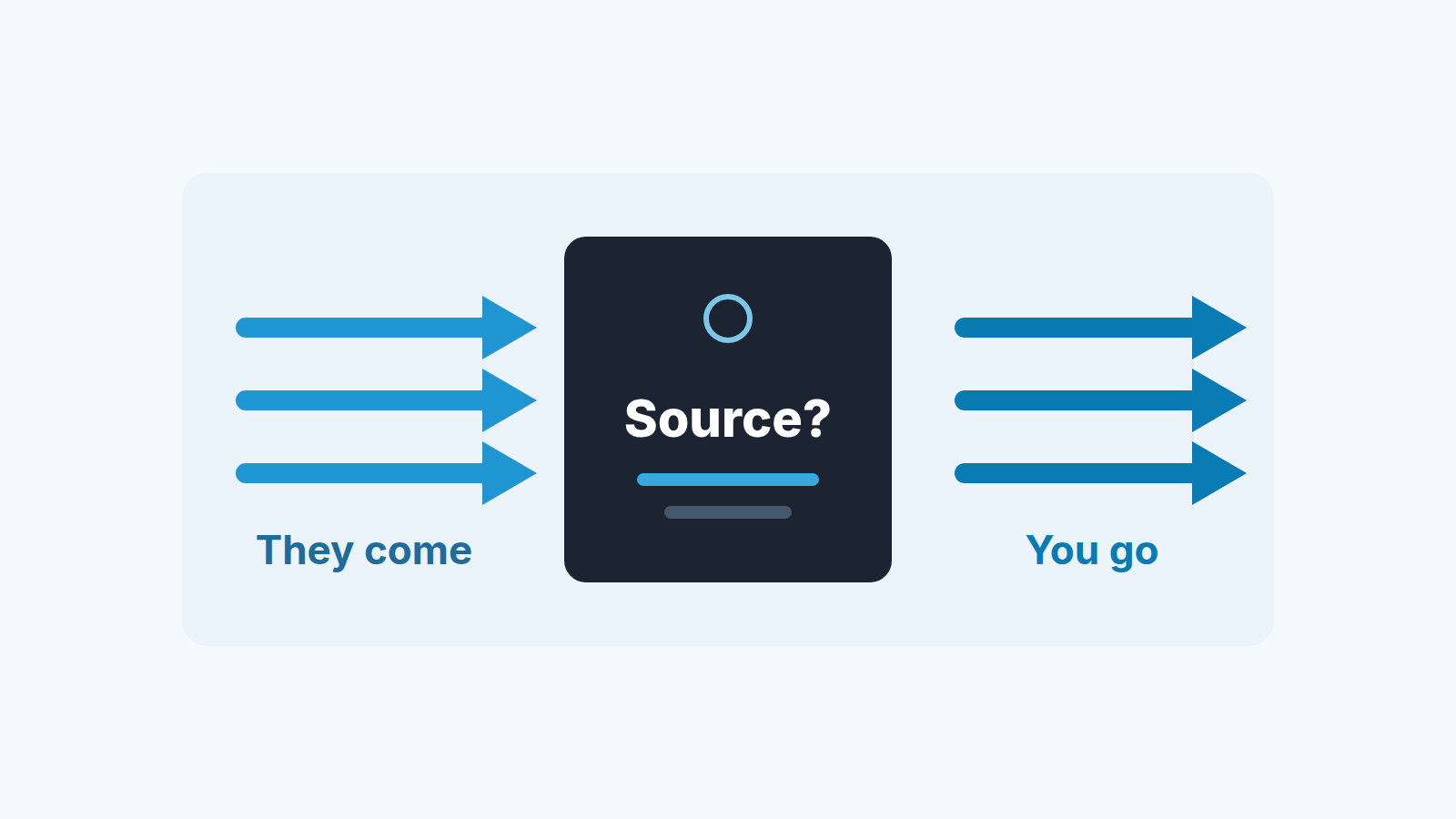
There is no universal winner between inbound and outbound sales. Inbound means the buyer comes to you first, through a form, a search or a referral; outbound means your team makes the first contact, with a cold email or a call. Inbound usually costs less per lead, outbound gives you a more predictable start, and the right mix depends on your ticket size and how much runway you have. For a small team the reliable way to decide is to tag every deal in Pipedrive with its source, then compare win rate, cycle length and deal size per source once you have about twenty closed deals, which is our rule of thumb rather than a statistical threshold. The rest of this article is how to do exactly that, with the fields and reports you already have.
Why the usual advice stops one step short
Most of what ranks for this question gives you a verdict by company profile. Close’s view is that inbound is the cost-effective route for cash-strapped startups and outbound is the more predictable one (Close). Oneflow hands you a set of selection criteria: ticket size, business size, cash runway and market size (Oneflow). Both are reasonable. Both end the same way, with some version of “it depends on your business”.
That is true. It is also useless on a Monday morning when you have three reps, one of them half on support and you need to tell them where to spend the week.
The profiles describe an average company. Yours is not average. Maybe your inbound comes from one partner integration and converts like a referral. Maybe your cold email works because your founder writes it and it would stop working the day you hire for it. A profile cannot see that. Your closed deals can, and they are already sitting in Pipedrive. The only thing missing is a label on each one saying where it came from.
We build SalesBond, a Pipedrive-native AI mentor for SMB sales teams, so we spend our days inside other people’s pipelines. When a founder asks us “inbound or outbound?”, this is the comparison we run before answering, and often the answer surprises them.
Four numbers to compare inbound and outbound
One number is not enough. A source with a great win rate can be a source of tiny deals, and a source with a long cycle can be the one paying the salaries. So compare each source on four things.
| Number | What it answers | Where it hides in Pipedrive |
|---|---|---|
| Win rate | Of the deals from this source that closed, how many did we win? | Deal conversion report, win/loss type, viewed by your source field |
| Stage conversion | Where do deals from this source die? | Deal conversion report, funnel type, filtered by source |
| Cycle length | How long from deal created to won? | Won deals filtered by source, deal created vs won time |
| Average deal size | What is a won deal from this source worth? | Won deals filtered by source, value divided by count |
Each of those has its own article if you want to go deeper: how to calculate win rate in Pipedrive without lying to yourself, how to measure sales cycle length, and how to read stage conversion rates. Here we only care about one thing: putting those numbers side by side, inbound next to outbound.
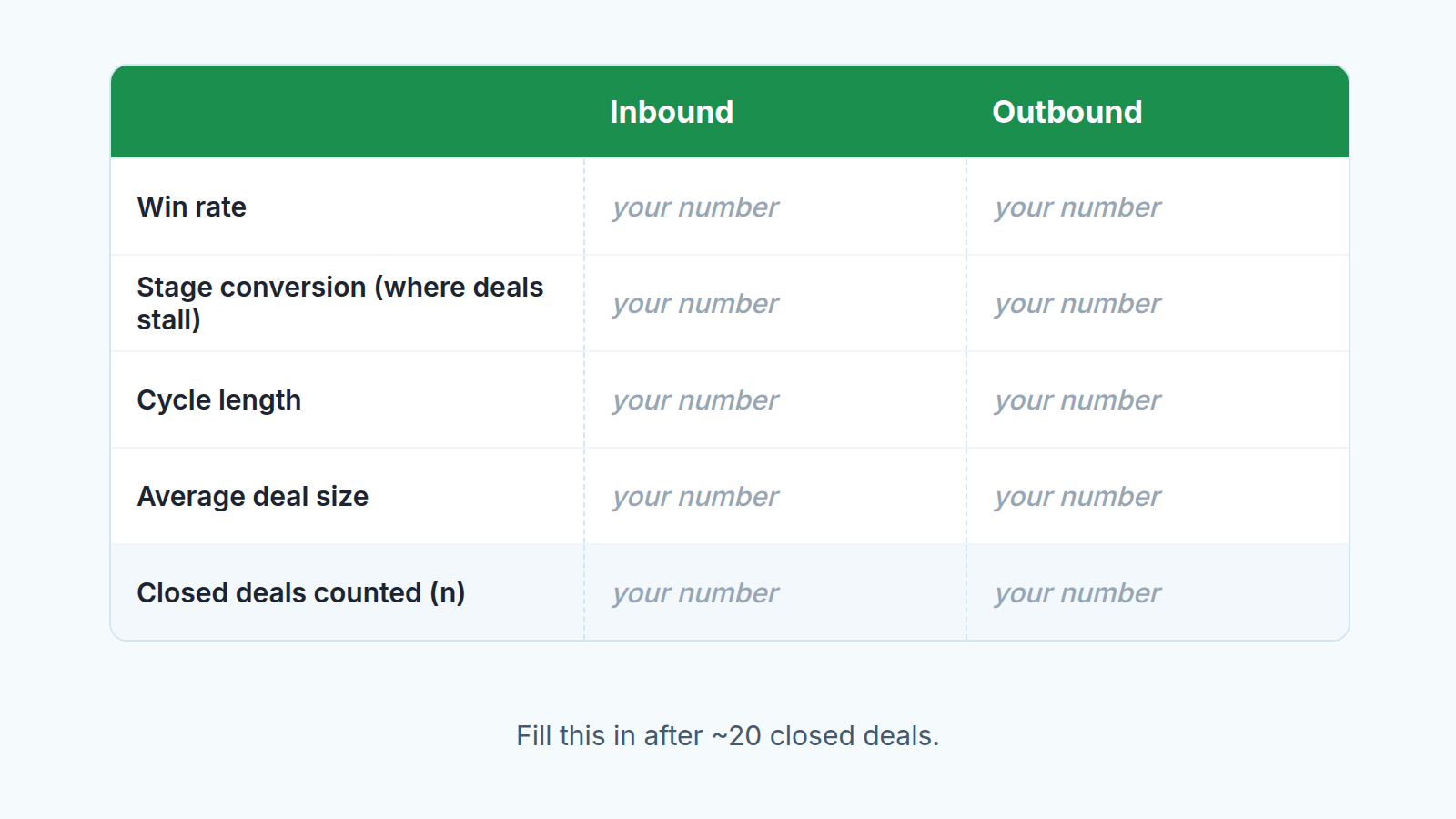
The reason to look at all four together is that they contradict each other in useful ways. Outbound deals that win less often but are twice the size are not a worse source. Inbound deals that close fast but stall in the same stage every time are telling you something about your qualification, not about inbound.
Outbound numbers are only as good as the log, so if your reps work through DMs, agree how they log outbound LinkedIn touches before you compare anything.
Give every deal a source
Pipedrive will not label your deals the way your team thinks about them. A deal created from a web form and a deal created after a cold call look identical in the pipeline until someone labels them. So the first job is a field, and the second job is making sure it gets filled in.
- Create a deal custom field called “Lead source”, type single option. Custom fields exist precisely so you can organize and filter deals by what matters to your company (Pipedrive: custom fields). Keep the list short and make the options mutually exclusive, for example: Inbound: website, Inbound: referral, Outbound: cold email, Outbound: cold call, Partner, Unknown. Prefix the inbound and outbound options so they sort together and so a rep cannot accidentally mark a referral as outbound.
- Make the field hard to skip. Pipedrive lets you mark a custom field as important (missing data is highlighted in the deal view, available from the Growth plan) or as required (the deal cannot be saved until it is filled in, Premium plan) (Pipedrive: custom fields). On a team of three to eight people we go straight to required. The rep who complains is the rep who was going to leave it blank.
- Fill it in at the lead stage. In Pipedrive, leads share the same fields as deals, with the same name and properties (Pipedrive: custom fields). Set the source when the lead comes in and it travels into the deal on its own. What counts as a lead from each source is worth writing into a sales and marketing SLA for small teams.
- Backfill the closed deals you already have. Go through the last stretch of won and lost deals and set the source from memory, email threads or the activity log. If you honestly do not know, choose Unknown. A guess is worse than a blank here, because a wrong label is invisible later and a blank is not.
For leads that arrive through a web form you can skip the typing: the form can record its own name, the referral URL and the UTM values at submission, and our guide covers lead source capture with Pipedrive web forms.
Pipedrive also has a built-in deal field called source channel, and the report builder lists it next to the custom fields (Pipedrive: deal conversion reports). We still create our own field, because then the list of values is yours and it matches the way your team actually finds deals rather than the way a form filled it in.
Resist opening a second pipeline per channel; one pipeline plus a field keeps the comparison one filter away.
One sentence for tomorrow’s standup, and it should come from whoever runs the team: “From today, a deal with no source is not a deal. If you cannot say where it came from, it does not go in the pipeline.” Say it once, enforce it for two weeks, and the field takes care of itself.
Whether a lead has earned a place in the pipeline yet is a different decision.
Reading twenty deals without fooling yourself
Twenty closed deals is our rule of thumb, and it is still a small number. Split across two or three sources, you might be looking at twelve inbound and eight outbound. Treat the result as a direction, not a verdict, and build the reports so you can rerun them next month without thinking.
Start with the win/loss conversion report. In Insights, click Create, choose Report, then Deal, then Conversion, and pick the win/loss type. By default this report shows deals created this year with a status of won or lost, with columns per deal owner. Change the “View by” to your Lead source field, and each column becomes a source with its win and loss percentages. Deal custom fields are available in this view, with one condition: using deal custom fields for filtering and building reports in the visual builder needs the Premium plan or higher (Pipedrive: deal conversion reports).
Then build the funnel conversion report with the same filter, one per source. This is where you see stage conversion, meaning the share of deals from that source that reached each stage. If outbound deals stall at the proposal stage and inbound deals stall at the demo stage, those are two different problems, and neither of them is “outbound is bad”.
Cycle length and deal size do not need Insights. Filter the deals list to won deals with the source you want, look at the created and won dates, and take the average. For deal size, sum the values and divide by the count. Twenty deals fit in a spreadsheet, do not build a dashboard for something you can do in ten minutes.
If you are on a plan without custom fields in the report builder, the deals list is still filterable by your custom field, so you can count won and lost by hand from the same filtered view. It is slower and it works.
Three habits keep a small sample honest:
- Look at the median deal size as well as the mean. One large contract in eight outbound deals makes outbound look like the better source for a quarter and then disappears.
- Count the deals behind every percentage. A win rate built on four deals is a coin toss with a decimal point.
- Ignore differences you cannot see at a glance. If the two sources are within a few points of each other, the honest reading is “no difference yet”, and you decide on cycle length and effort instead.
When the data is thinner than that, say two or three outbound deals because you only started outbound last month, do not compare. Keep tagging and compare at the next twenty. In the meantime, the one number you can already trust is cycle length, because even three deals show you whether outbound takes weeks or months to close in your market.
Deciding the mix, then checking again
With the four numbers side by side, the decision is usually short, and most teams end up with a hybrid mix rather than all of one or the other. We look for one of three patterns.
Both sources win at a similar rate but one is clearly faster, and you are short on runway. Lean into the faster one now and keep the slower one alive at a low level, because cycle length is the number that decides whether you make payroll in a bad quarter. This is the data version of Close’s point about predictability and Oneflow’s point about cash runway; the difference is that you are reading it off your own deals. If the one to keep alive is outbound, here is how a small team can prospect each week without SDRs.
One source wins less often but closes much larger deals. Do not cut it. Work out the stage where its deals die, from the the funnel report, and fix that stage. That is almost always cheaper than finding a new source.
One source wins, closes fast and brings decent deals, and the other does none of those. Then the question is not the mix but capacity: how many more deals can that source produce before it runs dry, and how fast does your team respond to it. For inbound in particular, response time changes the outcome, and we wrote up how to measure and improve speed to lead in Pipedrive for exactly that situation.
If you want one number instead of four, sales velocity combines deal count, win rate, deal size and cycle length into revenue per day, and you can compute it per source from the same filtered views. It makes the comparison easier to say out loud. It also hides which of the four is doing the work, so keep the scorecard next to it. For the smallest deals, also weigh what a deal is worth against the hours it takes.
Set a date to rerun the reports. The first twenty deals told you where to put the next quarter. The next twenty will tell you whether you were right, and because the source field is now on every deal, the second comparison costs you nothing but a rerun of the same filters and a bit of honesty about the sample size. That scorecard, rebuilt every quarter from the deals you actually closed, is the only answer to “inbound or outbound” that was ever about your company.


