
Speed to lead is the time from a lead arriving to a first real attempt to reach it. In Pipedrive, track it as hours between lead creation and first logged activity, review the list of leads with no activity every morning, and set an SLA you can actually hit, such as the same working day, rather than copying a five-minute benchmark.
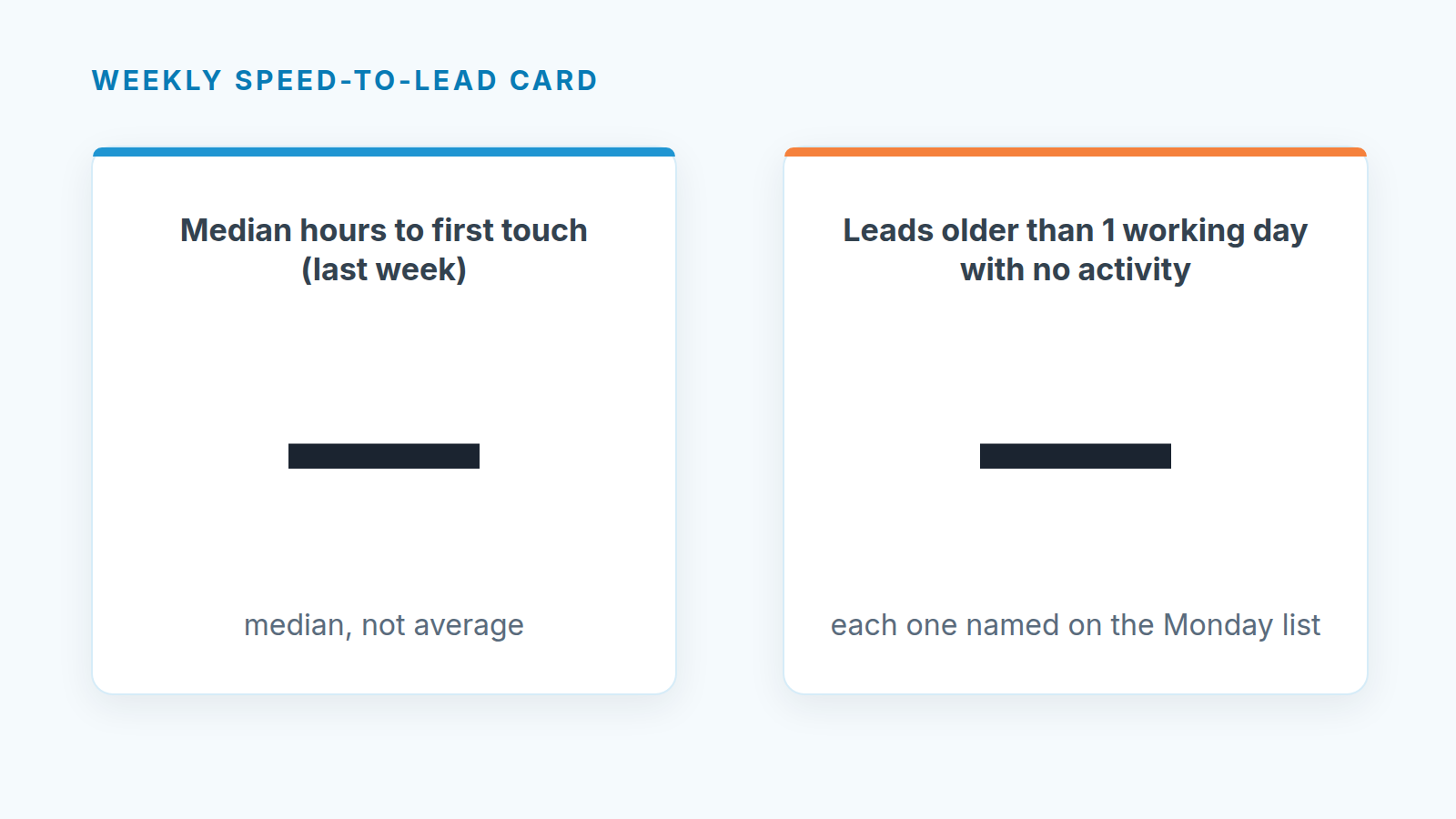
That fits into two numbers you can read out on Monday: the median hours to first activity last week, and how many leads are older than one working day with nothing logged against them. The rest of this piece is how to get those numbers out of Pipedrive and what to do when they look bad.
The five-minute rule was written for someone else
Search for speed to lead and you will hit a wall of vendor pages repeating some version of “call within five minutes.” Most of them sell the thing that makes five minutes possible: a dialer, a scheduler, a routing engine. That doesn’t make them wrong. It makes them written for a team that has people whose whole job is to sit and wait for the form to fire.
A five-person team doesn’t have those people. The person who should call the new lead is also running a demo at 10, writing a proposal at 11, and chasing a contract that was supposed to be signed on Friday. Ask them for five minutes and you get one of two outcomes. Either they drop whatever they were doing every time a lead lands, and the demo and the proposal get worse. Or they quietly ignore the rule, and since nobody can meet it anyway, nobody measures it.
The second outcome is the common one and it is the expensive one. The damage on a small team rarely comes from a lead that waited forty minutes instead of five. It comes from the lead that came in on Thursday afternoon, sat in the Leads Inbox over the weekend, and got its first email the following Wednesday, by which point the buyer had booked calls with two other vendors.
So we think the target for a team without SDRs should be boring: every new lead gets a real first touch the same working day, and none survives into the next morning untouched. You can hit that while still doing the rest of your job. And once you hit it reliably, you have earned the right to tighten it. The same goes for the customer who calls you: a missed inbound call needs a same-day answer too, and our missed call follow-up rule shows how to give it an owner.
The same speed matters after booking: a lead who books fast and never shows is a no-show you can measure, not a lost deal.
Measure speed to lead with what Pipedrive already has
You don’t need a new tool to measure lead response time. You need lead creation time and first activity time for the same lead, which Pipedrive already records. Here is a way to pull it once a week. Menu names below are from the Leads Inbox and Activities list views.
- Decide what counts as a first touch. We’d count a logged call, a sent email, or a meeting booked with the lead. We would not count an auto-reply from a web form or a task someone created for themselves (“call this person”), because neither reaches the buyer. In the report, a WhatsApp reply counts as a first touch only if it lands on the right deal.
- In the Leads Inbox, build a filter for leads created last week (Monday to Sunday). Save it, so next week it is one click.
- Export it (“…” > Export filter results) with the lead title, owner, source and creation date.
- In the Activities list, filter to activities marked done last week and the week before, of the types you picked in step 1, and export them with the done time plus the linked lead and linked deal columns. The export carries both, and you will need the deal one.
- In a spreadsheet match each lead to its earliest qualifying activity. Subtract creation time from activity time. Leave working hours out of the first version; calendar hours are fine to start.
- Take the median, not the average. One lead that sat for nine days will drag an average into a number that describes nobody.
- Count the leads with no qualifying activity at all. Those go on the report as their own line, not hidden inside the median.
If the source column in that export is mostly empty, fix it at the form rather than with the reps, by letting the web form record lead source.
Converted leads need their own rule. When a lead becomes a deal, Pipedrive moves its activities to the new deal, along with notes, the person and the organization. So the first call on a converted lead shows up in the export against the deal, not the lead. For every converted lead, match on the deal. Always, not as a spot check. And if you slice the median by Hot, Warm and Cold, remember that labels do not follow the lead into the deal unless label copying was switched on before conversion.
A converted lead doesn’t stay among the open leads in the Leads Inbox, so an export of open leads won’t have it. Lead statistics still count it, as closed. Add the deals those leads turned into to your calculation, or the median will quietly throw out the leads that moved fastest.
When a lead should become a deal at all is covered in Pipedrive leads vs deals.
The whole export takes about as long as a coffee once the filters are saved. Put the two numbers wherever your team already looks every week; if you have a short list of leading metrics on the Monday agenda, this belongs on it, since it moves before revenue does.
The 9am list
The weekly number tells you whether things are getting better. It doesn’t save the lead that came in yesterday at 4:40pm. For that you want a list someone opens every morning before their first meeting.
Make it a saved filter in the Leads Inbox: leads created before today, not archived, oldest first. Then work from the other side: take yesterday’s done activities from the Activities list and cross off every lead that has one. What’s left is the list.
The rule for the list is short. It should be empty by lunch. Every lead on it either gets a first touch, gets archived with a reason, or gets an owner who says out loud when they’ll do it. “I’ll get to it” doesn’t count as an owner. Event contacts are the easiest leads to lose here, because they arrive in a batch after the show; our routine for them gives each one a next step while the conversation is still fresh.
Two things make this list stick on small teams. First, one person looks at it every day, even when the whole team is responsible for the leads on it; shared lists with no reader rot the fastest. Second, it stays short. If it regularly has twenty leads on it at 9am, the problem isn’t discipline, it is capacity or lead quality, and that is a different conversation from this one. If converted Web Visitors companies land on it too, agree first on what counts as a reason to call a Web Visitors company.
This is the same idea as making sure every open deal has a next activity, applied one step earlier, before a deal even exists. Teams that already run that habit usually find this one easy to add. Once the lead is touched, see what the cadence looks like after the first touch.
Setting an SLA people will keep
An SLA only works if the team agrees it is fair. Write it down, keep it short, and make the exceptions explicit so nobody has to argue about them at 5pm on a Friday.
Here is a starting point for a team of three to eight salespeople who also demo and close:
| Lead arrives | First touch by | Who |
|---|---|---|
| Working hours, before 3pm | Same day | Owner by territory or round robin |
| Working hours, after 3pm | Next morning, before 11am | Same owner |
| Evening or weekend | Next working day, before noon | Whoever runs the 9am list |
| Owner out of office | Same rules, next person on rotation | Named in the rotation, not “the team” |
Adjust the times to your day, but keep the shape. The cut-off (3pm here) matters more than the exact hour, because it tells a rep in the middle of a demo that a lead arriving at 4 can wait until morning without them feeling guilty about it.
New leads for an absent owner go to the next person on rotation, but the deals that rep already has are a different job, and followers cover them without a reassignment.
Then decide what happens with leads that can’t be reached. A wrong number or an email that bounces is still a first touch attempt, and it should be logged as one, so the lead leaves the 9am list and your report doesn’t punish the rep for bad data. Give unreachable leads a fixed short sequence, for example two more attempts across different days and channels, then archive with a lost reason you can count later. Without that step, the untouched count fills up with leads nobody can do anything about and the number stops meaning anything. Trial signups are leads too and fall under the same rule; whether a rep also calls depends on what they did in the product, as in free-trial signups in Pipedrive.
Review the SLA after a month of weekly numbers. If the median sits comfortably inside it, tighten the after-3pm rule. If it doesn’t, look at who the late leads belong to before changing the rule; usually it’s one overloaded person, not the whole team.
Who owns a lead nobody claimed
On a small team, leads that arrive without an obvious owner are the ones that wait longest: a generic contact form, a referral forwarded by someone outside sales, an inbound call that got written down on a sticky note. Everyone assumes someone else picked it up.
Settle this once, in writing. Unassigned leads belong to whoever runs the 9am list that week, and they either touch the lead or hand it to a named person before lunch. Rotate that role weekly so it doesn’t become one person’s permanent tax, and keep the handover in Pipedrive by changing the the owner rather than in a chat message that disappears. If a lead slips anyway, it will show up on Monday’s untouched count with a name next to it, and that conversation is usually enough to make the rule real. The same rule holds for a shared address like info@: assign each shared-mailbox email to one person the same day. For the broader set of routines that keep records clean week to week, see our notes on B2B sales pipeline hygiene.


