

Lead conversion rate in Pipedrive is the share of leads that were converted to deals. The Insights lead conversion report shows it by lead source: converted leads × 100 ÷ all leads in the period (Pipedrive: Insights reports, lead conversion). It says nothing about whether those deals were later won. It measures how well your Leads Inbox turns into pipeline, not how well your pipeline turns into revenue, so read it next to win rate and never instead of it.
Lead conversion is not win rate: three conversions in Pipedrive
“Our conversion is up” is a sentence we hear in pipeline reviews, and half the time the people in the room mean three different numbers. Pipedrive has three places where something converts, and each one answers a different question.
| What people call it | The fraction | Where it lives in Pipedrive |
|---|---|---|
| Lead conversion | leads converted to deals ÷ all leads | Insights, lead conversion report |
| Stage conversion | share of deals that reached each pipeline stage | Insights, deal conversion report, funnel type (our guide) |
| Win rate | deals won ÷ deals won plus lost | Insights, deal conversion report, win/loss type (the version you can trust) |
Pipedrive’s help page draws the first line for you: the lead report is for leads becoming deals, and if you want the percentage of won deals, that is the deal conversion report (Pipedrive: Insights reports, deal conversion). The lead number is the earliest of the three, which is why it is also the easiest to inflate. Converting a lead costs one click. Winning a deal costs a quarter.
How to find lead conversion rate in Pipedrive Insights
Open Insights, click “+ Create”, then pick Report > Lead > Conversion. Out of the box it shows the lead-to-deal rate for leads created this year, grouped by lead source, as a column chart or a single scorecard (same help page as above). Click a column and the table underneath lists the leads behind it, with the lead status “converted to deal” on the ones that made it.
Pipedrive’s help page does not say whether archived leads are counted in the denominator by default, so treat archived leads as a rule your team sets and writes into the saved report’s filters. What the page does show is that Archive time and Lead status are both fields you can view the report by. Archived leads are something the report knows about. Whether they belong in your fraction is a decision, and it should be made once, not by whoever built the report.
We keep archived leads in. A source that fills the inbox with people you had to archive should look bad on this chart.
You can measure the conversion by number of leads or by lead value in your default currency. For the weekly check below, use the number of leads, because value hides a dozen small conversions behind one large one.
Set one rule for when a lead becomes a deal
Here is the part the help page does not cover. The report compares sources, but what it actually measures is the moment a rep decides a lead has earned a pipeline slot. Say Maria converts on the first reply and Tom converts the moment a web form lands: the chart is no longer comparing web forms with referrals. It is comparing Maria with Tom.
So before you read a single column agree on one line for the whole team. Ours is the one we wrote up in Pipedrive leads vs deals: the person has confirmed interest with a reply or a meeting, you know which pipeline the deal belongs in, and a next activity with a date is on the calendar. Anything short of that stays a lead.
Expect the rate to drop the week you introduce the rule. That is not a worse funnel, it is the same funnel measured honestly, and Monday’s announcement can be one line: “The lead chart will go down, the pipeline will get cleaner, and we are fine with that trade.”
By source, by owner, by age: three cuts for the weekly check
The default view is the source cut. For a weekly review we change the “View by” field twice more and spend about ten minutes on the three screens.
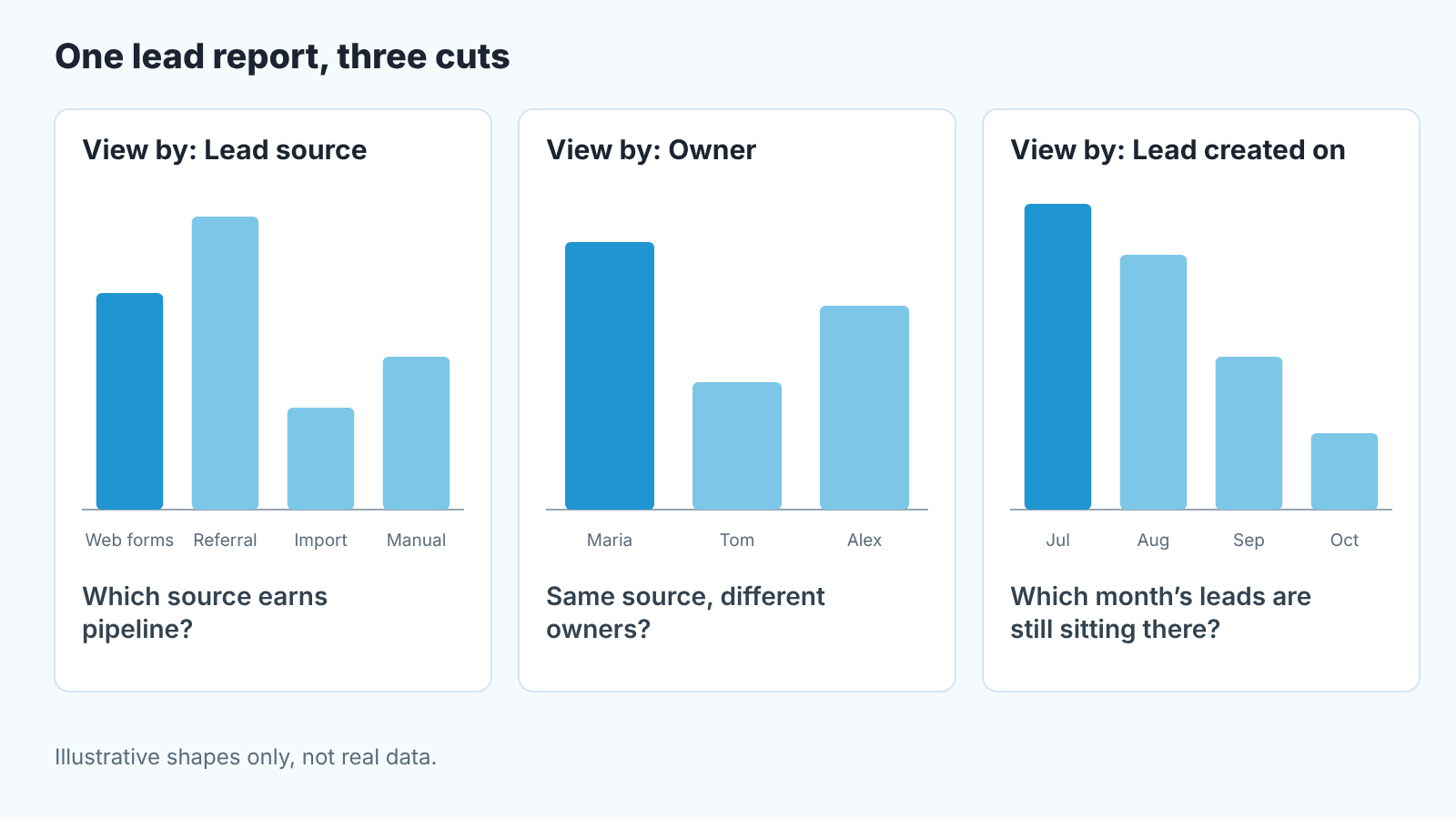
- By lead source. Hover each column and read the count before the percentage. The example in Pipedrive’s help page is two converted out of 17 manual leads; that is a shape, not a trend. Sources with a handful of leads are not ranked, they are watched. For a finer cut, switch to Source channel, which separates the form that produced the lead from the broad “Web forms” bucket (how we set up lead sources for web forms).
- By owner. Pick one source, then view by Owner. If the same source converts very differently in two reps’ hands, you have found a process gap, and it is cheaper to fix than a marketing channel. Watch for the opposite too: a rep whose rate is far above the team is often converting early, and win rate on thier deals will tell you.
- By age. View by Lead created on. Old cohorts that never converted and never got archived are the leads nobody is working, and they are the first thing to clean. Response time on fresh leads is a separate measure; we covered it in speed to lead.
When the number moves for the wrong reason: imports, duplicates, spam
A lead conversion rate that jumps or collapses in a week has almost always changed because of the denominator, not because selling got better or worse.
Imports are the usual culprit. Pipedrive’s help page lists Import as one of the lead sources in its example chart. Picture a list from a trade show: it arrives in one day, converts slowly, and pulls the overall scorecard down for the rest of the year. Read Import as a source of its own in the column view and keep it out of the number you compare across months.
Duplicates do the opposite. The same person comes in twice, one copy gets converted, the other gets archived, and that source now reports one in two. The Leads Inbox has a merge duplicates function (Pipedrive: Leads Inbox); use it before you convert, not after the the quarter ends.
Spam from web forms is where we take a position. It lands as a lead, it counts as a lead, and the web-form source looks worse for it. We leave it in on the source view and filter it out on the owner view once the team has labelled it, because a rep did not create the spam and should not carry it. The source did, and should.
Putting lead conversion next to win rate
Put the two charts on one dashboard and read them as a pair. High lead conversion with low win rate means the team converts too early, or the source produces people who talk and do not buy. Low lead conversion with high win rate means the rule is strict, which is fine, unless the inbox is leaking and nobody is working the leads that fall short. Both high is the source you scale. Both low is the source you stop paying for.
The lead chart alone would have praised the first case and punished the second. Both readings would be wrong.
What is a normal lead conversion rate? We have not seen a benchmark we would stand behind, and a rate measured on a loose conversion rule is not comparable with one measured on a strict rule anyway. The useful comparison is with your own earlier cohorts, counted on the same rule.
A disclosure, since we are at the dashboard question. We build SalesBond, a sales management layer on top of the CRM a team already uses; we started with Pipedrive. If your lead report and your win rate have never been on the same screen, check your CRM with SalesBond and start with those two.


