
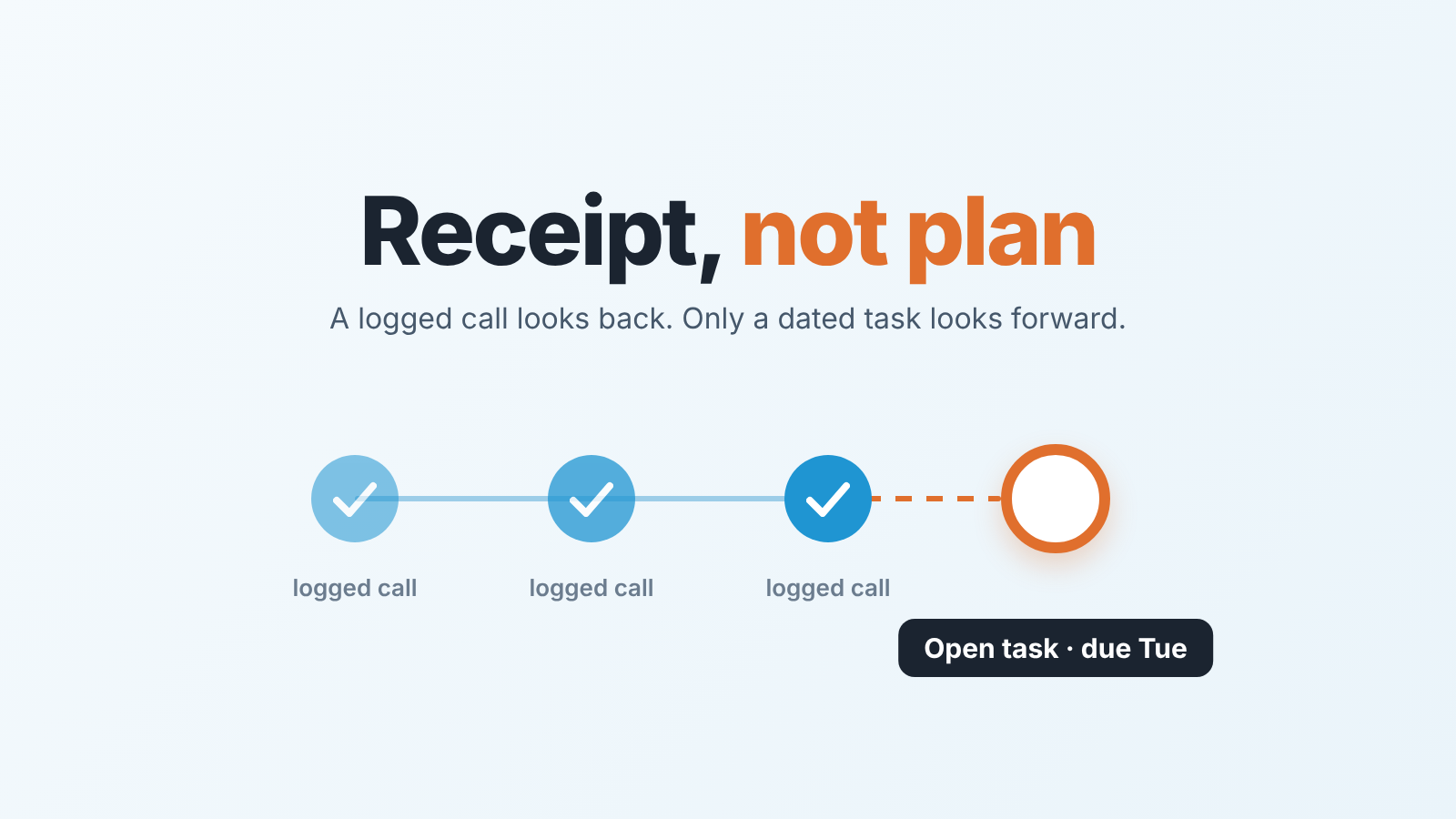
In Salesforce, Log a Call records a call that already happened; it is not a next step. Next steps belong in Salesforce tasks: give every open opportunity exactly one open task with a due date, and once a week look at the opportunities that have none. That is the whole rule. The rest of this article is why reps break it without noticing, what each activity record is for, and how a manager checks the rule in five minutes instead of reading every opportunity.
Log a Call is not a next step
Here is the version of the problem we see most often. A manager, call him Tomasz, runs a 1:1 on a Wednesday with Lea, the rep with the busiest activity timeline on the team. He opens her biggest open opportunity, Harlow Freight, and scrolls. Call logged last Tuesday. Call logged Thursday. Email logged Friday. Call logged Monday with a note: “spoke to ops lead, positive, will circle back”. The timeline is a wall of green checkmarks.
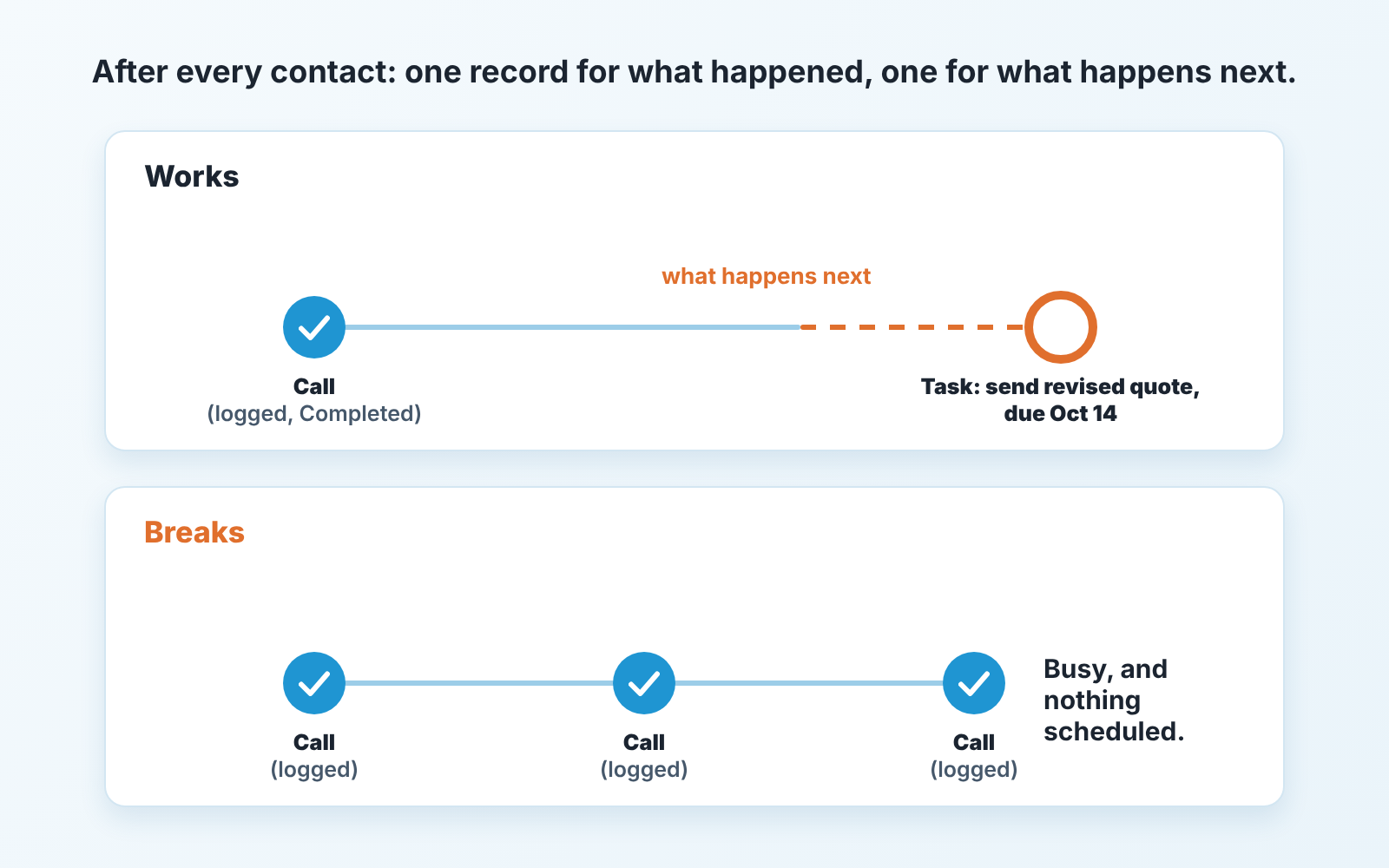
He asks what happens next. Lea says she will call again next week. Which day? She is not sure. Is there a task for it? No, she logged the call, and the notes say she will follow up. From her side the opportunity is well documented, and it is. From the pipeline’s side, nothing is scheduled on it at all.
That is the confusion in one record. Log a Call saves a Task record, normally with Status set to Completed, so it lands in the activity timeline under past activity (Supered: Log a Call in Salesforce). The status is picked in the form and starts out as Completed. A rep can change it, but that is not what the button is for: use Log a Call “when something already happened”, as salesforcetraining.com puts it. So in practice it is a receipt. A receipt for work done is a good thing to have, and the minimum a call note should contain is worth agreeing on separately. But a receipt points backwards.
There is a second trap, and it hides Lea’s problem from every activity report. On the opportunity, Last Activity is the date of the most recent event or the most recently closed task (Salesforce Opportunity object reference). Every logged call moves it forward. An open task due next Tuesday does not move it at all. A timeline full of logged calls therefore looks alive by the one date most reports sort on, while nothing on it looks forward.
Reps are not being sloppy here. Logging a call is the thing Salesforce makes easiest after a conversation, and “will circle back” feels like a plan when you type it. It is a plan in a text field with no date and no owner that any report can see. Two months later the opportunity is still open, the last activity is a logged call, and the reason it stalled is that nobody ever created the one record that looks forward.
Salesforce activities: task, event, logged call
In Salesforce, activities are tasks and events; a task is a to-do with a due date, an event is a meeting with a start and end, and Log a Call is a task, not a third object. Trailhead says the same in fewer words: “activities are the events and tasks that your sales reps manage in Salesforce” (Trailhead: Maximize Sales Rep Productivity). Call is simply one of the standard subtypes of a task (Task object reference). That is exactly why a logged call gets mistaken for a next step: it is a task, it lives with the tasks, and it is usually closed the moment it is saved.
Which of these counts as a next step:
- An open task: something a person still has to do, with a due date and a status other than Completed. Yes. It is the only record here that always counts.
- An event: a meeting on the calendar with a start and an end. Yes for that meeting, and only until it happens.
- A logged call, saved as a task, normally Completed. No, it is the record of the last step.
- A logged email, already sent or received. No.
One honest wrinkle: an event is a next step right up until the meeting ends, and then it quietly stops being one. A rep who books a demo for the 14th has an opportunity with a plan on the 13th and an opportunity with no plan on the 15th, unless the demo produces a new task before everyone leaves the room. We treat the event as a next step and the task as the thing that survives the event.
The rule: one open Salesforce task, one date
After every contact with the customer, two records. One that says what happened (Log a Call, or the logged email), and one that says what happens next, with a due date. The first can be short. The second cannot be missing.
Then a second half that managers skip: exactly one open task, not several. Three open tasks on an opportunity is a to-do list, and a to-do list has no next step, it has options. When a rep tells Tomasz “I have tasks on it”, he asks which one is the next step, and if the answer takes more than a second the opportunity does not have one. One open task per open opportunity means the record can be read in a glance: subject, due date, done.
The due date is the part reps negotiate. “Follow up” with no date is the Next Step text field in a task costume. We hold a firm line here and the reason is plain: a task without a date never shows up as overdue, so it never shows up at all. It can sit open for a quarter and no report will ever flag it. A task dated next Tuesday either gets done or turns red, and either outcome tells the manager something. The same logic drives why a next activity date is the one field worth policing on any CRM; Salesforce just calls the field Due Date on the Task.
Say it on the planning call like this, and say it once: “From Monday, an open opportunity without an open task with a date is an opportunity nobody is working. I will pull that list every week. If you are on it, I am not asking why the deal is slow, I am asking what the next step is.” Reps can live with that. It is a rule about a record, not about them.
The five-minute check on Monday
The point of the rule is that the manager stops reading opportunities and starts reading one list. One report, saved once, opened on Monday: open opportunities with no open task.
If you set up the weekly list from our Salesforce reports for a sales manager, “quiet deals” there means no recent activity; here it means no future task, and Lea’s busy opportunity would pass the first check and fail this one.
What the list needs, as a specification rather than clicks (your admin or the report builder will get you there, and the exact route depends on your setup):
- Opportunity records only, filtered to open stages (Closed Won and Closed Lost out).
- A condition that keeps only opportunities with no open task (no task with a Status other than Completed). Completed tasks and logged calls must not count, or the list goes empty and lies to you.
- Columns: Opportunity Name, Owner, Stage, Close Date, Last Activity. Because logged calls move Last Activity, a recent date on this list means a busy rep with no plan, and an old one means plain silence.
- Grouped by Owner, so the Monday conversation is one row per rep, not one row per deal.
Before trusting it, test it on three opportunities you know: one with an open task, one with only logged calls, one with nothing at all. The first must be missing from the list and the other two must be on it. If the one with only logged calls disappears, the condition is counting closed tasks.
A second list, optional: open opportunities where the open task’s Due Date is already in the past. That is the rep who made a plan and did not keep it. It is a different conversation from the rep who never made one, and worth keeping separate for a few weeks until you know which habit your team has.
Read the first list top to bottom, which on a team of six to eight reps takes about as long as a coffee. Each row is a question with a one-sentence answer: what is the next step and when. The rep adds the task during the call or right after, and the row is gone next Monday. Do not fix the rows yourself. A manager who creates tasks on reps’ opportunities teaches the team that the list is the manager’s problem. Who owns which record is worth writing down once, and we did that in who owns CRM data on a small sales team.
If the list is longer than twenty rows the first time, do not announce the rule and the list in the same week. Clean it with the team once, then start counting. Run the unowned records audit for queues in the same Monday slot.
What to do with the Next Step text field
Salesforce also has a Next Step field on the Opportunity itself. Its own object reference describes it as “Description of next task in closing opportunity”, with a limit of 255 characters (Salesforce Opportunity object reference). Teams ask whether it replaces the task. It does not, and we would rather you keep both than lean on the field.
The field is a sentence. A task is a sentence with a date, an owner, a status and a place in the reports. “Send revised quote after ops review” in the Next Step field tells a reader what the plan is; the same words as a task due on the 14th tell the reader whether the plan is late. The field cannot be overdue. It cannot be marked done. It stays exactly as typed until somebody retypes it, which is why so many opportunities say “follow up” in Next Step six weeks after that follow-up either happened or did not.
So our split is this. The Next Step field is for the reader of the opportunity: the manager scanning a list view, the colleague covering during a holiday, the rep’s own future self. Keep it filled, and keep it in plain words. The open task is for the system: the thing that shows up on the rep’s Monday, turns red when missed, and keeps the opportunity off the the five-minute list. When the two disagree, the task wins, because the task has a date.
A practical touch that makes the pair work: when the rep creates the next task, they paste it’s subject into Next Step. Thirty seconds, and the field stops rotting. If you audit Next Step as one of several opportunity fields each week, we covered the thresholds in the Salesforce opportunity audit; this article is only about the record behind that field.
A disclosure, since we are on the subject of catching this automatically: we build SalesBond, a sales management layer on top of the CRM a team already uses, and Deal Health, with more than 20 rules, flags open deals with no scheduled next step without anybody building the report. Check your CRM with SalesBond if you would rather not maintain the list by hand. The rule itself costs nothing and needs no tool.
Back to Tomasz and the Harlow Freight opportunity. The fix took under a minute. Lea created one task, “Call ops lead re: pilot scope”, due the following Wednesday, and pasted the subject into Next Step. Nothing about the deal changed that day. What changed is that a week later it was either done or red, and the pipeline review spent its fifteen minutes on the red ones. Busy timelines are easy to produce. A date somebody has to keep is harder, and it is the only part of the record that tells you the deal is still alive.


