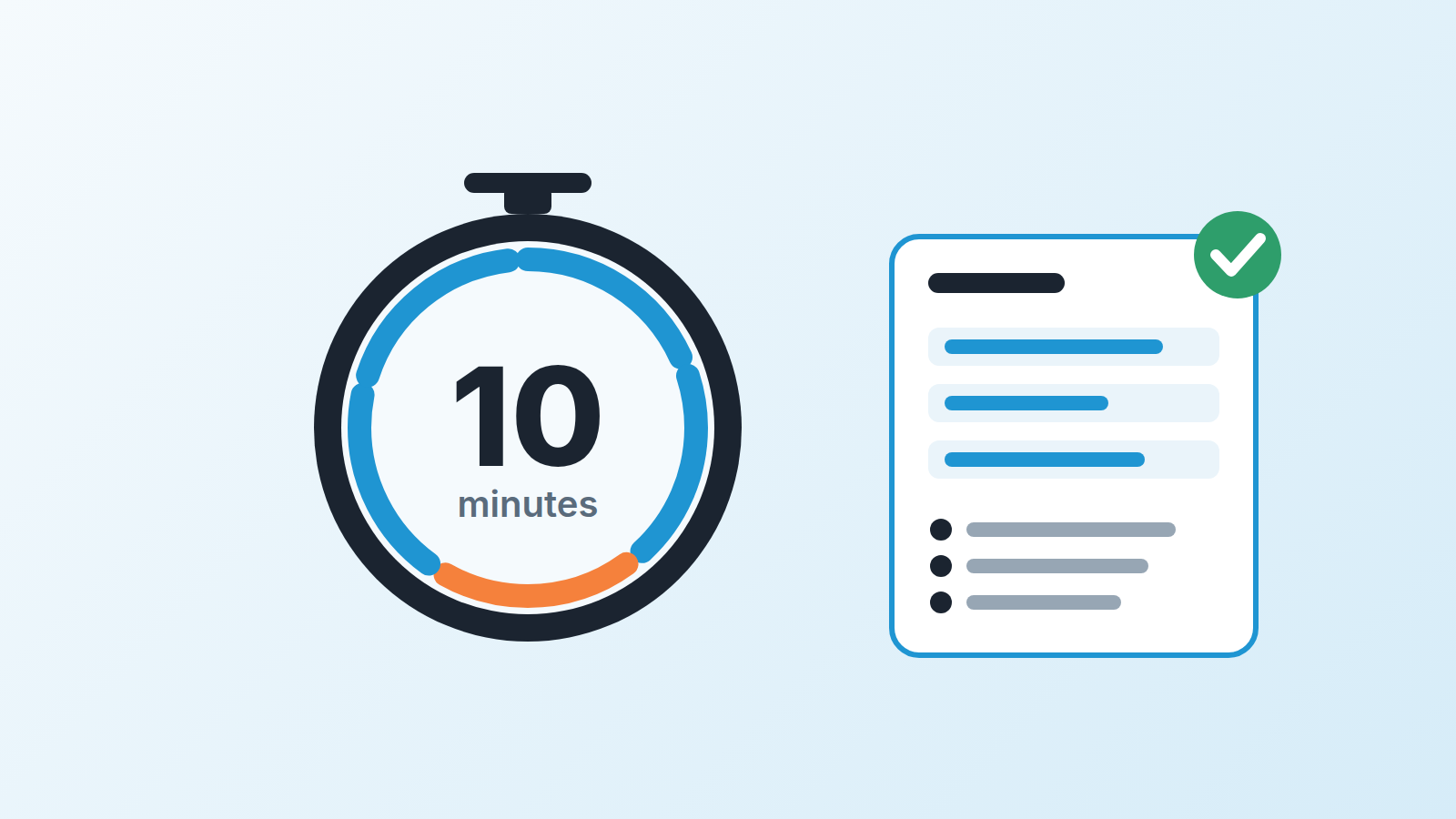
Sales call preparation from a Pipedrive deal takes about ten minutes. Open the deal and read five things: the stage and when it last moved, the latest notes, the last email thread, the open activities, and the next step someone promised. Then ask an AI assistant to compress all of that into a short brief with one guess about what the customer is trying to achieve, and finish by writing three questions you will ask. That is the whole method. The AI saves you the reading; the thinking is still yours, because the model only knows what somebody wrote down in the deal.
Walking into a call you didn’t prepare for
You know the call. The reminder fires, you click the link, and the customer’s first sentence is “so, where did we land on the pricing question?” You have no idea. You were on three other calls today. You open the deal while nodding, scroll past a note from six weeks ago, and buy time with “remind me how you were thinking about it.”
The customer notices. Not loudly, but the call slides from “we are deciding together” to “the vendor is catching up.” Most of us have been that rep more often than we’d like to admit, and every time the fix was the same ten minutes nobody took.
Reps skip prep because the information lives in six places inside one deal card, and reading all of it feels like a twenty-minute job. Here is how to make it a ten-minute one, with an assistant doing the reading and you doing the deciding.
What to read in the deal before anything else
Start with the stage and how long the deal has sat there. A deal that moved to Proposal Sent on Monday and one that has been in Proposal Sent for seven weeks need very different first sentences. The stage tells you what your team believes has happened; the time in stage tells you whether the customer agrees.
Then the notes, newest first. Whoever wrote them was trying to tell you something: the objection in the customer’s words, who else needs to sign, the number they flinched at. If your team keeps notes the way we recommend in the five-line call note, this takes a minute. If notes say “good call, they seemed interested,” you will spend longer and learn less and that is a conversation for the team after the call, not now.
Next, the last email thread linked to the deal. Email is where promises get made in writing. “I’ll send the security questionnaire by Friday” matters, especially when Friday was two weeks ago and nothing went out.
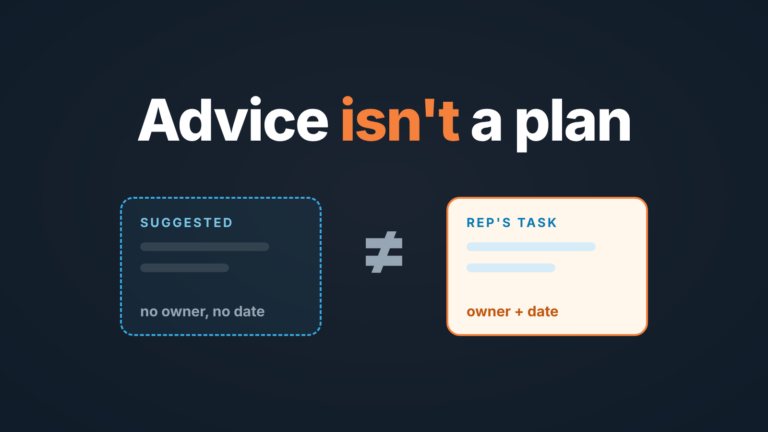
Then open activities and the next activity date. A scheduled activity is the agreed next step, and today’s call should either complete it or explain why it moved. No activity means nobody agreed anything, and your first job is to leave the call with one. We have written about why a deal without a next activity is a deal nobody owns; the same applies to the call you are about to take.
Finally, the people. Who is linked to the deal, who wrote the last email, who is on today’s invite. When those are three different names you are probably single-threaded, and the person you are about to meet may not be the one who decides.
That is the raw material. None of it needs AI. What AI changes is how fast it turns into a page you can glance at while the customer talks.
A ten-minute sales call prep routine
This is our process, not a standard. Adjust the minutes to the deal size; keep the order.
- Minutes 0 to 2. Look at the stage, the time in stage and the next activity, then decide what you want to leave the call with. One sentence, written down: “Agree on a pilot start date” or “Find out who signs.” If you can’t write it, the rest of the prep is decoration.
- Minutes 2 to 4 go to the notes and the last thread. Collect what was promised, by whom, and what the customer objected to, and copy the two or three lines that matter into a scratch note.
- From minute 4 to 6, ask the assistant for a brief. Paste the notes and emails (or use the built-in summaries if your plan has them, more on that below) and ask for four things: what the customer wants to achieve, what has been promised in each direction, what is still open, and one hypothesis about the pain driving the timeline, labeled as a guess.
- Minutes 6 to 8 are the check most people skip. Every claim in the summary should point to a note or email you just skimmed. If the model says “the customer is evaluating two other vendors” and you can’t find that line, strike it. Models fill gaps with plausible sentences, and a plausible sentence said out loud to a customer is how you lose trust.
- The last two minutes: write three questions. One about the open item (“The questionnaire was with legal; where did that land?”), one about the hypothesis (“Is the Q1 launch what’s driving the date?”), one about the people (“Who else will weigh in before you decide?”). Put them at the top of the scratch note.
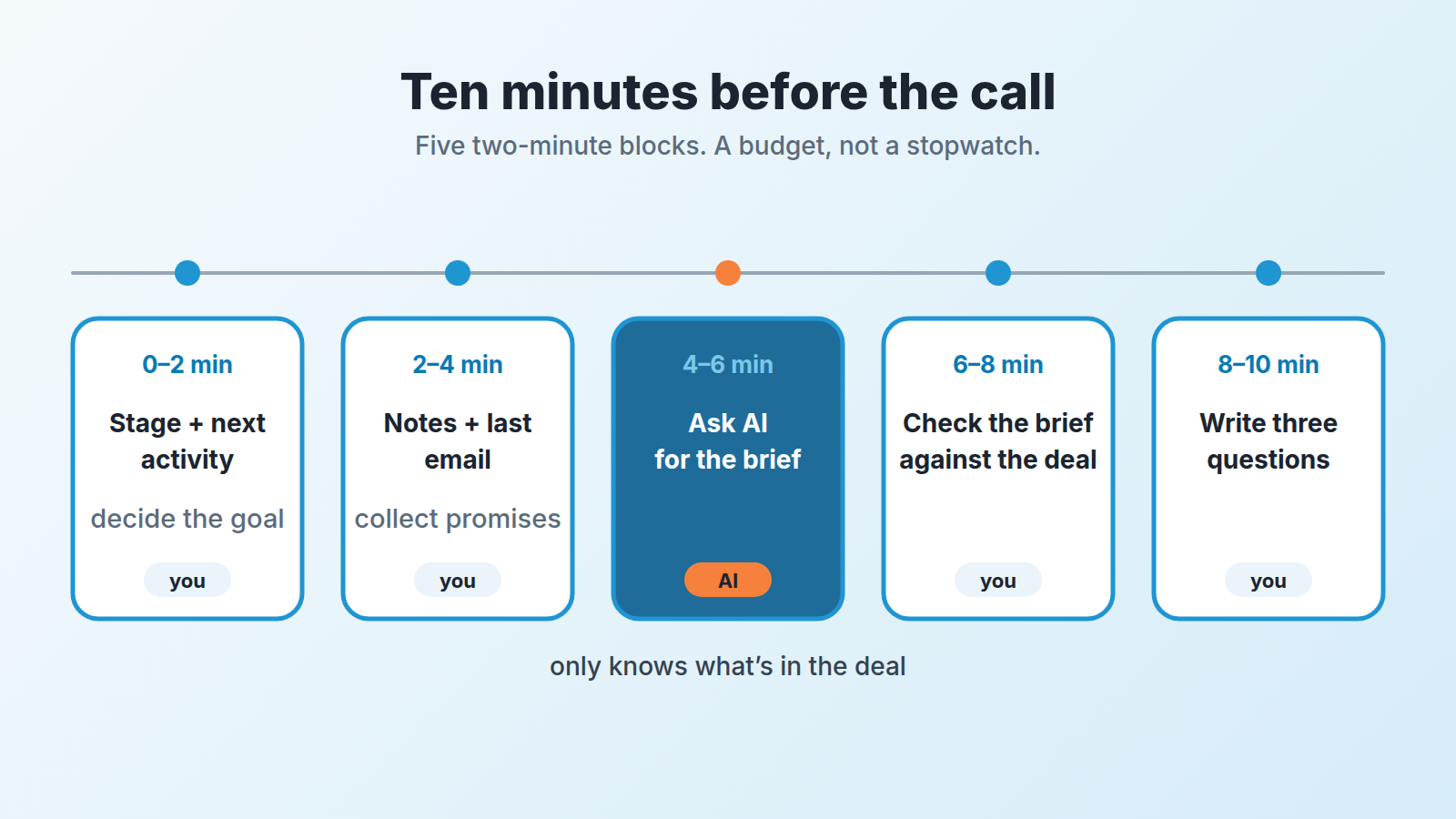
Ten minutes is a budget, not a stopwatch. On a six-figure renewal you will spend thirty. On a first discovery call with two notes in the deal you will spend five, most of it on the questions.
What to ask the model, and what to leave to the rep
Give the model the job it is good at: reading a long thread faster than you can and sorting it into promised, open and objected to. A prompt that works for us:
“Here are the notes and emails from one deal. Summarize in under 150 words: what the customer wants to achieve, what we promised them, what they promised us, what is still unresolved. Then give one hypothesis about why they are buying now, labeled as a hypothesis. Do not add anything that is not in the text.”
That last sentence matters more than teh rest. Without it the model will helpfully invent a budget, a competitor or a decision date, and you will walk in believing it.
Keep three things for yourself. The goal of the call: the model doesn’t know what you need from this conversation and will default to something like “build rapport.” The questions: a model’s questions are reasonable and bland, yours should come from the specific line in the notes that bothered you. And the judgment about the person. A readiness-to-buy score from an email summarizer can be useful, but a human who has spoken to this customer twice knows more than a number derived from one thread.
Prep and write-up are different jobs. What an assistant may write into Pipedrive after the meeting is a separate question, covered in what to let an AI notetaker write into your CRM. Here we are only talking about what you read before you pick up the phone.
Pipedrive’s own AI tools for this, by plan
You may not need to paste anything into a chat window. Pipedrive’s AI overview (Pipedrive Help: Pipedrive AI) lists the pieces that matter for call prep.
Sales Assistant is in beta and listed for all plans. Pipedrive describes it as a tool that “helps you save time by answering questions about your data in Pipedrive” and can “summarize content, create notes and guide you through Pipedrive features.” It sits at the top of Pipedrive next to the search bar, answers questions about deals, activities and contacts, summarizes content up to 300 characters, and shows where each answer came from in a tab labeled Sources (Pipedrive Help: Sales Assistant). The same page says the beta is available only to a select group of users for now, and that an admin must accept the AI Beta terms before the company can use it. A 300-character summary is a headline, not the brief, so plan on minutes 6 to 10 regardless.
AI email summarization is in beta on Premium and Ultimate. It turns a thread into a summary with sentiment, a readiness-to-buy score and action items, per the overview page. For minutes 2 to 4 this saves the most time, because the thread is usually the longest thing in the deal.
AI email creation and AI-powered notifications are on Premium and Ultimate too, and belong after the call, not before it. For meetings Nova picks up, you can also customize the Nova meeting brief per deal.
So what if you don’t have any of this yet? Sales Assistant is listed for every plan, but while it is in beta only some accounts get it. On Lite or Growth, or if it hasn’t reached your account, copy notes and emails into whichever model your company allows. The routine doesn’t change; minutes 4 to 6 just get a little longer.
Vendors in this space promise prep in a couple of minutes. Treat that as a vendor claim, not a measurement. The time saved on reading is real. The time spent checking the brief against the deal is also real, and you should not skip it.
When the deal is empty
Here is the part the vendor pages leave out. Open a deal with no notes, one logged call with no description and no next activity, then ask for a brief. You get a confident paragraph that says nothing, because there is nothing to say. The model summarizes what is written. It does not know the customer’s CFO hates per-seat pricing, because nobody wrote that down.
So an AI brief is only as good as the the deal underneath it, and the question moves from “how do I prep faster” to “why is this deal empty.” The honest answers are usually one of three. The last call was never written up, which is a habit, and the five-line note is the cheapest fix. The fields that would carry the context are optional; required fields at stage changes stop a deal reaching Proposal with a blank decision-maker. Or the deal went quiet weeks ago and nobody noticed, in which case prep starts with what to do when a prospect goes silent after the demo, not with a summary.
A disclosure, since this is where the problem lives: we build SalesBond, a sales management layer on top of the CRM a team already uses; we started with Pipedrive. Deal Health checks every deal in the connected CRM against more than 20 rules, such as no next activity or a close date in the past, so the empty-deal surprise shows up on Monday morning rather than ten minutes before the call. Check your CRM with SalesBond if you want that list without building the filters. The fix is still a person writing a note; the tool only tells you which deals need one.
A manager running a pipeline review asks a different set of questions about the same deal, mostly about what the buyer has done rather than what the rep plans to say; those are in deal review questions about buyer action. This article is the rep’s side: the ten minutes before the customer picks up.
FAQ
How long should sales call prep take?
Treat ten minutes as the default budget. A large renewal can deserve thirty, and a first discovery call with almost nothing in the deal needs about five, mostly spent on the questions.
Can I just ask the Sales Assistant “prep me for my 3pm call”?
You can ask it about the deal, and it answers from your Pipedrive data with sources shown. But it’s summaries are capped at 300 characters, and it doesn’t know the goal of your call or which line in the notes worries you. Use it for the reading, then do minutes 6 to 10 yourself.
What if the AI brief contradicts what I remember from the last call?
Open the note or email the summary is based on. If the summary is wrong, strike it. If your memory is wrong, that is the best thing you learned all day, and it happened before the call instead of during it.
Where do the three questions go after the call?
Into the next note, with the answers, in the customer’s words. That is what makes the next prep take five minutes instead of ten, and why this routine gets cheaper every week.