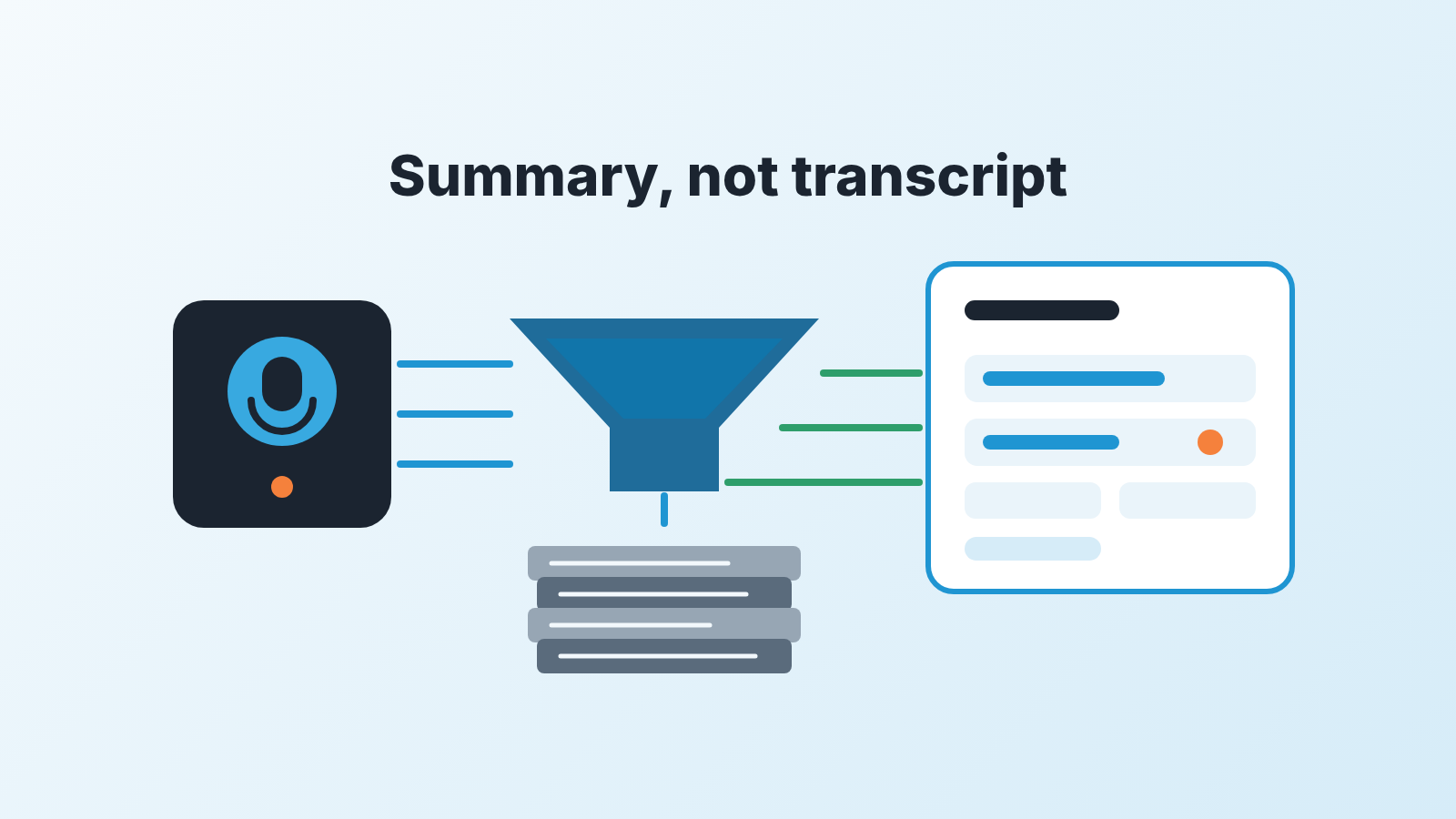
Let an AI notetaker write three things into your CRM: a short summary, a next step with a date, and two or three fields your team agreed on in advance. In Pipedrive, that means a note, an activity and a few deal fields. Keep full transcripts and raw action-item dumps off the deal timeline. And before you trust any of it, look at how the tool decided which deal the meeting belongs to, because that step is where the damage starts.
That is the whole policy. The rest of this piece is why each line is there and how to run it on a team of five to twenty people without turning your CRM into a meeting archive. One word we’ll use throughout: write-back, meaning whatever the tool writes back into Pipedrive after a call.
The deal match comes first, not the notes
Every notetaker integration does the same thing before it writes a word: it looks for the Pipedrive record the meeting belongs to. Layer3 Labs describes the mechanism plainly: “the tool looks up the CRM contact by attendee email, then writes the notes to that contact, deal, or lead.” Their own verdict on that step is worth repeating to your team: “this matching step is where most real-world failures happen.”
The vendors describe the same thing in friendlier words. Avoma says it will “automatically link your meetings in Avoma with the appropriate Contact, Company, or Deal records in Pipedrive.” tl;dv’s Marketplace listing says it matches recordings to attendees on Pipedrive, “creating entries if they don’t exist (depending on the enabled automations).” Fireflies logs summaries “under the correct contact, lead, or deal in Pipedrive” and lets you “sync meeting notes under selected deal pipelines.”
Read those three again with a manager’s eye. Each one picks the destination on its own, by email. Each one is happy to create something new when it doesn’t find a match. None of them knows that your champion joined the call from a personal Gmail address, or that the same company has two open deals and this call was about the smaller one.
So settle the match first, and the only honest way to settle it is to watch it work. For the first couple of weeks open the deal after each synced meeting and ask one question: did this land on the right deal? Not “is the summary good.” Right deal. A perfect summary on the wrong deal is worse than no summary, because someone will read it and believe it.
Two settings decide most of what you’ll see. First, whether the tool is allowed to create records. tl;dv can “auto-create new Pipedrive contacts from meeting participants not yet in your CRM”; Fireflies has an optional “automatically create new leads.” Turn those off on a small team. You do not want a notetaker deciding who becomes a person in your CRM. Second, where notes are allowed to go. Fireflies’ “selected deal pipelines” is the kind of fence you want. Internal calls, hiring interviews and supplier meetings should never reach a sales pipeline, and the easiest way to make sure is to tell the tool which pipelines exist for it.
Before you pick a notetaker, settle whether a five-person team needs conversation intelligence at all; we wrote a fifteen-minute test for it.
What to let the notetaker write
Three things, and each has its own place on a Pipedrive deal.
- A summary, as a note. Short enough that the rep reads it in the pipeline review instead of scrolling past it. Avoma structures its “AI Summarized Notes” into categories such as “Pain Points, Objections, Next Steps,” and that shape is about right: what hurt, what they pushed back on, what happens next. If your tool writes a long summary by default, tune this setting before anything else.
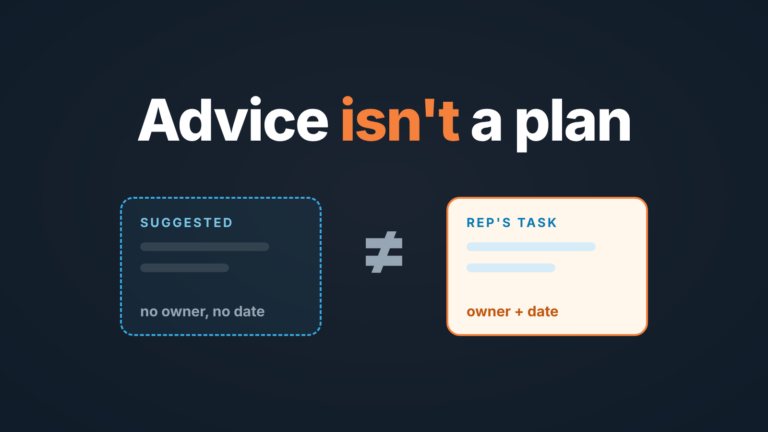
- A next step with a date, as an activity. The summary says what happened; the activity says what the rep owes and when. If a notetaker only writes notes, the next step is still buried in prose, and the the pipeline looks exactly as idle as it did before. We’ve written about the next step field in Pipedrive as the one field a manager can actually inspect. The notetaker should feed that field, not replace it.
- Two or three agreed fields. tl;dv can “map meeting highlights and key moments to custom Pipedrive fields,” which is the most useful and the most dangerous line on any of these listings. Useful, because fields are what you can filter and report on. Dangerous, because a model guessing at a field value writes it with the same confidence whether it heard the number or not. Pick the fields where the answer is said out loud on nearly every call: budget range, decision date, who else is involved. Leave the fields that need a human judgment, like deal stage, alone.
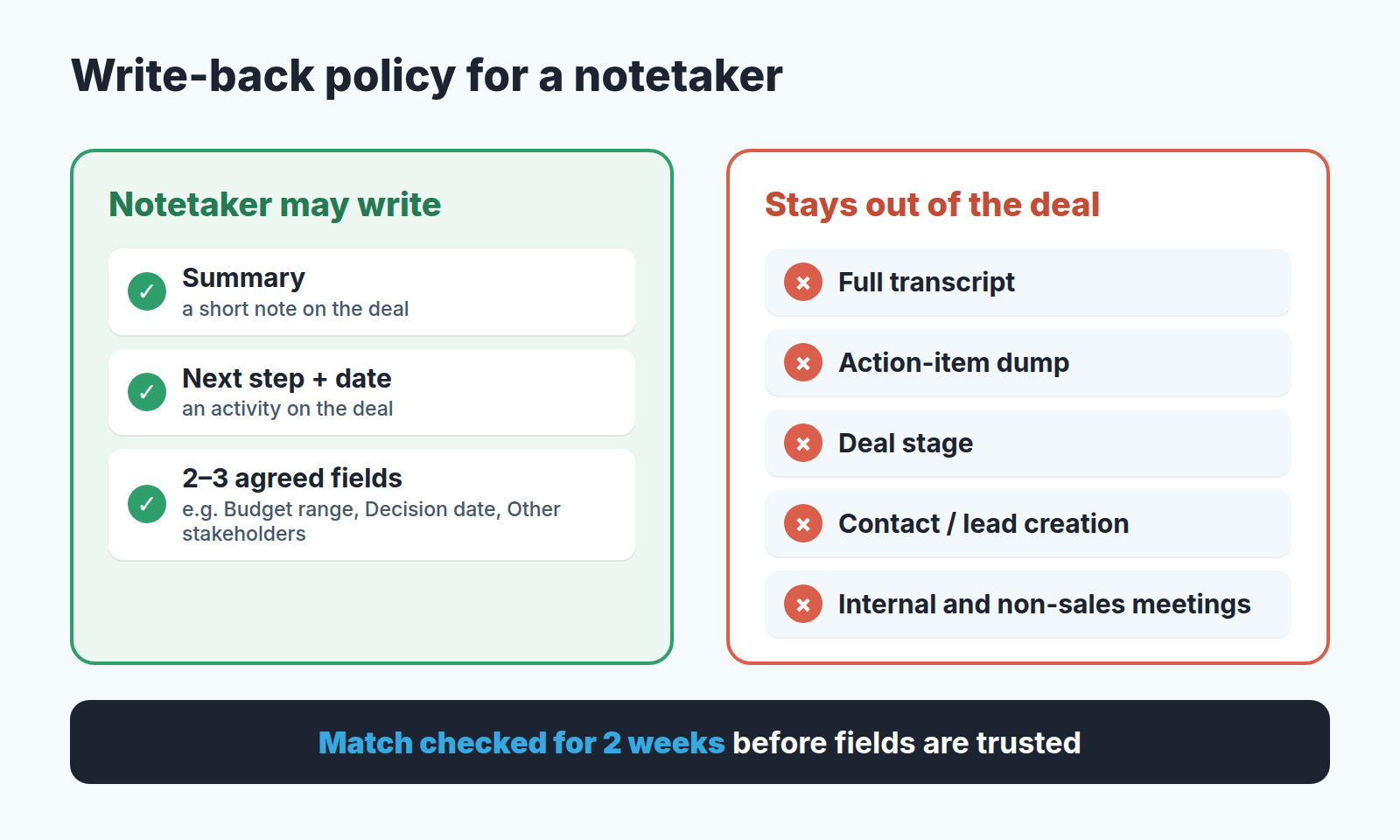
That last point deserves its own paragraph. tl;dv lists “auto-update deal stages and fields based on what was said on the call” as a feature. On a small team, stage is the one thing we would never hand to a notetaker. Stage is a decision, and someone has to own it in the Monday review. If the tool moved a deal to Negotiation because the word “pricing” came up, the manager’s pipeline view just lied to them, and nobody typed the lie.
If you’ve already set up required fields in Pipedrive, the agreed fields should come from that list, not add to it. A notetaker that fills required fields the rep used to skip is a real win. One that fills five new fields nobody looks at is more data entry, just invisible.
Whatever tool drafts the fields, the habit that matters is reviewing suggested updates before they land, and Nova’s version of that has its own weekly check.
What to keep out of the deal
The full transcript. That is the big one, and it is the default on more tools than you’d expect. tl;dv syncs “AI meeting summaries and full transcripts as CRM notes.” Fireflies gives “easy access to transcripts and action items” from the record. The pitch is completeness. The result, on a deal with six calls, is a timeline where the one note a rep actually wrote is buried under thousands of words of machine transcript.
Layer3 Labs gives the alternative in one line, and it is the policy we’d adopt even outside regulated industries: sync “summaries and action items to the CRM but keep full transcripts in the note-taker under stricter access controls.” The transcript still exists. It lives where it can be searched and where access can be narrower than “everyone with a Pipedrive seat.” The deal gets the summary and a link, if the tool provides one.
Keep the raw action-item list out too, or at least don’t let it turn into activities on its own. Ask a model to pull action items from a long call and it will find plenty: “send the deck,” “loop in Dana,” “check whether the office moves in Q1.” One of those is a next step. The rest are to-dos for the rep. They belong in the rep’s own list, not on the deal, where the manager reads them as commitments to the customer. One next step with a date per meeting is the rule. The notetaker can propose; the rep picks.
And keep the notetaker away from anything that isn’t a sales conversation with an outside party. The matching logic can’t tell a demo from a one-on-one, and your pipeline shouldn’t learn the difference the hard way. That’s also why we argue for a short, deliberate minimum for sales call notes rather than recording everything and sorting it out later.
Where it goes wrong, and what you’ll see in Pipedrive
Four failures show up in Pipedrive: wrong deal, duplicates, stale next steps, overwritten fields.
Wrong deal is the quiet one. The same contact sits on two open deals, or the buyer’s colleague joined from a different company domain, and the summary lands on the wrong record. Nothing errors. The wrong deal looks healthy and recently touched, the right deal looks stale, and the manager now has two wrong pictures. You catch this only by reading the deal after the meeting. That’s why the first two weeks are for watching, not set-and-forget.
Duplicates are the loud one. Layer3 Labs describes the classic case: “if your client joins from a personal Gmail while the CRM record holds their work email, many integrations create a brand-new contact and attach the notes there.” Now the real contact has no record of the call, and a stranger with the same name has the whole summary. Thier fix is practical and we’d adopt it as written: “keep a secondary-email field populated in the CRM, and review the integration’s unmatched-meeting queue weekly.” If your team already fights duplicate records in Pipedrive, a notetaker with record creation switched on is a fresh source of them. Switch it off.
Stale next steps are the slow one. A rep has a next step dated Thursday. Wednesday’s call changed the plan, the notetaker wrote a summary, and nothing touched the activity. Thursday comes, the old activity is overdue, and the new plan is a sentence in a note. Avoma says manually edited notes update “the same Notes instance in Pipedrive,” which solves half of this: edits don’t fork into two notes. The other half is a rule for people, not tools. The rep closes or reschedules the old next step before the summary counts as done.
Overwritten fields you won’t notice until the forecast is off. If the notetaker writes to a field the rep also maintains, who wins? The listings we read don’t spell out a conflict rule, so set your own: the notetaker writes a field only when it’s empty, or only into fields the rep never edits by hand. Pick one and tell everyone. In week two, open the field history on a handful of deals and see whether the rule held.
A two-week trial that tells you something
Don’t trial a notetaker on the whole team. Pick two reps, one who keeps clean deals and one who doesn’t and run this for two weeks.
- Before connecting anything, write the policy on one page: which pipelines, which three things, which fields, who may overwrite what. Layer3 Labs puts it as “write down what syncs where before you connect anything,” and teams skip it because the connect button is right there.
- Switch off record creation and stage updates. Leave summaries and the next-step activity on, field mapping off.
- After every external meeting in week one, open the deal and note two things in a shared sheet: right deal, yes or no; summary short enough to read in review, yes or no.
- In week two, turn on mapping for the agreed fields. Each day, compare what the tool wrote with what the rep would have written.
- On the Monday after, count: meetings that landed on the wrong deal, new duplicates, next steps fixed by hand. If the wrong-deal count isn’t zero or close to it, the problem sits upstream of the notetaker: emails on contacts, deals per company, pipelines that mix meeting types.
Then decide by what you counted, not by how the summaries read. A notetaker that spares the rep the typing after each call and puts the result on the right deal is worth paying for. One that spares the same typing but misfiles calls has moved the work from the rep to the manager, with worse timing.
Once the write-back is trusted, the same recordings get useful for other things: reviewing calls with reps, spotting repeat objections, hearing what good discovery sounds like on your team. That’s a separate decision with its own rules, covered in AI sales coaching for small teams. And if what you really want from a notetaker is less typing into Pipedrive, it’s one of several ways to get there, most of them cheaper; our guide to automating CRM data entry in Pipedrive covers the rest.
The synced notes also make the next call easier to prepare for; here is a ten-minute routine that starts from the deal.
FAQ
Should an AI notetaker sync full transcripts to Pipedrive?
Not to the deal timeline. Keep transcripts in the notetaker, where access can be tighter, as Layer3 Labs suggests, and sync the summary plus a link if the tool has one.
Why does an AI notetaker create duplicate contacts?
It matches meetings by attendee email. If a buyer joins from a personal address, many tools create a new contact. Switch off record creation and keep a secondary-email field filled in.
Can an AI notetaker update deal stage?
Some can; tl;dv lists it as a feature. On a small team, leave stage to the rep and the weekly review, and let the tool fill only fields that are said out loud on the call.