Einstein in Salesforce is Salesforce’s umbrella name for the AI features in Sales Cloud: lead and opportunity scoring, deal insights, predictive forecasting and activity capture. A five-rep team can use some of them, but a score only helps when you have enough closed deals to learn from, and it never replaces the next step and close date a manager checks every week.
What Einstein in Salesforce means now that Agentforce exists
In Sales Cloud today, “Einstein” in practice means the predictive features: Lead Scoring, Opportunity Scoring, Deal Insights, Predictive Forecasting. The generative and agent features are sold under a different name, Agentforce.
You can see the split on the Sales pricing page we opened on 2026-10-24. Its comparison table lists Lead Scoring, Opportunity Scoring, Deal Insights, Predictive Forecasting, Activity Capture, Call Summaries and Conversation Intelligence as plain feature rows, without the Einstein label, while the agent rows are called “Agentforce: Pipeline Management”, “Agentforce: Prospecting” and so on (Salesforce: Sales pricing). The name is older than most of these features: back in 2019 Salesforce’s blog promised that “Einstein works with the flip of a switch inside Salesforce” (Salesforce blog, 2019-02-28).
So when a rep says “Einstein scored this deal,” they mean Opportunity Scoring. When a consultant says Einstein, ask whether they mean scoring or agents. The answer changes the budget.
What Einstein is not: a manager. It does not write the Next Step field. It does not move a close date. It cannot tell you that the champion left the company on Tuesday unless somebody logged that. One deliberate gap here: we leave Einstein Activity Capture out, since it has enough edge cases to deserve its own text.
Which Einstein features a small team can switch on, by edition
The short version: AI starts at Core. The pricing page footnote says it in one line, “AI can be added to Core and above. Contact a sales representative for detailed pricing information,” and several AI rows in the comparison, Lead Scoring and Predictive Forecasting among them, are marked “Available for purchase” rather than included (Salesforce: Sales pricing). The edition prices and the five-seat arithmetic are in Salesforce pricing for a five-person sales team, and the agent side has its own breakdown in Agentforce for Sales pricing for a five-person team.
Read that as a small team. On Starter Suite or Pro Suite, scoring is not a switch you flip, and which AI rows come with a Core seat is something the page hands to a sales rep. Our position is that nobody should pay for a new edition just to get a score. Pay for it, if at all, for a named feature the manager will open every Monday. Which brings us to the question the price list cannot answer.
What Einstein needs from your data before it says anything useful
Opportunity Scoring is a model trained on your own closed opportunities, the won ones and the lost ones. It needs enough of both over a stretch of recent history; until then it has not seen your team sell.
So look at what a five-rep team’s history usually looks like. Run one Opportunities report: Closed equals True, grouped by Won, then by close year. Five reps closing a deal or two a month each produce a few dozen won deals a year. The lost column is where small teams surprise themselves, usually downward. Deals that died were never marked Closed Lost, they were left open until somebody bulk-closed them at year end with the same date. A model trained on that learns that losses happen on December 31.
Then look at the fields the model would read. Stage history only teaches anything if reps move through stages; a deal that jumps from Qualification straight to Closed Won shows the model two stages and no path. Amount that stays blank until the proposal is noise for the first half of the cycle. None of this is an Einstein problem. It’s the same hygiene the weekly review already depends on and it is cheaper to fix before you buy a model that will faithfully learn your bad habits.
Lead scoring has the same dependency on your own outcomes; we walked through the test for it in Salesforce lead scoring: does the score match who actually converts?
What it suggests versus what a manager still checks
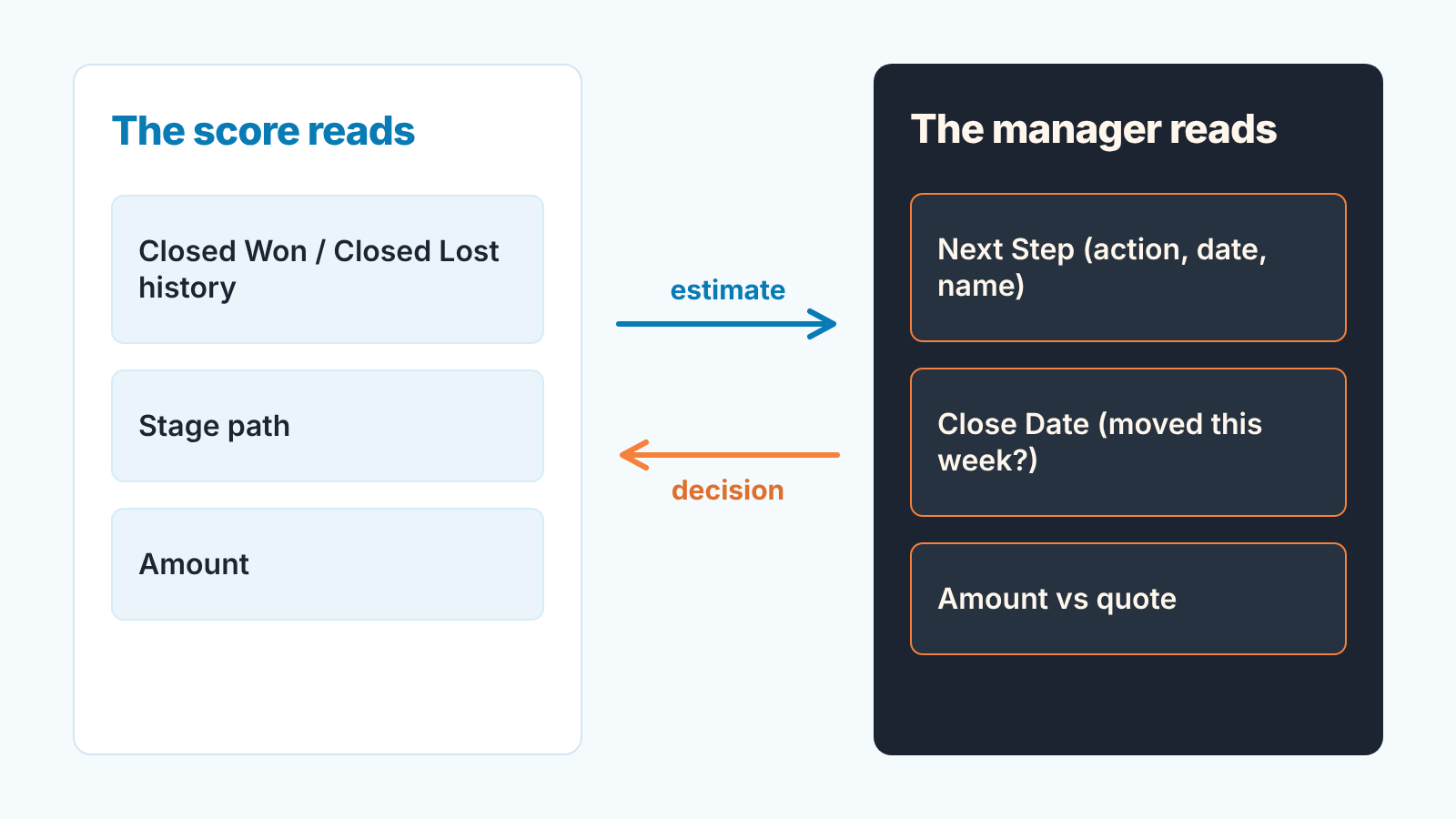
A score is an estimate. It says “deals that looked like this one closed at about this rate,” and the better versions show the factors behind the number. That is useful, and it is also the full extent of what it knows. It reads fields. It does not read the room.
| What Einstein suggests | Where it looks | What you still read yourself |
|---|---|---|
| A score on the opportunity | Your closed won and closed lost history, stage path, amount, activity | Next Step: is there an action, a date in the next two weeks and a name on it? |
| A lead score | Lead fields and what past converted leads had in common | Did the rep actually call the top bucket this week, and what happened? |
| A predicted forecast number | Open pipeline against how similar pipelines closed | Close Date: did it move this week, and does the rep have a reason that is not “the quarter ended”? Amount: does it match the quote the customer received? |
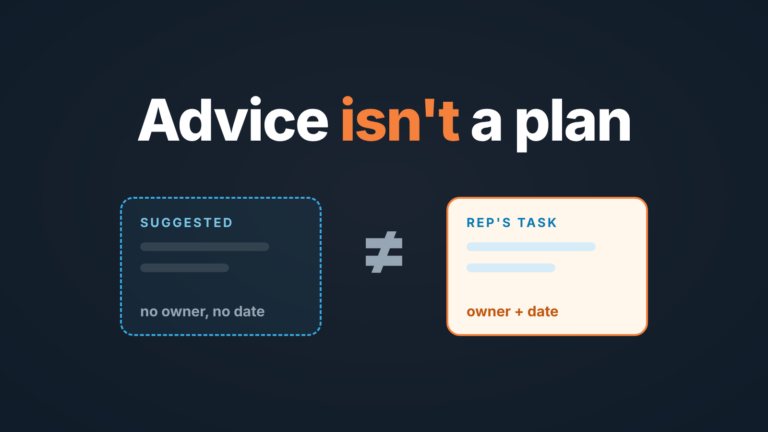
The right-hand column is the rule we would put on the wall: an AI suggestion does not replace the Next Step field and the Close Date. A deal at 85 with an empty Next Step is a deal nobody is working. A deal at 30 with a dated next step and a sponsor named in the notes is a rep who knows something the model does not, and you want to hear it. The discipline behind that field, and how to make it stick without a nagging flow, is in the Salesforce tasks and Next Step rule.
Fifteen minutes on Monday, score in one column
If you do turn scoring on, don’t let it replace the review. Put it next to the review. Open the weekly pipeline list you already use (Pipeline Inspection where the edition has it; the routine is in the Salesforce pipeline inspection weekly review), add the score as a column and filter to deals closing this quarter. Read Next Step on the five highest scores first: no dated action means the score is describing the past, and the deal goes on the rep’s list for today. Then take the lowest scores a rep still has in Commit and ask for the reason the model cannot see, written into Next Step rather than said in the meeting and lost. Any deal whose Close Date moved this week gets one question, whatever its score.
Keep a tally of where score and rep disagree. If the same disagreements come back three Mondays in a row, you have learned something about either a thin model or an optimistic rep. Both are coaching conversations, not configuration tickets.
The score saves you the sorting. It doesn’t save you the reading.
When to skip it and keep rules instead
Our view: most five-rep teams should skip Einstein scoring for now, and that is not a verdict on the model. It is arithmetic. On Starter Suite or Pro Suite, AI means a new edition first. On Core, a closed-deal history that fits on one screen gives teh model little that is yours to learn from. And a team that changed its product, its price list or its ideal customer in the last year has history the model will trust more than it should.
What you keep instead costs nothing beyond the seat. A report of open opportunities with Close Date before today. A list view of deals with no activity in the last two weeks (our threshold, yours to argue with). Each is a rule a rep understands in one sentence, which a score never quite manages.
Turn scoring on when the edition already has it, the won and lost history covers a couple of full sales cycles with stages reps actually moved through, and a manager will keep running the fifteen minutes above rather than reading the number and moving on.
A disclosure, since we have spent an article on what a tool cannot do. We build SalesBond, a sales management layer on top of the CRM a team already uses; we started with Pipedrive. Today it works with Salesforce too, and the checks in the right-hand column of the table are the kind of thing it watches continuously, explaining each risk it flags. If Next Step is blank in Salesforce, it is blank for us as well. If you want to see your pipeline through that lens, check your CRM with SalesBond.