
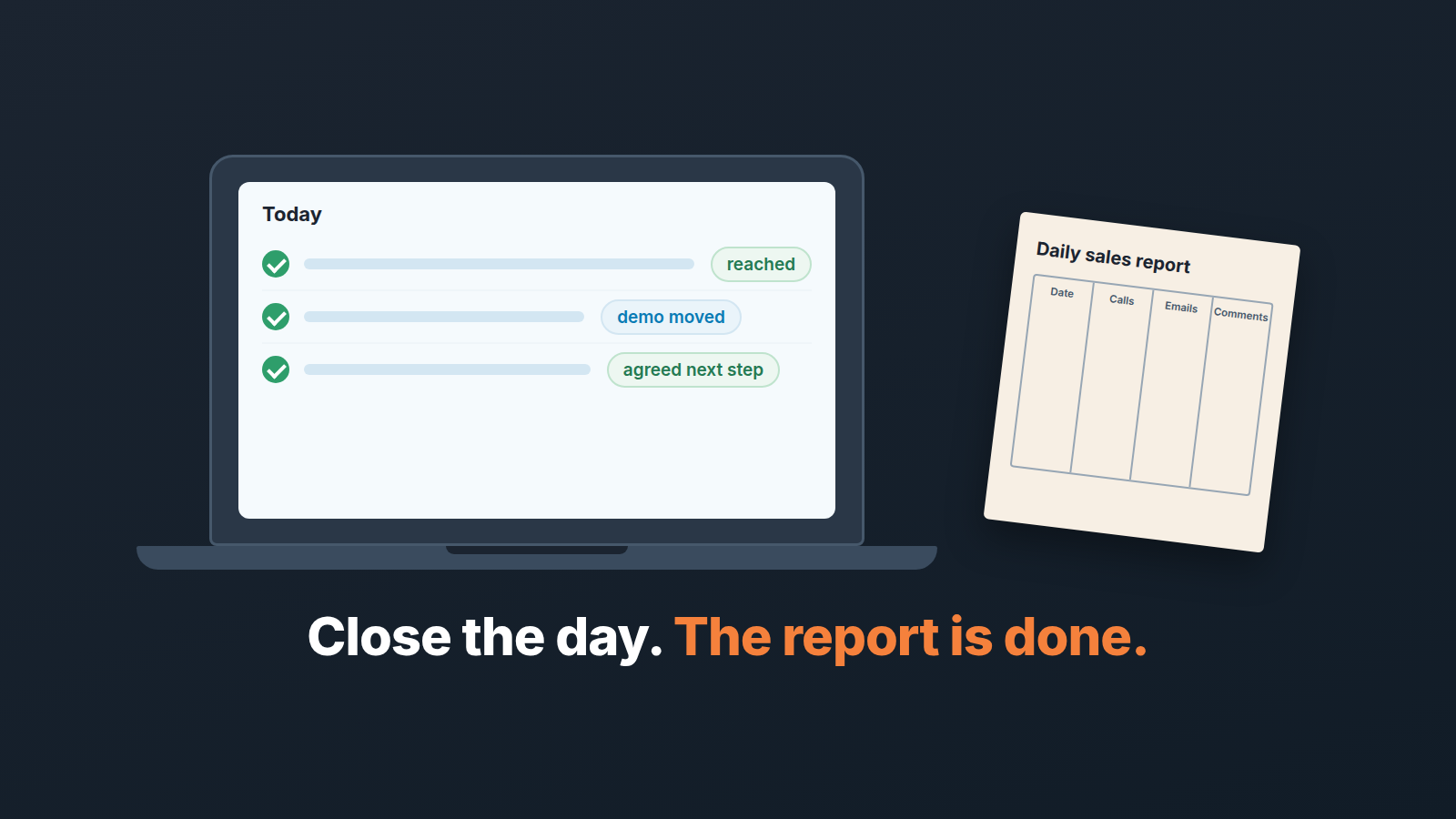
A daily sales report is what your pipeline looks like at the moment you close the laptop: which deals moved today, which slipped, what you actually did and how it went, what is overdue, and what you are doing first tomorrow. For a rep on a small team it should take about ten minutes and come almost entirely out of the CRM. If you are retyping call counts into a spreadsheet at six o’clock, the report measures typing, not selling.
Here is how the typed version goes. Monday the form is complete: date, calls, emails, meetings, a comments column. Tuesday it is thinner. By Thursday the comments column says “see CRM”, and on Friday the manager reads the weekly roll-up instead, which she was going to read anyway. Nobody cancelled the daily report. It turned out that everything in it already lived in Pipedrive, in a shape nobody had to type, and the the typed copy was always a day behind.
So we don’t ask reps to write a daily report. We ask them to close the day in Pipedrive properly and let the CRM be the report. The rep adds one or two sentences the CRM cannot know.
That’s the whole system. The rest of this post is the ten minutes in detail, and then the part that stays human.
The ten-minute close of the day
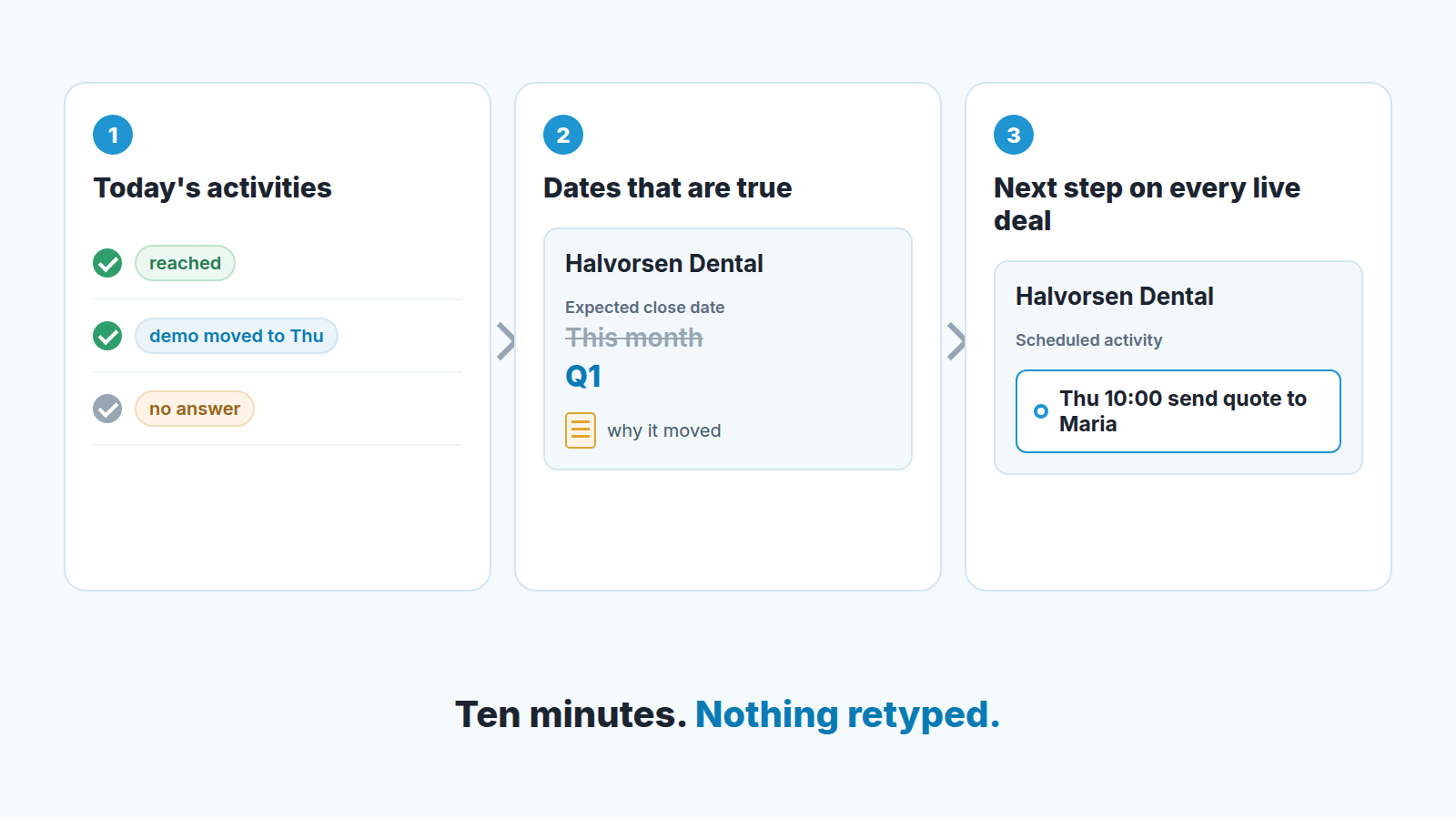
Start with today’s activities, not with the pipeline. Pull up your activity list for today and work down it. Every call, meeting and demo you actually did gets marked done, and every one of them gets an outcome: reached or not, agreed to the next step or asked for time, demo held or demo moved. The outcome is the line a manager would otherwise ask you about at 9 a.m. It costs a few seconds per activity now, or a conversation tomorrow. How to set the field up so it carries real information is in the Outcome field in Pipedrive activities. Since July 2026 Pipedrive lets admins make Outcome, Priority or Note required before an activity is marked done (Pipedrive product updates), and that is the setting that turns “mark done” into “say what happened”.
The list is shorter than it looks. Emails sent from Pipedrive’s own composer are logged as completed activities (March 2026), and anything an automation added says so in the activity’s detail view (August 2026), so the items waiting for your outcome are mostly the calls and meetings you did yourself. Why those auto-logged emails swell the counts is in an activity report that counts emails too generously.
Then the dates. Somewhere in today’s calls a buyer said “not before the board meeting” or “let’s pick this up in Q1”, and the expected close date on that deal is now fiction. Change it tonight while you still remember why, and put the why in a note on the deal. A close date left where it was is the most common way a daily report lies without anyone lying: the pipeline value for this month stays the same, the manager’s forecast stays the same, and the truth sits in your head until the deal is three weeks late. If the honest date is “never”, that is a different decision, and tonight is a fine time to make it.
Last, next steps. Every open deal you touched today leaves the day with a scheduled activity and a date on it. “Follow up” doesn’t count; the thing you will do does: “Thu 10:00 send the two-seat quote to Maria, call Fri to walk through it”. If you can’t write a next step for a deal, write down what you are waiting for and form whom, and schedule the chase. The difference between a real next activity and a reminder to yourself is in what a next activity in Pipedrive should look like. Keep the closed-deals toggle in the pipeline and list views (August 2026) off while you scan, and the list in front of you is only the deals still in play.
That’s the close. Activities with outcomes, dates that are true, a next step on every live deal. Ten minutes on an ordinary day, a little longer after a demo day. Nothing retyped.
Where the manager gets the daily sales report (without asking you for it)
If the day is closed like that, the report already exists as a dashboard. Insights has role-oriented dashboard templates for reps and managers, covering pipeline health, win/loss, overdue activities and open deals (September 2026, Pipedrive product updates). Build yours once from the template, filter it to your own deals, and share it with your manager, so she opens it instead of opening a message from you. How sharing works, and what a shared dashboard shows to whom, is in sharing a Pipedrive Insights dashboard.
The same release lets you put several filters on one field, so the open-deals widget can show “my deals, in Proposal or Negotiation, expected this month” rather than everything. It also added an average for custom numeric and money fields, handy if your team tracks something like seats or a setup fee.
Now the manager’s side, briefly, because she is the second reader of this post. In the morning she looks at two things on that dashboard: overdue activities, which should be close to zero if the day was closed, and open deals whose expected close date has passed. Those are the exceptions. Deals moving on schedule do not need a sentence from anyone. Activity counts as a daily target aren’t on her list; which numbers do earn a place is in sales activity metrics for a small team.
The one sentence Pipedrive can’t write for you
Everything above is state. A dashboard can show that a deal has been in Proposal for twelve days. It cannot say that the owner has gone quiet twice, that you suspect a competitor got in, and that what you need is your manager on a short call. That sentence is the part of a daily report that was always worth writing, and it is the only part you still write.
Take a made-up deal. Halvorsen Dental, four clinics, proposal sent twelve days ago. The office manager loves it. The owner, who signs, has not replied to two emails and one call. Here is the sentence at the end of the day:
Halvorsen: stuck at the owner, two emails and a call unanswered since the 23rd. I think he’s comparing us with whatever his accountant uses. Can you join a 15-minute call with him on Thursday? If he won’t take it, I’ll move the close date to Q1 and say so.
Why does it work? The deal is named, the point where it is stuck is specific, there is a guess about the reason and it is labelled as a guess, and there is an ask with a day attached and a fallback. The manager can answer “yes, send the invite” in four words. Compare that with “Halvorsen: still waiting on decision maker, following up”. That’s a status, and the dashboard already had the status.
Where does the sentence go? On the deal, as a note, so it is there when anyone opens Halvorsen. And wherever your team already talks: the end-of-day message in the channel, or the first item of tomorrow’s 1-on-1. One or two of these on a normal day. Zero is a fine number; it means “nothing is stuck that I can’t unstick”, which is also information. Six means the problem isn’t the report.
When a daily report does more harm than good
A daily report asked for as a ritual, with no exception in it, is control for its own sake, and an experienced team feels that within a week. If the only thing it ever contains is activity counts, drop it and read the dashboard. It is also the wrong instrument for the week’s questions: whether the pipeline is big enough, which stage is leaking, what to tell the owner on Monday. Those belong to the weekly report, a different document with a different reader. The daily close is the rep’s view of deal state, the weekly is the manager’s view of deals; what goes in it is in the weekly sales report: what to include and what to cut. The daily close feeds it. It doesn’t replace it.
Closing the day, the short version
A disclosure, since this is the point where tooling helps. We build SalesBond, a sales management layer on top of the CRM a team already uses; we started with Pipedrive. Deal Health finds and explains the deals that would end up in the “stuck” sentence anyway, and Sales GPS turns those signals into the rep’s priorities for the morning, so the sentence is half written before the day starts. If you want that running over your own pipeline, check your CRM with SalesBond.
The checklist, for the wall or the top of your activity list:
- Today’s activities marked done, each with an outcome.
- Any close date a buyer contradicted today is changed, with the reason in a note.
- Every open deal you touched has a dated next activity.
- One or two sentences on what is stuck and what you need: on the deal, and to your manager.
Ten minutes. The report is the CRM; you only add what it couldn’t know.


