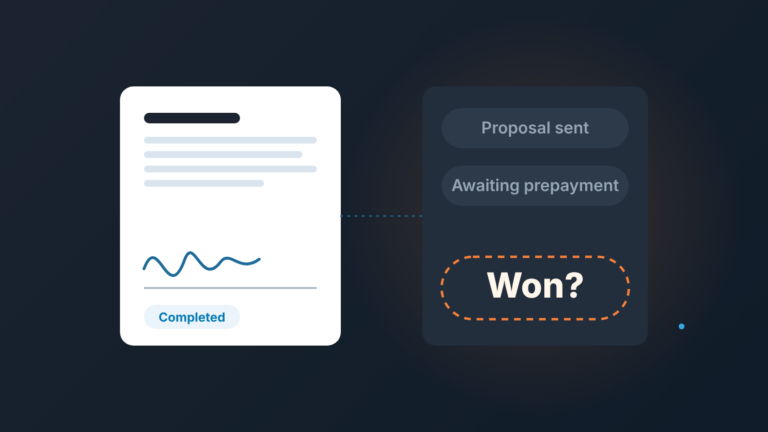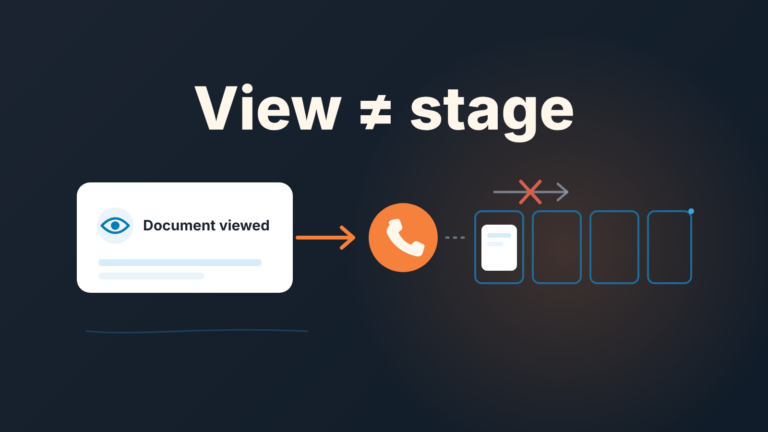
The MEDDIC sales methodology is a deal qualification checklist: metrics, economic buyer, decision criteria, decision process, identify pain, champion. A small team does not need all six on every deal. Tracking the two or three that most often kill deals is enough, and Pipedrive custom fields can hold them.
That’s the short version. The rest of this post is the setup we’d use for a team of three to five reps: which three letters get a field, where Pipedrive enforces them, what it won’t do for you, and how a manager reads the blanks.
Qualification works best on deals that belong in the pipeline at all, which is why we start from an ICP built on won deals.
What the MEDDIC sales methodology is, in two sentences
MEDDIC is a way to judge whether a deal is real by checking six things about the buyer: the numbers they want to move (Metrics), the person who can sign off the money (Economic buyer), how they will compare options (Decision criteria), the steps and people between “yes” and a signed contract (Decision process), the problem that makes this worth doing now (Identify pain), and someone inside who is selling for you (Champion). MEDDPICC is the same list with two more letters, Paper process and Competition.
That’s all the theory this post needs.
Why the full version is too heavy for a team of five
Most MEDDIC guides describe it as a tool for high-value B2B deals with long cycles and many stakeholders, and that’s where it earns its keep: deals where a lot of people get a vote and the cycle runs long enough that nobody remembers what was said in the first call. A small team selling to small and mid-size companies often has the opposite shape. The founder or the head of ops is both the user and the buyer, there’s one meeting where the decision actually happens, and the whole thing closes in weeks.
Put six mandatory fields on that deal and you get one of two outcomes. Reps fill them with whatever gets the deal past the stage gate (“Metrics: save time”), or they stop moving deals in the CRM and keep the real status in their heads. Both are worse than having no framework, because now the pipeline looks qualified and isn’t.
There’s also a manager problem. In a team this size the manager usually carries a quota too. They don’t have an hour per deal to read six text fields. They need to glance at a deal and see what’s missing, and the fewer fields there are, the more a blank one means something.
If that manager is about to hire the first rep, the pay question comes first, and we covered OTE for a first sales hire.
So we’d rather have three fields that are always filled honestly than six that are filled to get past a popup. The other three letters don’t disappear; they move into the notes, where a rep writes them when they come up and nobody gets blocked for leaving them empty.
The three letters that earn a field
Our pick is economic buyer, decision process and champion. They share one trait: each is a fact about people you can check, and each one, when missing, tends to stall a deal late rather than kill it early. That’s exactly the kind of risk that hides in a small team’s pipeline.
Economic buyer. In small deals the person who talks to you is often not the person who approves the spend. If a rep can’t name who signs, the deal can sail through demo and proposal and then sit for a month while “we check internally.” A named person, with a role, is a hard thing to fake.
The decision process is the one reps skip because it feels awkward to ask. Its also the one that tells you whether your close date means anything. “They’ll decide after the leadership meeting on the 14th, then legal reviews” is a plan. “Soon” is not. The Blue Sheet asks the same questions about buyer roles in a different vocabulary; compare with the Blue Sheet template for Pipedrive.
A champion in a small company might just be the ops lead who wants the tool and will argue for it when you’re not in the room. If nobody inside is doing that, the deal lives on your follow-ups alone. We’ve written about why deals with one contact are fragile; the champion field is the MEDDIC way of forcing the same question. Champion is the letter reps fill in on a hunch, so here is how to tell a real champion from a friendly contact.
What about the other three? Metrics and pain usually come up on the first call anyway, and they live comfortably in the deal notes. Decision criteria matter a lot when you’re up against two competitors in a formal evaluation; for a small team that’s the exception, and it’s the first thing we’d add later (more on that at the end).
For a way to record both on the deal, see gap selling: putting the pain into a number.
How to set up MEDDIC in Pipedrive
Everything below uses features documented in Pipedrive’s Knowledge Base. Which of them you get depends on your plan. Pipedrive is renaming its plans, and right now its own articles name the minimum plan for the same feature differently, so check the note at the top of each article before you promise the team a setup.
Start with three custom deal fields. Custom fields are created under Data fields, and on deal fields you can add a description the rep sees behind an info icon. Use it. A one-line “who approves the budget, name and role” does more than any training session.
| Field | Type | What the rep enters | Enforce from |
|---|---|---|---|
| Economic buyer | Text (or a person field) | Name and role of whoever signs off the spend | The stage where you send a proposal |
| Decision process | Large text | Steps, people and dates between “yes” and signature | The stage where you send a proposal |
| Champion | Single option: Named / Suspected / None | Status, with the name in notes | The stage after the first meeting |
Then decide how hard to push. Pipedrive has two tools for this and they behave differently.
Required fields can be set per pipeline and per stage. When a rep tries to move a deal into that stage with the field empty, Pipedrive prompts them to fill it in. That’s the stage gate. One caveat from Pipedrive’s own article: the rule doesn’t stop deals that are moved through import, bulk edit, the API, automations or third-party integrations. If you run automations that move deals between stages, the gate won’t fire there.
Important fields are the soft version. You pick the stages, and the deal detail view shows a flag listing what’s missing, but nothing is blocked. We’d use important fields for the first couple of weeks, look at what reps actually write and only then flip economic buyer and decision process to required before the proposal stage. Blocking people on day one is how you get “TBD” in every field. Teams on HubSpot can set up MEDDPICC in HubSpot deal properties instead.
Now the part most MEDDIC guides skip. You can’t turn these fields into a MEDDIC score natively. A single option field holds a label, not a number, and Pipedrive’s formula fields are built from numeric and monetary deal fields. If you really want a number, you’d have to add numeric fields (0, 1 or 2 per letter) next to the labels and sum them with a formula, on a plan that includes formulas. We don’t think it’s worth it for three fields. A manager can read three blanks faster than they can interpret a score, and a score invites reps to argue about points instead of finding the buyer. If you’re going to score deals at all, a deal health score built on activity and stage signals says more than a sum of dropdowns.
Reading the gaps in a deal review
A made-up example. A rep has an opportunity with a regional logistics company. Demo went well, the operations manager loved it, and the rep wants to move it to the proposal stage with a close date at the end of the month.
The fields look like this:
- Economic buyer: empty
- Decision process: empty
- Champion: Named (the operations manager)
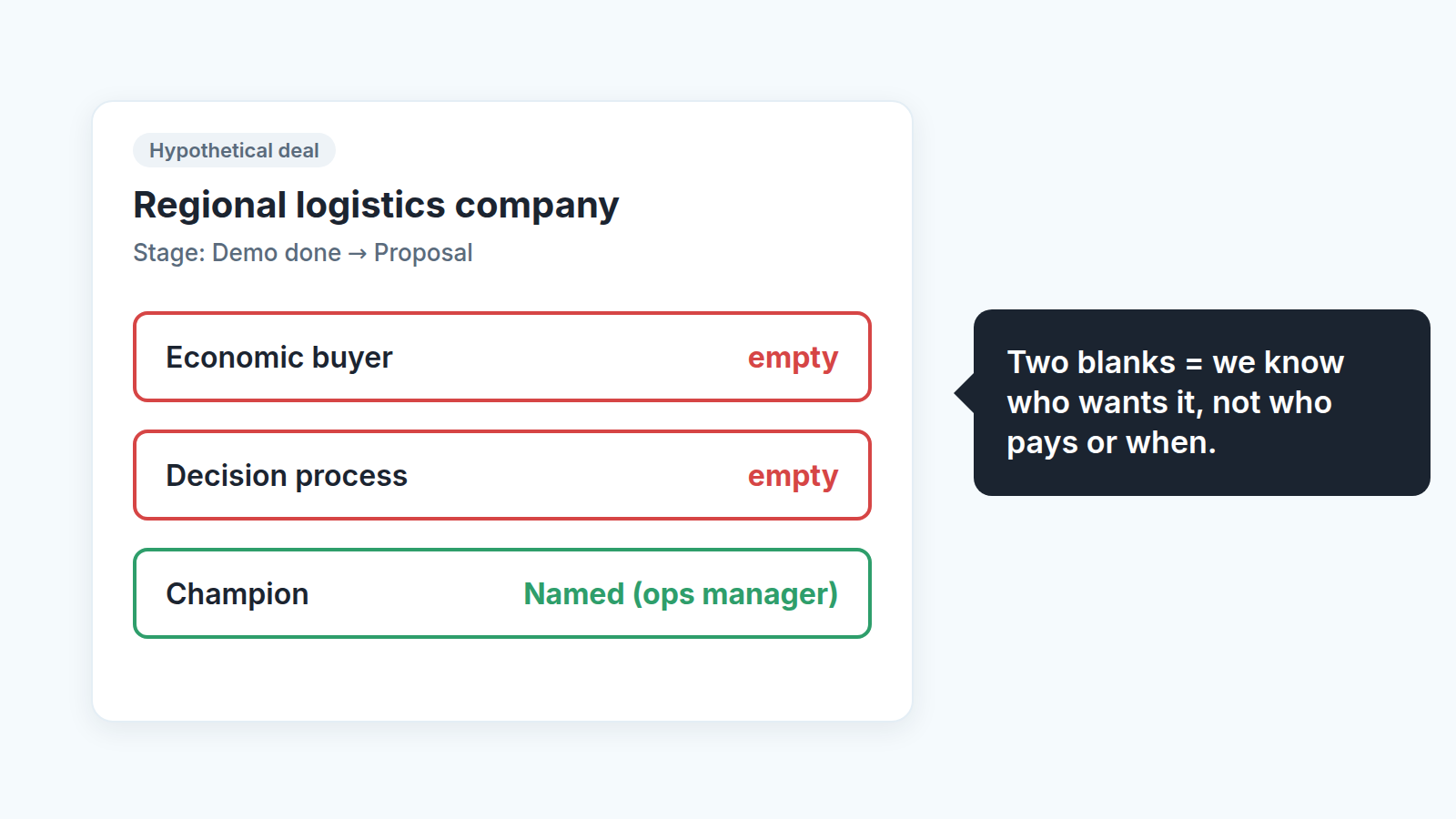
What does that tell you? The rep has a fan, not a deal. Somebody likes the product, but nobody has said who approves the money or what happens between now and a signature. The end-of-month close date isn’t based on anything the buyer said.
In a small team the review question isn’t “why are these empty?” That sounds like an audit and gets a defensive answer. Ask something the rep can act on: “Would the ops manager introduce you to whoever signs off on this, before you send the proposal?” If the answer is yes, the champion is real and the next step is obvious. If the answer is a hesitant “I don’t think she wants to go over her boss’s head,” you’ve learned the champion is weaker than the the field says, and that the deal is probably single-threaded.
If you already run a short weekly pipeline review, this fits in without a new meeting. Filter deals in the proposal stage and later, open the ones where the detail view flags missing important fields, and spend your minutes there. Deals with all three filled in rarely need discussion. That’s the whole point of keeping the list short.
One pattern worth watching over a few weeks: if the same rep keeps leaving decision process empty, it’s usually not laziness. They don’t know how to ask. Give them a sentence that works (“What usually happens on your side after you say yes to something like this?”) and the field starts filling itself.
When to graduate to full MEDDIC
You’ll know. Deals start involving procurement, security reviews or a committee; your cycle stretches; you lose deals to a competitor you didn’t know was in the room. That’s when decision criteria and competition earn their own fields, and when paper process (the legal and purchasing steps) stops being a note and becomes something you track. Add them one at a time, as important fields first, and keep the rule that got you here: a field that nobody fills honestly is worse than no field at all.