
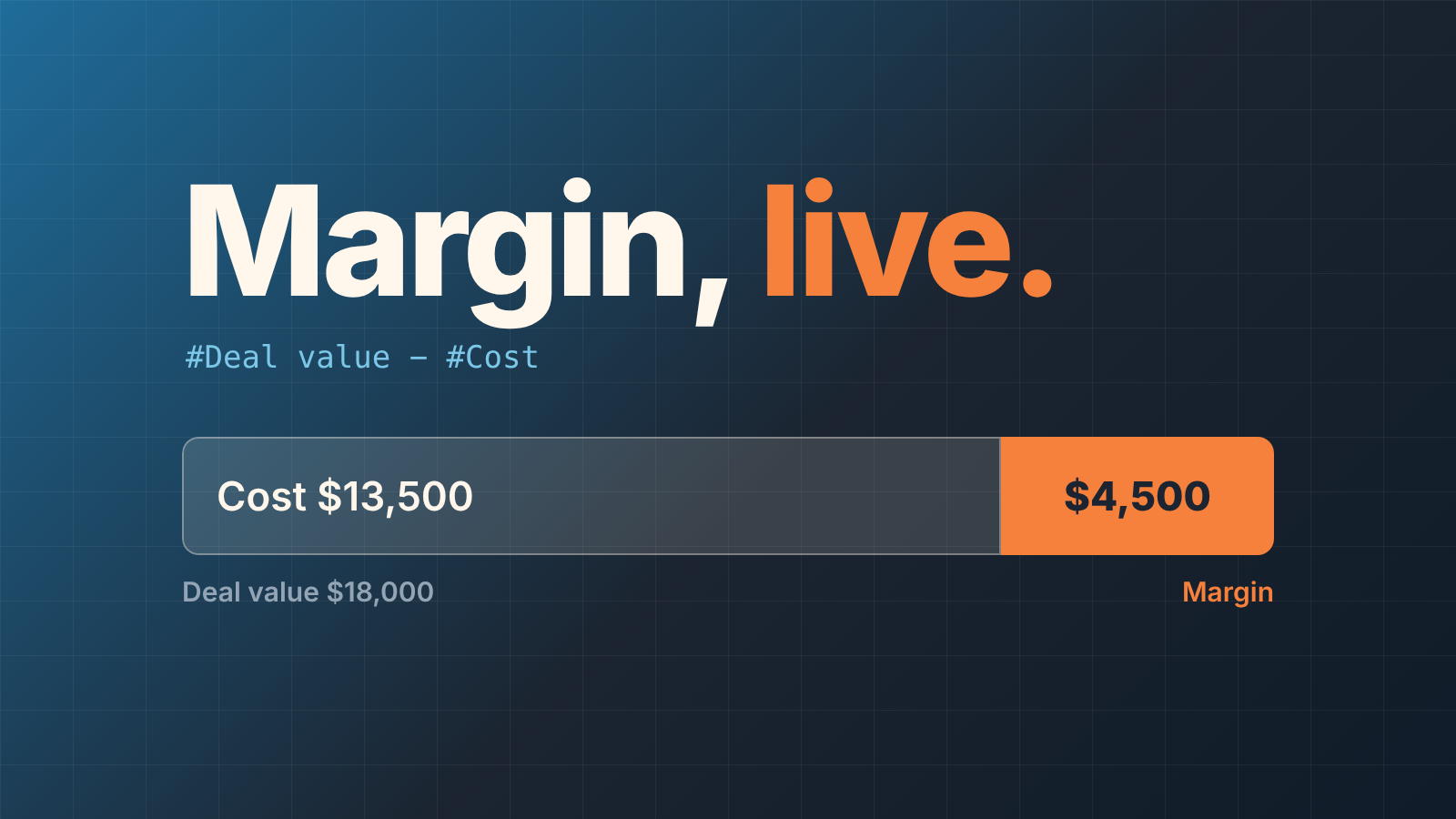
Yes, with one condition. On the Premium plan and up, a Pipedrive formula field can subtract your own cost field from the deal value and show the result on the deal card and in the deal list. The condition: formulas only read deal fields. The Cost you type on a product is for reference only and never reaches a formula, so the cost of a deal has to live in a separate deal field that someone fills in. Get that one field filled reliably and the margin takes care of itself.
The Friday spreadsheet
Lenka runs sales at a nine-person equipment supplier. Every Friday she exports deals into a sheet with a hand-kept “cost” column. One Friday it showed three deals won that week under her 20 percent margin floor: two reps had given late discounts to close before month end, and the invoices were already out. (The numbers are made up; the pattern is not.)
The discount policy existed. What did not exist was a number on the deal card showing, while the discount was being typed, what it did to the margin. A rep who sees “Margin: 14%” before hitting save behaves differently from one who hears about it a week later.
What a formula field can and cannot do
A formula field is a monetary or numerical custom field with a calculation attached, available on the Premium plan and higher and calculates “only in deals”; products are not supported (Pipedrive: formula fields). You build it from + − * /, brackets and a percent operator, with at least one “#” followed by a field. Inputs are the deal value, probability, score, activity and email counts, and your own numerical or monetary deal fields.
Two limits matter more than the operators. A formula does not run unless every input has a value; an empty input returns “not calculated” instead of a number. And each company account gets up to ten formula fields in total, which sounds like plenty until margin, margin percent, commission and a contract total each take one. If you already show total contract value as a formula, as in ACV vs deal value in Pipedrive, margin comes out of the same budget.
Formula fields show up in the list view, Insights and the API, and the data fields article names “commission, deal profitability or discounts” as typical uses (Pipedrive: data fields). Pipedrive’s help doesn’t cover formula fields in filters or automations.
Before you build it, agree whether the team means markup or margin; we compare markup vs margin when approving a discount separately.
Three steps to a margin on the deal card
Two fields, one formula. The field names are ours; use whatever your team already says out loud.
- Create the input field. Account menu, then Personal preferences > Data fields, deal section, “+ Custom field”. Name it “Cost”, type Monetary, no formula. A person enters it: what delivering the deal will cost you, in the deal’s currency.
- Create the margin field. Same path, type Monetary, and switch on “Apply formula to deals”. The formula:
#Deal value - #Cost. For the percentage, add a second formula field, type Numerical:(#Deal value - #Cost) / #Deal value. - Choose the scope. Pipedrive asks whether the formula applies to new deals only or to new and open deals; the second needs a confirmation. Pick new and open: that is where discounts are still being decided. From then on the field recalculates when the formula is edited, when a deal is created, and when any field in the formula changes. To force it, hover over the field in the deal’s details and click the refresh button, or recalculate a batch of deals with bulk edit (Pipedrive: formula fields).
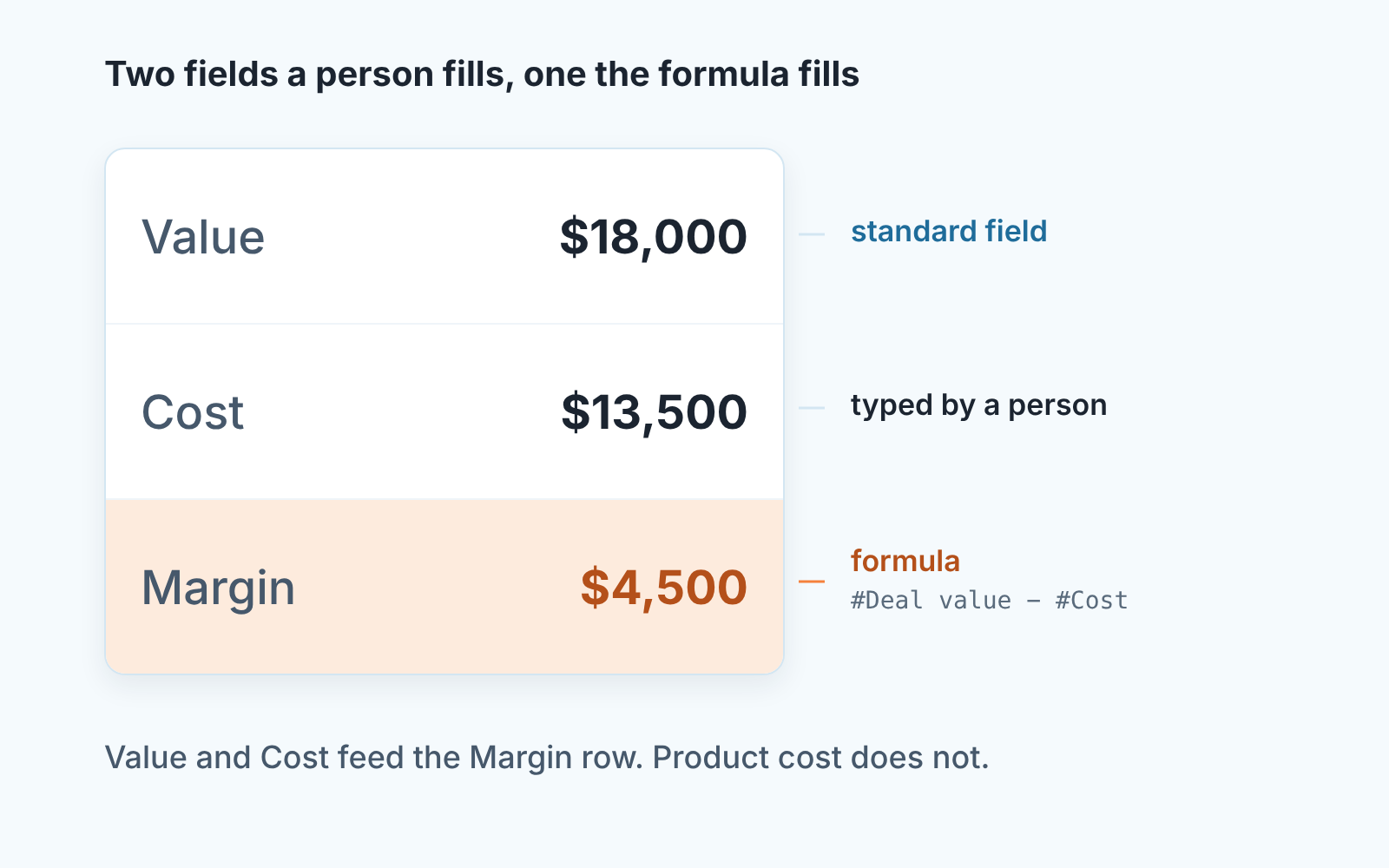
The hard part is not the formula. It’s agreeing what “cost” means in your business; for Lenka it was landed cost of the equipment plus the installer’s day rate.
Why the cost does not come from your products
Our products already have a cost field, so why type it again? Because the catalog and the formula engine do not talk. A product carries a unit price, a cost “related to each sold unit”, and a direct cost of producing it, and the help page is explicit: “only the unit price shows in the products list view and detail view. Cost per unit and direct cost are for your reference only” (Pipedrive: products).
So the unit price flows from the catalog into the deal, sets the deal value, and can be changed on that one deal without touching the catalog (Pipedrive: linking products to a deal). That is how it becomes #Deal value in a formula. The product cost flows nowhere. The only cost a formula can read is the custom deal field from step 1, entered by a person or an import.
We think that is a fair place for the product to stop. Small-company deal cost is rarely a sum of product costs anyway: freight, a subcontractor, a day of installation. One deal-level field filled by the the person who knows the quote beats a catalog sum that is right for nobody.
“Not calculated” is a data problem, not a formula problem
The first week after Lenka switched the field on, a third of her open deals showed “not calculated” in the Margin column. Those deals simply had no cost entered.
Most teams blame the feature here. Read it the other way: the formula just listed every deal where nobody knows the cost yet. That list is worth more than the margins on the other two thirds.
The fix is a rule, not a formula edit. Decide the stage by which Cost must be filled (we use the stage where a quote goes out) and make the field required from that stage on; how to do that without annoying reps is in required fields in Pipedrive. For the backlog a saved filter on open deals with Cost empty gives each rep a short list to clear this week. Keep the margin field itself out of any required-field rule. The formula fills it or nobody does.
Say one rule out loud at a team meeting. When a rep lowers the value to give a discount, the cost does not move, the margin drops, and the card shows it. When the discount is “we throw in installation”, the value stays, the cost goes up, and reps have to remember to edit Cost on thier own.
Nobody infers the second case.
Where the number goes next
Put Margin in the list view right after Value and save the view for the team. We also build one Insights report on average margin by owner, with the deal count beside it, since an average over four deals is a coin flip; the trap is in custom field averages in Pipedrive Insights.
The threshold comes from your discount policy: a discount policy for small sales teams. Lenka’s is 20 percent, with a manager’s say-so below it. The formula field does not enforce that. It puts the number where the discount is typed, which for a nine-person team was enough to end the Friday surprise. If margin was the only reason your sheet existed, its other columns probably belong in Pipedrive too (replacing the sales tracking spreadsheet).
We build SalesBond, a sales management layer on top of the CRM a team already uses; we started with Pipedrive. It does not calculate margin or cost. What Deal Health does is show, by the rules you switch on, the deals where required data is missing, which in Lenka’s account means the open deals with no cost and therefore no margin, before they reach a Friday review. If that is the list you want on a Monday, check your CRM with SalesBond.


