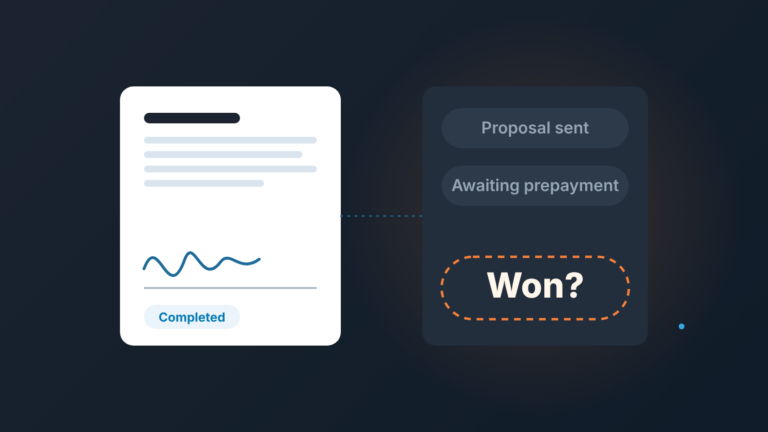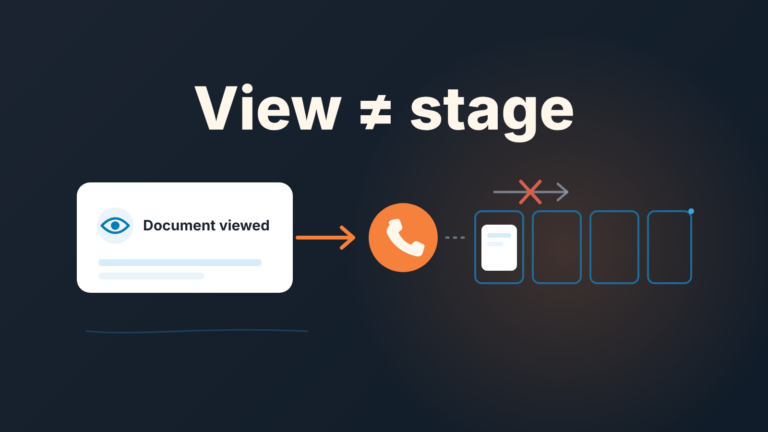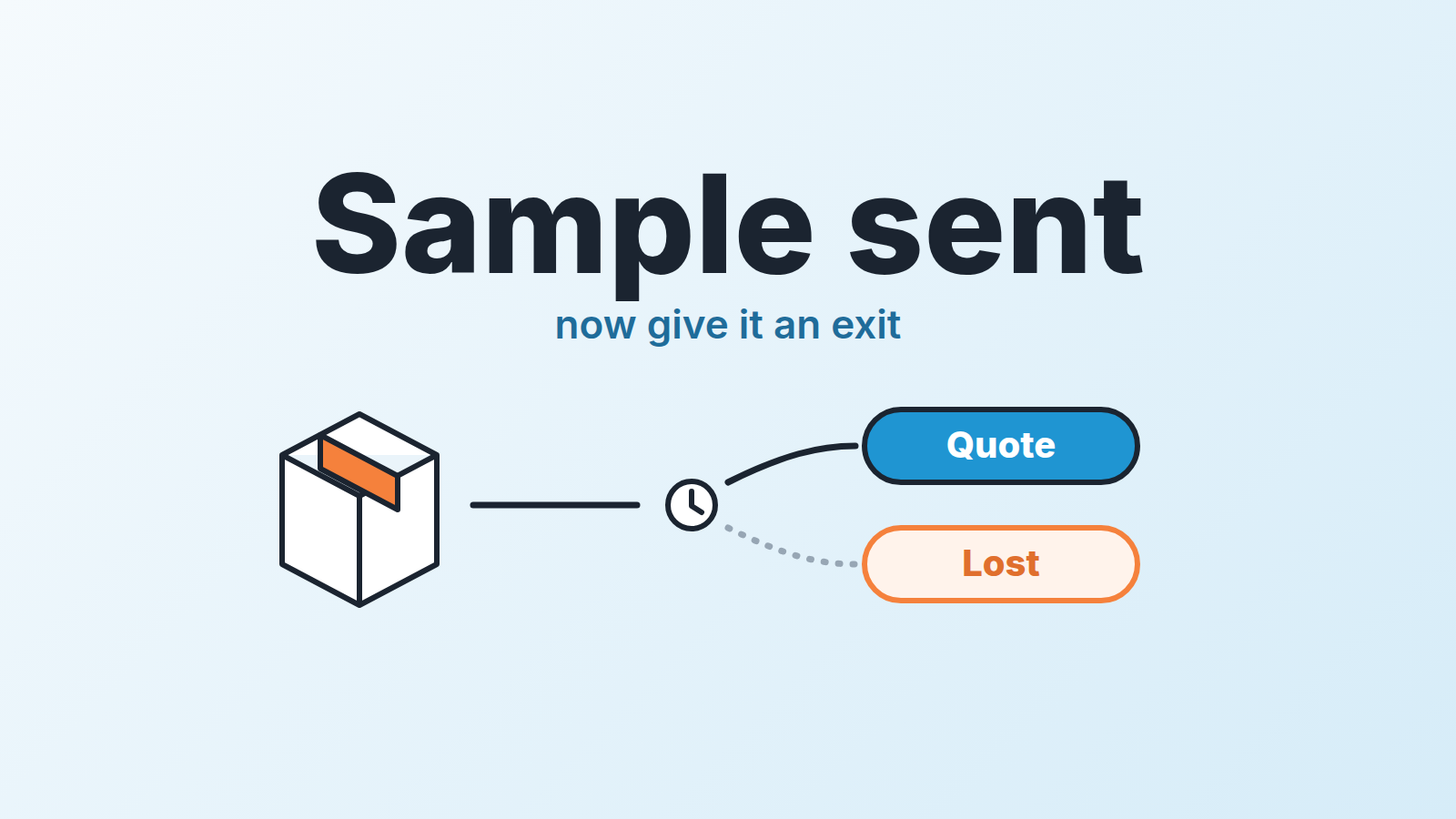
Treat a product sample request as the start of a deal stage with an exit rule, not a favor. Record what you sent, when it arrived and who will test it, set the follow-up activity on the delivery date, and decide up front what happens when nothing comes back in two weeks. Below is how to make Pipedrive hold that line, because a rep with forty open deals won’t hold it alone.
A sample costs real money before the customer has committed to anything, yet most teams run it on memory. The buyer writes “could you send a sample?”, the rep forwards it to the warehouse, and the deal sits wherever it was. Three weeks later nobody knows if it arrived, or whether it sits in a drawer under a fire extinguisher.
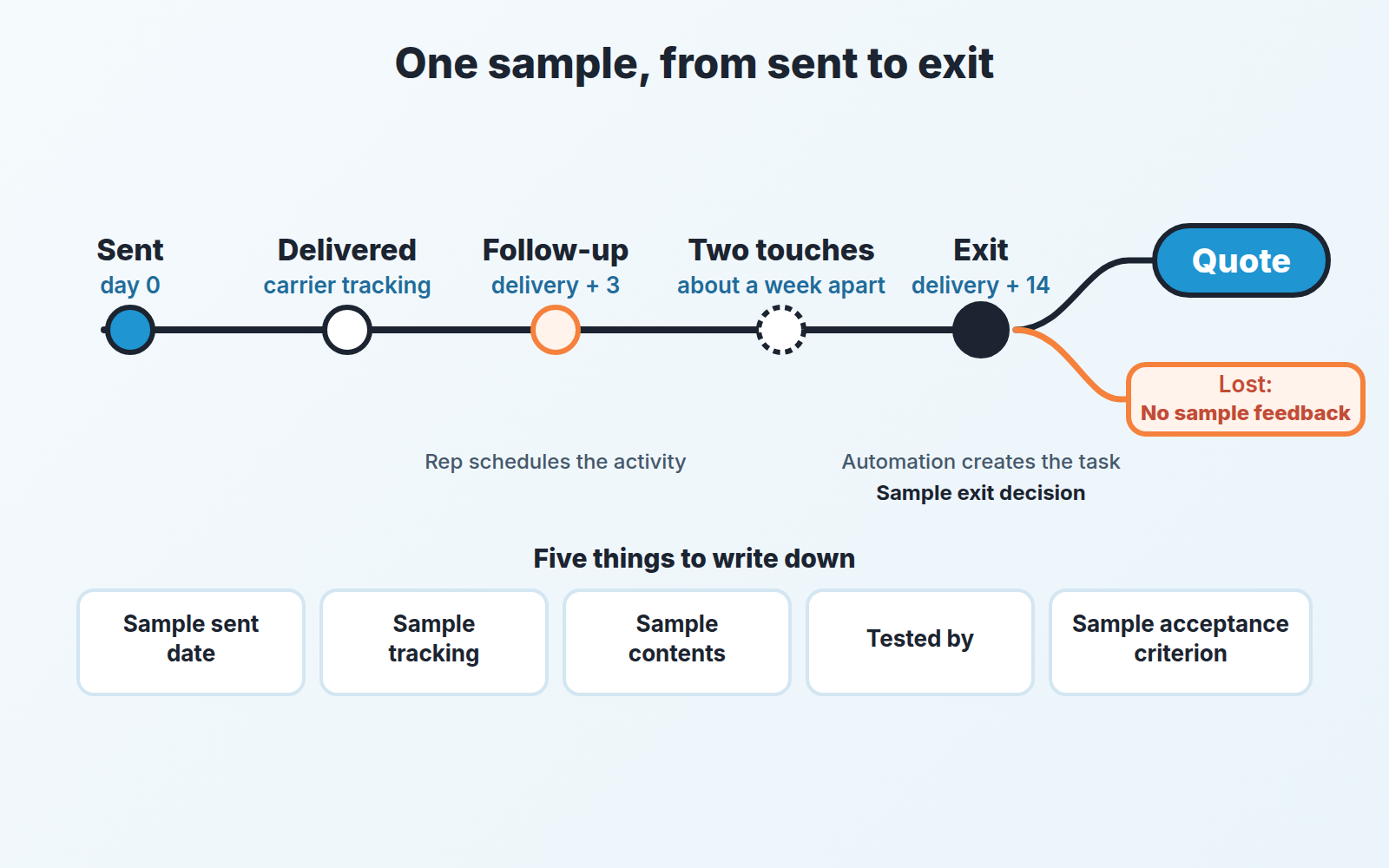
A stage gives you what a note does not: the date the deal entered it, a column the manager can count, and a moment when the deal has to leave. That last part is the one people skip. Write the exit rule before the first sample ships: within a fixed number of days after delivery, the sample turns into a quote or the deal closes with a reason. Fourteen is a reasonable default.
This is about physical goods, a pallet of packaging or a bracket machined to the buyer’s drawing, not software pilots; those run on different logic, covered in proof of concept deals in Pipedrive.
Stage or field? Count the sample requests per deal
The honest answer depends on how many samples a typical deal needs.
If a deal usually gets one, a stage called Sample sent in your main pipeline works. The deal moves in when the box leaves and out when the exit rule fires. Adding one to a live pipeline is covered in how to edit Pipedrive pipeline stages.
If a deal routinely gets two or three (a formulation tweaked twice, a second color), the deal bounces in and out of the stage and your conversion numbers stop meaning anything. Keep the deal in Qualified or Proposal and add a single-option custom field, Sample status, with values like Requested, Sent, Delivered, Testing, Approved, Rejected. Pipedrive’s single option type is “a list of predefined options where only one can be selected” (custom field types); a sample is in one state at a time.
The five things worth writing down
Fields are cheap in Pipedrive and expensive on a rep’s attention, so this list is short on purpose.
- Sample sent date (Date). The day it left your dock, not the day the buyer asked.
- Sample tracking (Text). Carrier and tracking number in one line.
- Sample contents (Large text). What exactly, how much, which batch or drawing revision.
- Tested by (Person). The person at the buyer who will put the sample on a line or in a lab, often not your contact. If the rep cannot fill this in, the sample is going to a desk, not a test.
- Sample acceptance criterion (Text). One sentence the buyer agreed to: “runs on their line at 60 packs a minute without jamming”. Without it, “still evaluating” can last a year.
On Advanced and above, mark Sample sent date and Tested by as Important for the Sample sent stage, so Pipedrive flags the deal detail view when they are empty (Important Fields). We’d pick Important over Required for the same reason we gave for pilot deals. Required has limits anyway: a rep dragging the deal into the stage is prompted for the field, but import, bulk edit, API, automations and integrations move deals past it (Required Fields).
The follow-up lands on delivery day plus three
Anchor the follow-up to when the sample arrives, not when it shipped. A buyer who receives a box on Thursday has not ignored you by Friday. This is the one real difference from following up after a proposal, where the clock starts the day you hit send.
The routine: when the carrier shows delivered, the rep schedules one activity, type Call or Task, due three working days out, titled “Sample follow-up: did it run?” That fills the deal’s Next activity date; once the call is done, it shows as Last activity date (Activities). If your reps swipe reminders away, our piece on activity reminders is about making them stick.
Should an automation create that activity when the deal enters Sample sent? We would not. A machine-made follow-up sits on the deal from day one, and the Monday check at the end of this article stops catching samples nobody is chasing. It’s the trap from our next-activity article: automate the nag, not the thinking. Only the rep knows when the box landed.
Automation does earn its place on the exit. Pipedrive’s date trigger fires on a date field you pick, with an “after date” option (Automations), so on Growth and higher plans it can create a “Sample exit decision” task for the deal owner after Sample sent date. Set the offset to your usual transit time plus fourteen days. The task asks for a decision, not another email.
The first follow-up email is plain and asks about the test, not the sale:
Subject: Your sample from [company], a quick check
Hi [first name], tracking shows the [contents] arrived on [date]. Has [tested by] had a chance to run it yet? If you need anything from us for the setup, tell me and I will sort it this week. If it has already been tested, I’d rather hear “it failed” than nothing.
You are checking on a specific thing, so name it.
Exit: quote it, or close it with “No sample feedback”
Two outcomes are allowed. A third one called “waiting” is not.
Sample approved, or approved with a change you can make: the deal moves to Proposal the same day, quote attached. Enthusiasm peaks the afternoon their line ran clean; don’t spend that week pricing.
Sample rejected: mark the deal lost, pick the reason, write what failed in the note. That is a good loss. You learned something about the the product for the price of one box.
No answer: two more touches about a week apart, then lost with the reason No sample feedback. Add that reason to the predefined list (Deals admin permission; up to 100 reasons per account) so reps pick it instead of typing variations of “went quiet” (Lost reasons). A deal performance report in Insights (Report > Deal > Performance) with a filter on that reason tells you how many boxes you shipped into silence last quarter. If your reasons list is already a mess, clean it up first.
Closing it feels like giving up on money already spent. It is the opposite: an open deal with a silent sample pretends to be pipeline and drags your win rate below what the team actually sells. More in when to close a deal as lost.
What a sample costs you, and who gets one free
Add a Sample cost field (Monetary) and fill it with landed cost: goods, packing, carrier and an honest hour of somebody’s time.
If you use Pipedrive’s Products (a global admin turns them on under Tools and apps > Products), the sample can be a product line on the deal instead. Pipedrive’s own description is that you “link it to a deal so Pipedrive calculates the deal’s value automatically” (Products). The help page is silent on free items, but the logic follows: a zero-price sample line adds nothing to the deal value, while a real price inflates your forecast by your own giveaways.
With cost recorded, the quarterly question becomes answerable from the deals list: an advanced filter on Sample sent date within the quarter, split by won, lost, and lost to no feedback, with the cost column under each (Advanced filtering). We won’t give you a benchmark ratio; we don’t have one for your product.
The numbers usually make teh free-or-paid decision for you. Our rule: a sample is free when the buyer has named who will test it and what passing looks like, and the deal value covers the cost. It is paid, credited against the first order, when the request arrives without either. A buyer who won’t spend a few hundred to evaluate your product is telling you how serious the evaluation is. Same idea as deciding which free-trial signups earn a call, except here each one costs shipping.
When they ask for a third sample
Sometimes a third is right. More often the buyer is using your samples as free R&D, or the person asking does not decide, or your product is close but not what they need and nobody wants to say so.
So before the third box we have a different conversation. Not “we can’t”. Something like: “Happy to. Before we do, can we agree what this one has to do that the last two didn’t, and who signs off if it does?” A clear criterion and a named decision-maker means you ship it and write both into the deal. A vague answer means you offer the third sample at cost, or a call with your technical person instead of a parcel. Either move usually ends the loop within a week. That beats a fourth sample in six.
The box arrived and the deal went quiet
If you watch one thing every Monday, make it this: deals in Sample sent with nothing scheduled. It is the saved filter from the weekly next-activity audit, open deals with an empty next activity date, narrowed to this stage. Rotting will not catch them, because the rotting timer resets on any deal update, including the rep pasting in the tracking number (the Rotting feature).
We build SalesBond, which works on top of the CRM your team already uses, Pipedrive included. Its Deal Health checks every deal against the enabled rules (more than 20 of them), shows the specific violations and explains what to do. Activity is one of the rule categories, so a deal that sits after the sample ships is the kind of gap it is built to show, with a recommended action next to it. Check your CRM with SalesBond if you’d rather not depend on someone opening the filter.
Either way, a sample has done it’s job once it changes something: a quote, a loss reason, a better product. A sample that changed nothing was a gift. Send gifts when you mean to.