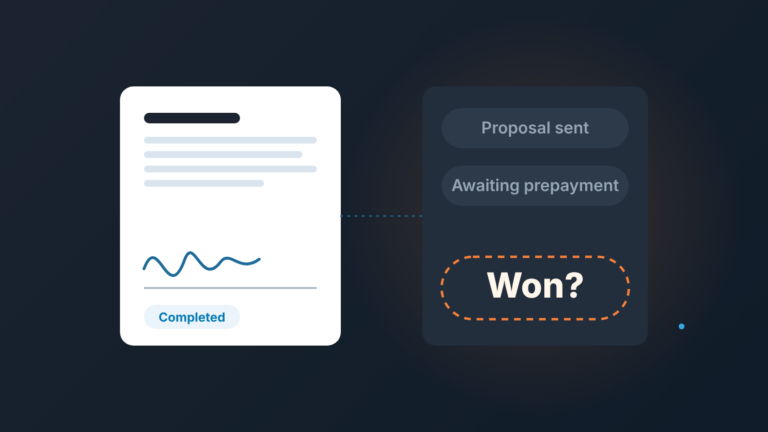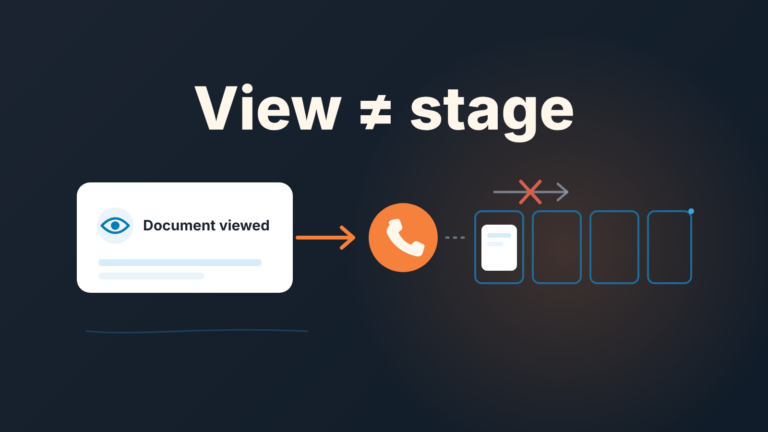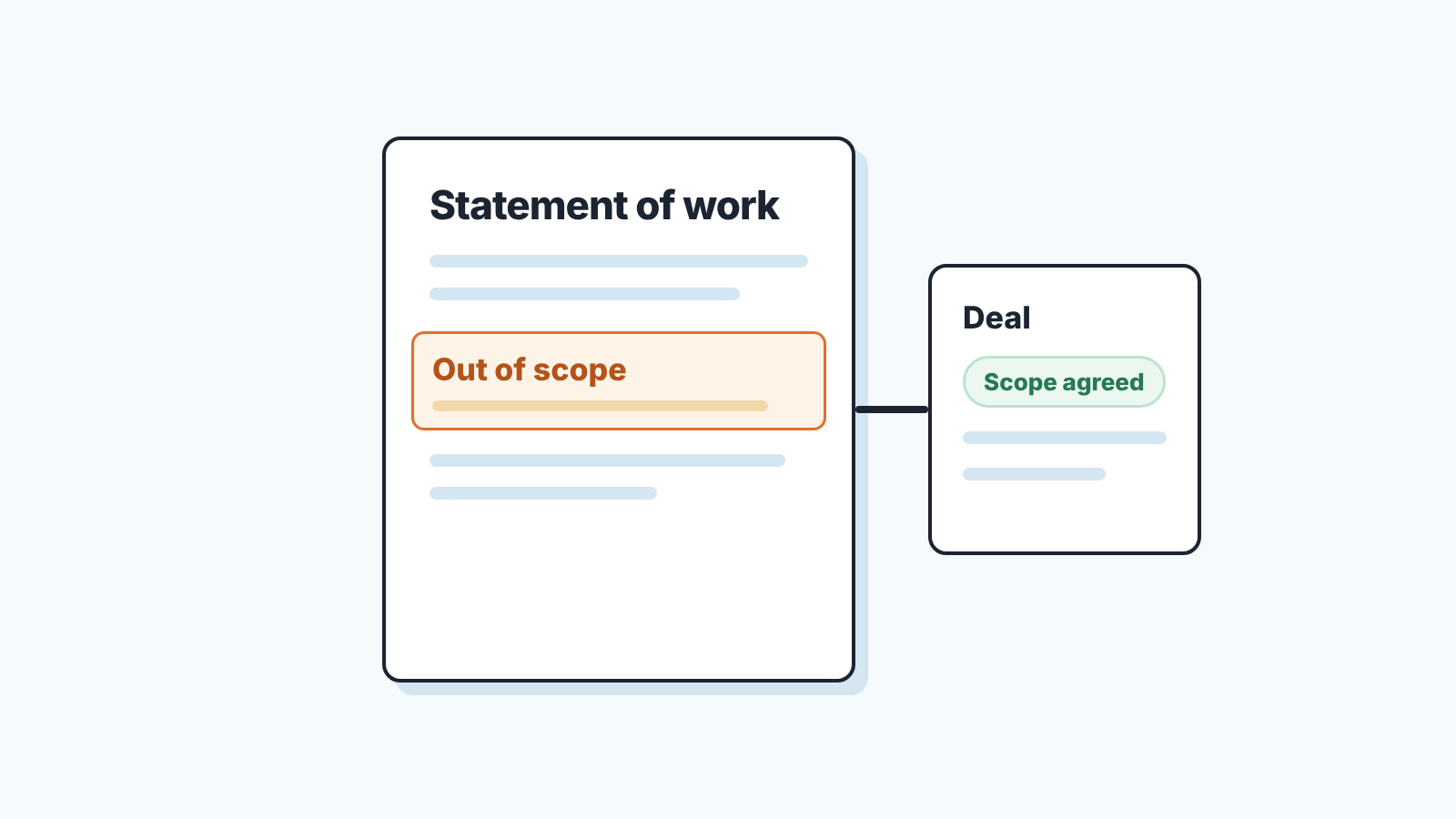
A statement of work (SOW) is the document that fixes what will be done, what will not, by when and for how much. Agree that scope with the buyer before you send the price, then write it down as the SOW and record in the Pipedrive deal whether the scope is agreed. A deal with a price and no agreed scope is a dispute waiting for a delivery date.
A client who “remembers it differently”
Bastian runs a five-person studio that builds online stores. In May he sent Margit, who runs ecommerce at a mid-sized retailer, a proposal: new storefront, catalogue setup, launch by September. She accepted in June. The deal went to Won, the invoice went out, the team started.
In August Margit asked when the product feed for the marketplace would be ready. Bastian had never priced a marketplace feed. Margit pointed at “catalogue setup” in the proposal. Both were right, because the page never said what catalogue setup did not include.
Proposals are written to win, so nobody writes “the feed is not included” into one. Then the generous words become the contract and the argument is about memory. The fix is one step before the price, and one field in the CRM that says whether it happened.
Statement of work vs proposal vs scope of work
A proposal is the offer: here is what we suggest, here is the price. A scope of work is the part of any document that lists what is in and what is out. A statement of work puts that list into a document of its own, with dates and money.
The two sources we read do not agree on where the SOW sits. Salesforce’s Trailhead module calls it “a legal document” and “the final phase of the implementation sales process”, drafted after discovery, a rough order of magnitude and a proposal (Trailhead: Understand a SOW). Kurt Elster, writing for Shopify Partners in 2017, drops the traditional proposal: after a call he emails a plain-text statement of work that recaps the call, and says nobody has ever complained about the missing proposal (Shopify Partners: How to write a statement of work).
Neither is written for a team of five whose buyer still wants a document to forward to finance.
The order we’d pick for a team of five
Discovery call. Then a short email that says what is in, what is out and roughly when, and a reply from the buyer that says “yes, that’s it”. Only then the proposal with the price. The statement of work comes after the buyer has picked a price option and before the deal is marked Won.
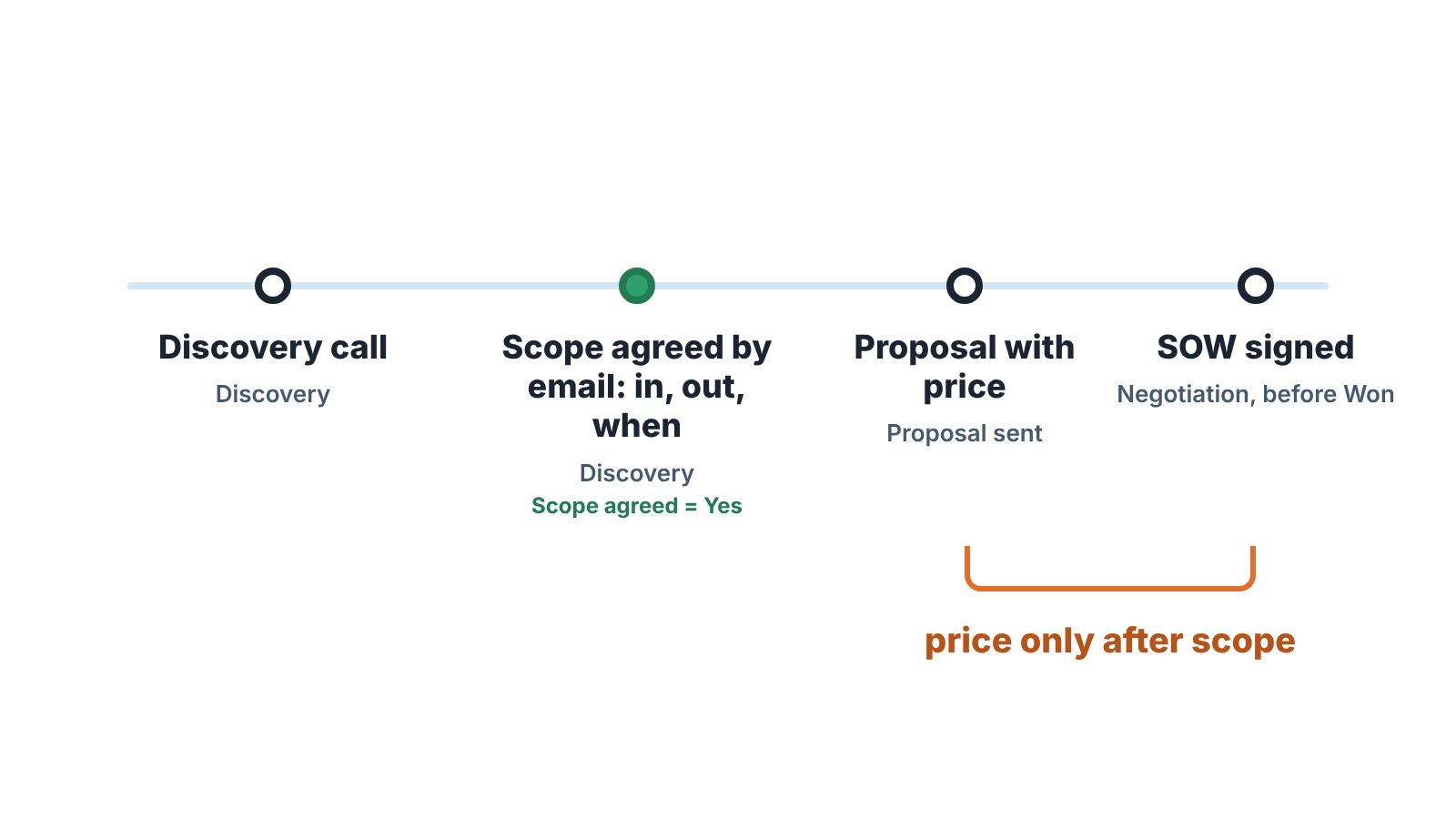
Scope before price, because a price sent before the scope is agreed is a price for your assumption. Margit’s feed was in her assumption and not in Bastian’s price; one question in May would have cost a sentence instead of three weeks.
SOW last, because it is the document people sign, so it should describe something already agreed. Write it earlier and you redline it twice. If you offer price options the way we laid out in good-better-best proposals in Pipedrive, the SOW describes the one they picked.
What goes in, and the part everyone skips: exclusions
Elster’s basic SOW is three things: what you will do, when, and how much. For a new client he adds background, problem, solution, exclusions and success metrics (same Shopify article). Exclusions is the block that earns its place.
His line on it: “Just as it’s important to define what is involved, it’s important to define what isn’t involved.” Anything not listed should be out by default, but a buyer does not read it that way. They read “catalogue setup” and fill in teh rest.
Exclusions small service teams write most often:
- Content. Product descriptions, photos, translations: who writes them, and that it is not you unless priced.
- Third-party fees. Apps, hosting, licences, ad spend, paid by the client directly.
- Training beyond one handover session.
- Support after launch: how many days of fixes are included, and when the paid clock starts.
- Data migration from the old system, unless it is its own line with its own price.
- Anything the buyer mentioned on the call that you decided not to include. Name it. That is the marketplace feed.
The last item is the hard one: it means saying no, in writing, in a document meant to win. Write it anyway. “The marketplace feed is not part of this project; we can quote it as a second phase” loses nobody and saves the August call.
Logging it in Pipedrive
Three places.
A custom deal field called Scope agreed with three options: Yes, No, Partly. Yes means the buyer replied in writing to the in-out-when email, Partly means one item is still open, and it goes into a note. A custom field can be used in filters; Pipedrive can mark a field as required, which blocks saving the deal until it is filled (Premium plan), or as important, which only highlights it as missing (Growth) (Pipedrive: custom fields). The field type cannot be changed once created, so settle the options first. Deal fields already a graveyard? Start with the custom fields cleanup.
A note on the deal with the exclusions pasted in, not a link to a shared drive: the person answering Margit in August will be reading the deal.
An activity called SOW review with a date, created the day the proposal goes out. That is what the follow-up after a proposal is really about: not “did you get it”, but “does this describe what you meant”.
Then one filter for the Monday meeting: stage is Proposal sent, Scope agreed is not Yes. Every deal on it has a price in the buyer’s inbox for work nobody has agreed on. Don’t expect it to be empty the first week. If the work is split, write the phase 2 start condition into the second deal, not only into the SOW.
After Won, the “one more thing” request
Margit’s request is not a complaint. It is a buying signal with bad timing. Open the note, quote the exclusions line back to her, and open a new deal for the feed with its own scope, date and price. That is an upsell, not a change request.
If it is small and you would rather keep the relationship than the margin, do it, but write one line: “Added at no charge, outside the SOW, one time.” The free fix nobody wrote down becomes the precedent. And the closed-won handoff is where delivery reads the exclusions note, so they hear about the feed from the deal, not the client. A change to the signed SOW itself is different: that is a change order, addendum or amendment, and each one is recorded differently.
Before the next price goes out, create the field and run that filter once.
We build SalesBond, a sales management layer on top of the CRM a team already uses; we started with Pipedrive. Its Deal Health exists for the same reason as that Monday filter: a deal missing what its next step needs shows up as a risk, with the reason. Check your CRM with SalesBond.