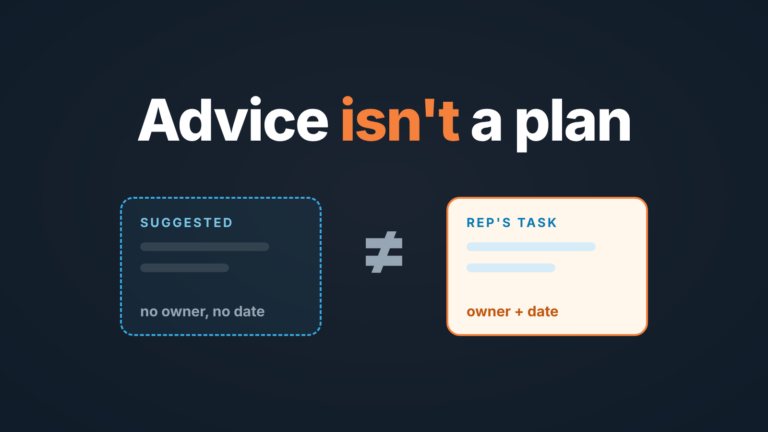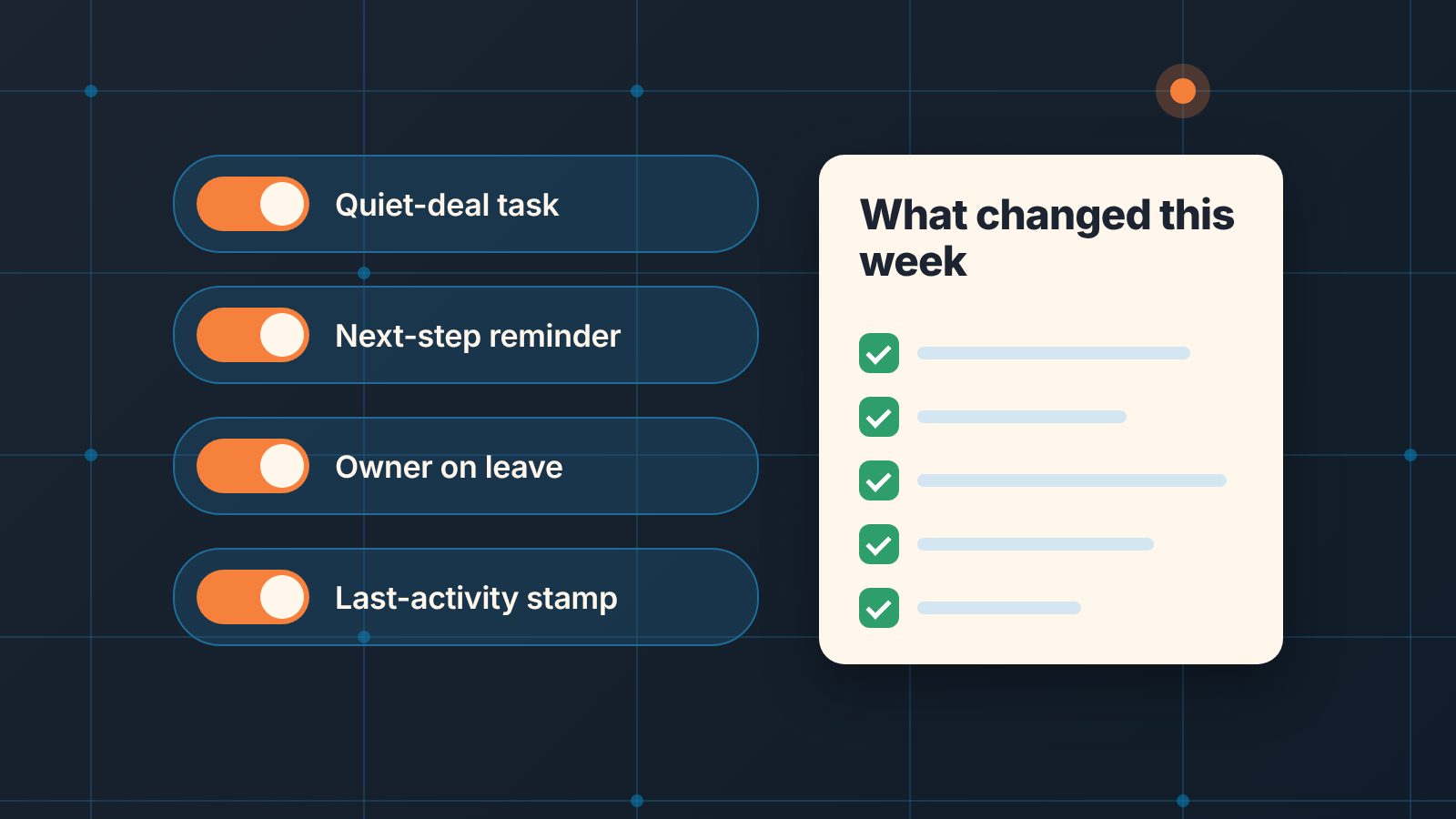
With CRM automation, switch on only the rules that create a task or a reminder, not the ones that silently edit a stage or an amount. Then, once a week, list the deals an automation touched so a person can confirm it did what you intended. That is the whole policy. Everything below is how to run it in a small team without an ops person.
Automation that saves a click vs automation that edits the deal
CRM automation is a rule that does something in the CRM when a condition is met, without anyone clicking. Revenue.io’s glossary puts it as technology that handles repetitive CRM tasks so the team can spend time on deals (Revenue.io). True, and no help in deciding what to switch on. We mean sales-side rules here; email nurturing is marketing automation and a different conversation.
The split that helps: does the rule add something next to the deal, or does it change the deal itself?
A task, a reminder, a notification, a logged email: all of these sit next to the deal. If the rule is wrong a rep gets a pointless task and closes it. Nothing in the pipeline report moved. Deal alerts in Slack sit on this side too.
A stage change, a new amount, a filled close date, a reassigned owner: these change what the manager sees on Monday. If the rule is wrong, the forecast is wrong, and nobody gets a task telling them so.
We think the second kind is worse than doing the work by hand. Plenty of “automations to set up” lists put automatic stage updates near the top, and we would leave them off. A rep who moves a deal to Proposal by mistake knows they did it. A rule that moves forty deals to Proposal because a condition was too loose tells no one. One of the guides in the top results puts it mildly, that automation “can also lock in mistakes if your initial inputs aren’t clean” (Jetpack CRM). The longer argument about where the human stays is in what not to automate in a sales process.
Four automations a small sales team can live with
Which features to switch on first is its own article: sales force automation for a small team. Here the list is short on purpose. Each rule adds something next to the deal, none of them edits a deal field a rep would otherwise decide on, and each has a person who reads what it produces.
-
A task when a deal goes quiet. No activity on an open deal for N days, create a task for the owner with a due date. This is the one that pays back first, and it gets its own section below.
-
A reminder before the next step is due. The rep scheduled a call for Thursday; the rule reminds them Wednesday evening. It’s a nudge, not a decision, and the rep can move the activity if the buyer moved. Switch the CRM’s own reminder on before you build anything.
-
Owner change when a rep leaves. The one exception to “do not edit the deal”, and a deliberate one. When an account is deactivated, open deals need a living owner, and a rule that reassigns them to the manager on deactivation is safer than a spreadsheet someone forgets. Keep it to the owner field. Do not let the same rule touch stage or close date.
-
Stamp the last activity date. Many CRMs maintain a last-activity property on thier own; where yours does not, a rule that writes the date of the latest logged call or email into one field gives the quiet-deal rule its input. It writes a timestamp, not an opinion.
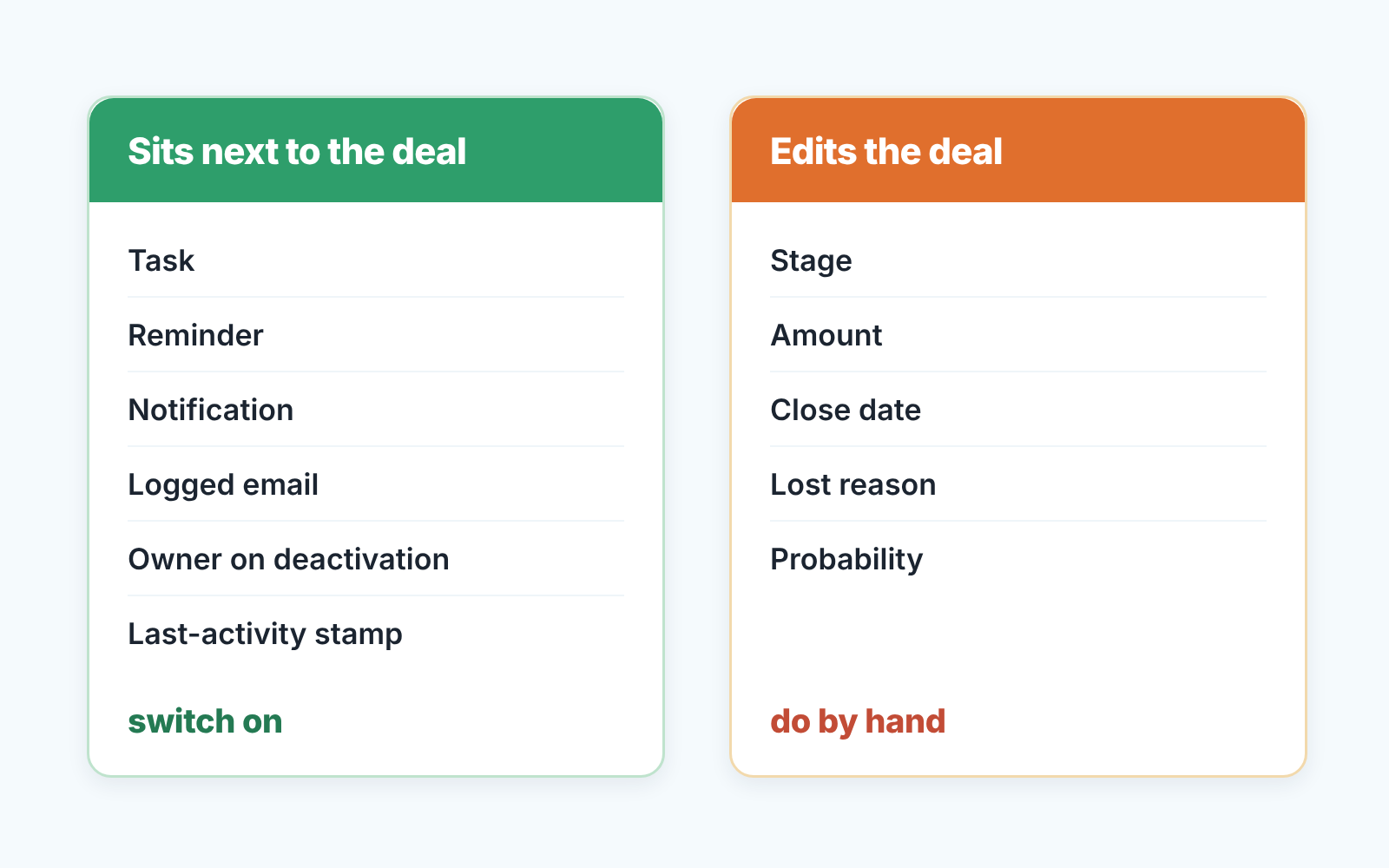
Notice what is missing. No rule moves a stage. No rule fills a close date because the field is required. No rule sets a lost reason. Those are judgments, and a judgment made by a condition is a guess with a straight face.
One in detail: a task when a deal goes quiet
The rule reads like this: an open deal with no logged activity for seven days gets a task for its owner, due tomorrow, titled something like “Quiet 7 days: decide next step”. Seven is a starting point for a cycle measured in weeks. A team selling in days should use three, a team selling in quarters can use fourteen. The number matters less than the fact that it fires at all.
Everything hangs on one field: the deal’s last activity date, or whatever your CRM calls it. Look at what feeds it before you trust the rule. If a rep’s own note counts as activity, a deal can stay “active” for a month on notes to self. If only logged emails and calls count, a rep who talks to the buyer in a chat tool and never logs it will get tasks on deals that are perfectly alive. Neither is wrong. You just need to know which one you have.
Write the task for the person who opens it. “Follow up” is useless on a Tuesday morning with eleven of them in the list. “Quiet 7 days: decide next step” tells the rep what the task is for: not to send another email, but to decide whether this deal has a next step at all. Half the time the answer is a scheduled call. The other half, the deal should be marked lost, and the rule just saved it from a quarter of pretending.
Then the part most teams miss. A rule like this fires once per deal unless you tell it otherwise. In HubSpot, a record enrolls in a workflow once by default; re-enrollment is set in the enrollment trigger settings, where you pick which triggers may bring a deal back in (HubSpot: create workflows). Without it, a deal that goes quiet in March, wakes up, and goes quiet again in May gets no second task. We have the full build for HubSpot in one HubSpot workflow that tasks the owner when a deal goes quiet, the Salesforce version in a Salesforce flow for stale opportunities, and the Zoho CRM version in a Zoho CRM workflow rule for the follow-up task. On a plan without workflows, a saved view does most of the job; HubSpot deals without a next activity, as a saved view shows that version.
What your CRM automation changed this week
What did the automation do last week, and was it right? We have not found a guide in the top results that asks. A rule is a decision made once that then repeats while you are in other meetings. So once a week, on the same day as the pipeline review, somebody spends ten minutes on this.
-
Open the automation’s own run history. In HubSpot a workflow keeps a history of enrolled records, with action-level logs kept for 90 days and enrollment history for six months (HubSpot: create workflows). Pipedrive keeps automation history for 15 days (Pipedrive: troubleshooting automations), so a weekly check there is not optional; we walked through reading it in the owner’s audit of Pipedrive automations. Count the runs and compare the count with the number of deals you expected the rule to touch. Forty tasks created on a stage with twelve deals in it is a finding about the stage, not about the rule.
-
Open five of the touched deals, not the first five. Pick them across reps. For each one, ask the only question that matters: would a person have done the same thing? A quiet-deal task on a deal that had a call yesterday means the activity field is not fed by calls. Fix the input, not the rule.
-
For any rule that writes a field (your owner rule, your last-activity stamp), open the deal’s change history. Most CRMs keep one on the deal. In Salesforce it exists only for fields where Field History Tracking is switched on (Salesforce Help: field history), so check that the owner field is one of them. The history shows the new value, when it changed, and who or what changed it. How an automation is labelled there differs by CRM; HubSpot, for one, can list the source as “Workflow” rather than a person (HubSpot: property history). Before the first review, find one change you know a rule made and see how it shows up.
-
Count the tasks the rule created that were closed without a scheduled next step. That number is the honest one. A task closed with “called, left voicemail” and no new activity is the rule working and the process not.
-
Write one line in the review notes: rule name, runs, deals opened, anything wrong. Four weeks of those lines tell you whether to keep the threshold.
Ten minutes. If it takes thirty, you have too many rules, and that is also a finding.
Who owns the rule when the person who built it leaves
An automation is built by one person on one afternoon, and then it belongs to nobody. So put a name next to every rule, and pick that name by who reads the output, not by who knows the workflow editor. The quiet-deal rule creates tasks for reps and a count for the manager, so the the manager owns it. The owner-on-deactivation rule exists for the day someone leaves, so whoever runs offboarding owns it. If nobody reads what a rule produces, you have found a rule to delete. On HubSpot, the same test settles who should own a workflow and who a sequence.
In some CRMs a rule is tied to its builder’s account, and deactivating that account changes what the rule does; the Pipedrive side of that is in the owner’s audit of Pipedrive automations. For any CRM, one line in the offboarding document covers it: “CRM automations transferred and switched back on, by [name]”.
The rules keep the deals honest only as long as someone reads them
A disclosure, since this article ends at “somebody reads what the rule produced”. We build SalesBond, a sales management layer on top of the CRM a team already uses (today Pipedrive, HubSpot, Salesforce and Zoho CRM). It reads the deals from the CRM and shows the manager which ones carry risk and which steps are missing, with the reason next to each, so the five touched deals in the weekly check come with a list instead of a hunt. It does not build or edit automations, and it does not replace the ten minutes above. Check your CRM with SalesBond.
If you do one thing this week, build the quiet-deal rule, write a name next to it, and book ten minutes after next Monday’s pipeline review to open five of the deals it touched.