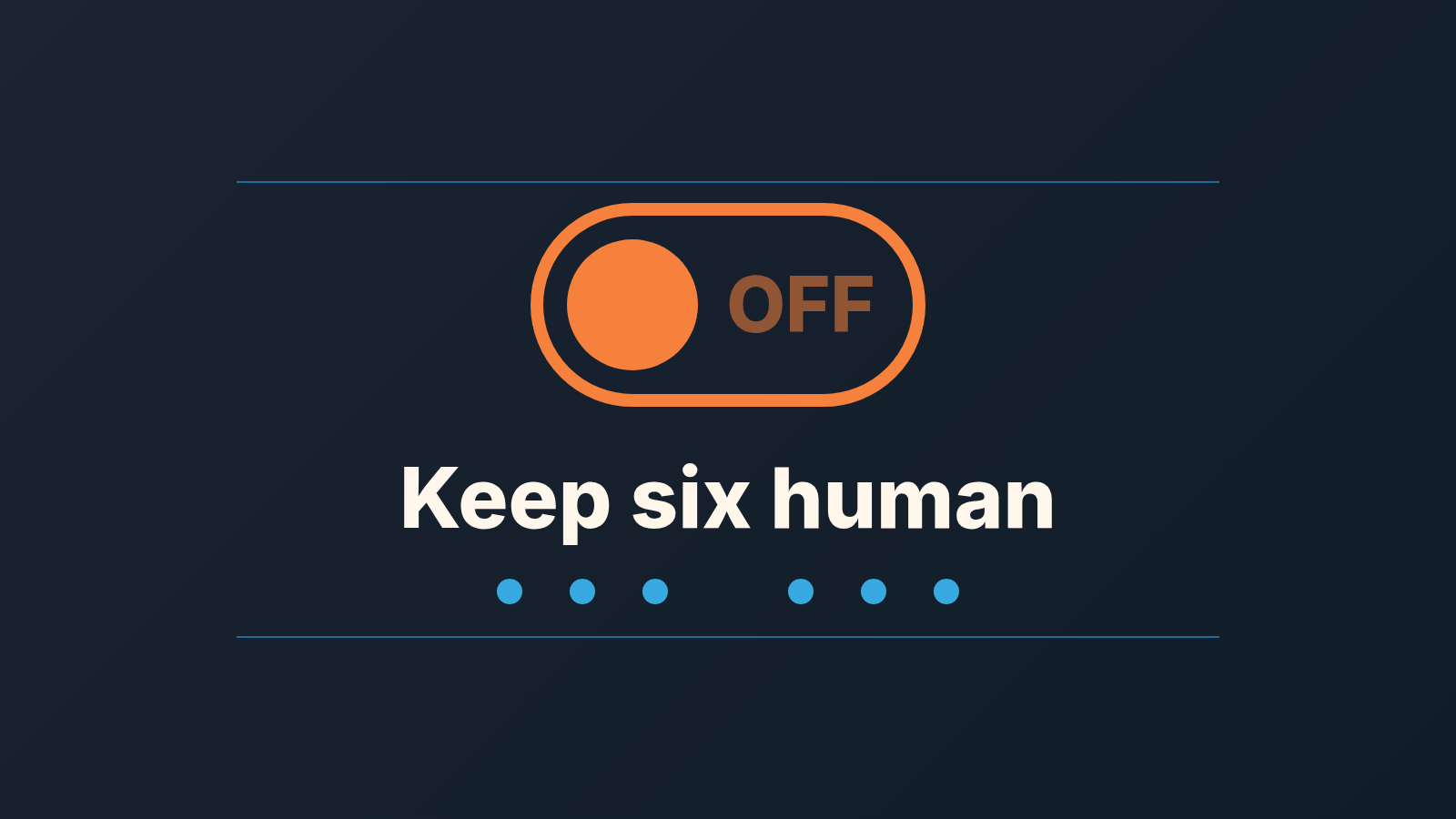
Automate the recording and the reminding. Keep six things human: stage changes, close dates, next-step text, forecast category, lost reasons, and any message a buyer will read as if a person wrote it. That is the whole list. The rest of this article is about why those six, how to tell when a seventh belongs on it, and what goes wrong when a small team hands them to a workflow anyway.
Most advice on sales automation mistakes comes from outbound tooling, so it is about email sequences: don’t over-send, clean your list, personalize the first line. Fair enough. On a five-person team using Pipedrive, though, the expensive mistakes sit somewhere else. They sit in the pipeline itself, where an automation quietly starts deciding things a manager used to decide, and nobody notices until the forecast is wrong.
Every extra tool adds more automations that can write into your pipeline, which is why we keep a sales tech stack for a small team to five tools.
Four questions before you build the automation
Pipedrive’s Workflow Automation will fire on a deal, person, activity, lead, organization or project being added, updated or deleted, or on a date (for deals, people, activities and organizations). It can then update fields, create activities, send an email, post to Slack and more, with conditions and if/else branches along the way (Pipedrive Help: Workflow Automation; the feature is on Growth and higher plans). So technically almost any step in your process can be automated. The question is which steps should be.
We use four questions. A step passes only if the answer to all four is comfortable.
- Is the input clean? The automation can only act on what is in the field. If the field is filled inconsistently, the automation inherits the inconsistency and multiplies it. Meet Alfred’s guide makes the same point about email lists: a dirty list gives you “low engagement numbers, lost leads, and high email marketing costs” (Meet Alfred, 27 mistakes). Inside a CRM the equivalent is a stage field that three reps interpret three ways.
- Is the judgment reversible? A reminder nobody needed costs ten seconds. A deal moved to Closed Lost by a rule costs a conversation the rep no longer has a reason to have.
- Does the buyer see it? Anything that lands in the buyer’s inbox, calendar or portal counts. People forgive a late reply. They do not forgive a reply that was obviously nobody.
- Who is accountable if it’s wrong? If the honest answer is “the automation”, stop. Someone has to own the number in the forecast, the reason in the lost report, the sentence in the email. A workflow cannot be asked why.
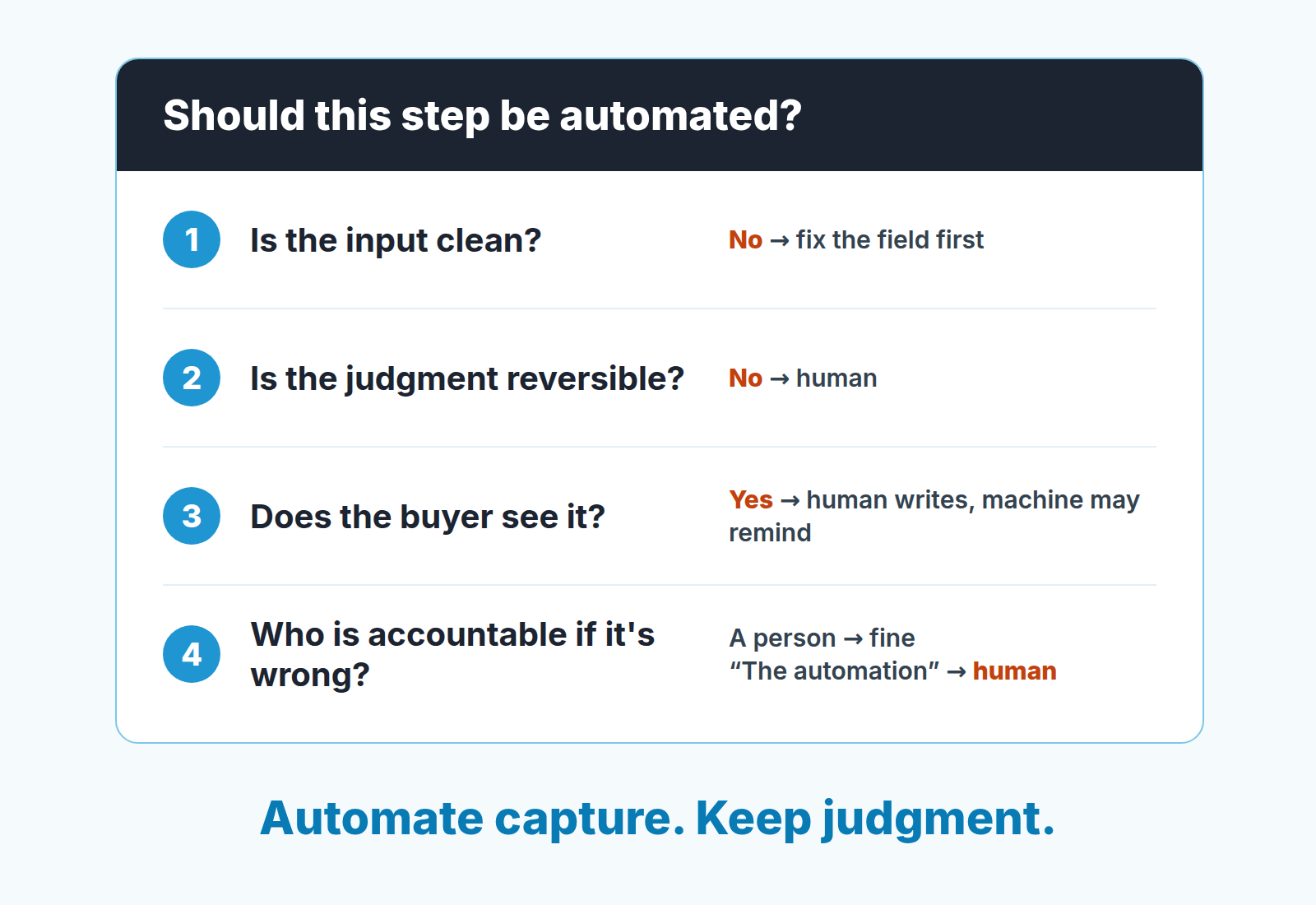
Run a step through those four and most of the pipeline sorts itself. Logging an email: clean input, reversible, invisible to the buyer, nobody needs to be accountable. Automate it. Changing the forecast category: dirty input, hard to reverse once the number has been reported upward, invisible to the buyer but very visible to the founder, and someone absolutely has to own it. Keep it.
What not to automate: where the human stays
Six steps stay with a person: stage moves, close dates, next-step text, lost reasons, forecast category and the follow-up to a stalled buyer. This section runs long on purpose, because the safe list is short and boring and this one is where small teams actually get hurt. On HubSpot, the same thinking decides what stays by hand instead of a workflow or sequence.
The list holds for assistants too, and we looked at what an AI assistant may write through MCP.
Stage moves
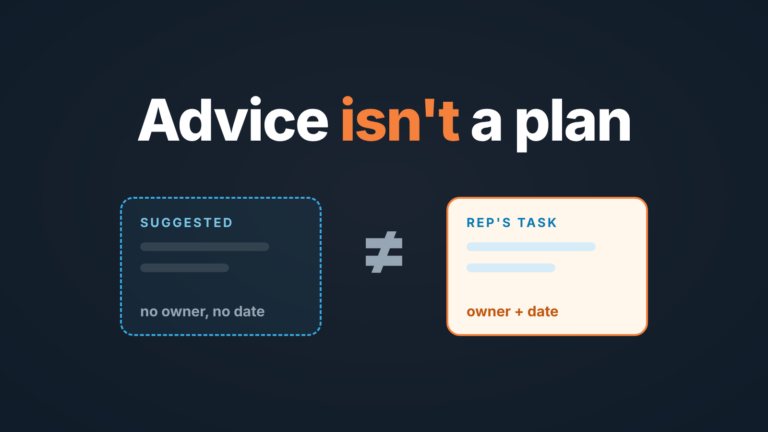
The tempting rule: when a proposal is sent, move the deal to Proposal Sent. Or when the buyer opens the quote, move to Negotiation. Both are wrong for the same reason. A stage is a claim about where the buyer is. Sending a proposal is something we did. Whether the buyer is in a proposal stage depends on whether they asked for it, who they are showing it to and whether a budget exists, and no field knows that.
Let the automation notice the event and ask. A Pipedrive automation that creates an activity “Confirm stage with buyer” when a quote goes out is useful. One that moves the stage is a rep’s judgment replaced by a timestamp. We wrote about this split at length in what can come off the rep’s plate, so here is the one-line version: the machine records what happened, the rep decides what it means.
Close dates
Every automated close date we have seen is a formula: stage entry date plus the average days in stage, or deal creation plus the median cycle. It looks like a forecast. It is a historical average wearing a forecast’s clothes. The buyer’s procurement calendar, thier fiscal year end and the fact that their champion is on leave in November are not in the formula, and those are the things that decide the date.
Keep the close date a question the rep answers out loud. If you want a better question than “when will it close?”, the ones we use are in the piece on forecast accuracy for small teams.
The same rule holds when the proposal comes from AI rather than a rule: our piece on AI-proposed stage and close-date updates covers what a manager should check before approving.
Next-step text
The next step field is the most honest field in the CRM, as long as a person writes it. “Call Thursday to walk the CFO through pricing” tells a manager everything. “Follow up”, written by a rule, tells them nothing and looks filled. An AI notetaker can draft this from a call, and a draft is fine; the rep still reads it and saves it. The moment a workflow writes the next step without a human in between, the field goes from honest to decorative.
Lost reasons
A lost reason filled by a rule is a default with a label on it. Common pattern: deal untouched for 60 days, automation marks it lost with reason “No response”. Six months later the founder asks why half the pipeline died of “no response” and nobody can say whether that was price, a competitor or a champion who left, because the field was never a question anyone answered. If you measure anything about your data, measure this one; the metrics that show whether CRM data is actually usable start here.
The right automation for a stale deal is a prompt to the rep: “This deal has had no activity for 30 days. Still alive?” A person then closes it, with the real reason, in a sentence they would say in a deal review.
Forecast category
Commit, best case, pipeline. Some tools will set these from a score; AI deal scoring explains what the score is made of and where it lies to a small team, so we will not repeat that here. The short version for this list: a forecast category is a promise a human makes to another human, and it has to be possible to ask the the promiser why. A model’s output can inform the call. It cannot make it, because it cannot be in the room on the first of the month when the number is missed.
The follow-up to a stalled buyer
Here the buyer sees it, and here is where outbound-style sequences do the most damage inside a live deal. A buyer who went quiet after a demo has a reason. Maybe the budget moved. Maybe your price was too high and they are embarrassed to say so. Maybe their boss said no. A sequence does not know which, so it sends the same cheerful “just bumping this” three times, and the buyer learns that nobody at your company is actually paying attention to their deal.
Write the stalled follow-up by hand, every time, and make it about something: a question you forgot to ask, a thing that changed on your side, a date you both mentioned. Automate the reminder to write it, never teh writing. One Pipedrive detail matters here: an automation that sends email sends it from whichever sender its Sender account setting names, and if that is the automation owner, a workflow built by the admin would put the admin’s name on a message to the rep’s buyer (Pipedrive Help). That alone is a reason to keep buyer-facing email out of shared automations. We lay out which email should go from whom in our piece on choosing the sender in automations.
What is safe to hand over
Anything that records or reminds without passing judgment on the deal. Logging emails and calls. Creating the follow-up activity when a deal enters a stage, with the due date as a default the rep can move. Nudging the owner when a deal has gone quiet. Posting to Slack when a deal is won. Setting the stage entry date. Pulling company size from an enrichment source. The list is short on purpose: these make sure the judgment has something to look at. For a short version, see four safe CRM automation rules.
Which Slack posts earn their place, and which ones teach a team to mute the channel, is covered in a quiet Slack channel for deals.
Reminders deserve their own mention because they are the automation that most reliably pays for itself and the one most teams under-use. The settings that matter are in Pipedrive activity reminders, and the one-line rule is: automate the “when”, leave the “what”.
Sales automation on a broken process: a Pipedrive example
The common warning is right: Overloop puts it as automation “isn’t a ‘set it and forget it’ solution” and that without updates “workflows can become outdated” (Overloop). What the warning usually lacks is a picture of what “broken, then automated” looks like on a real pipeline. Here is one we see often.
A team of six has a stage called Proposal. Two reps move a deal there when a formal PDF goes out. Two move it when they quote a price in chat. One moves it when the buyer asks “roughly how much?”, and one never uses it at all, going straight to Negotiation. Nobody has noticed, because the pipeline view looks full and busy.
Now the manager builds an automation: trigger on deal updated, condition stage equals Proposal, action create activity “Send follow-up” due in three days, and a second action to send a templated email to the contact. From the first day it is live, three different kinds of deals get the same three-day follow-up. For the buyer who asked “roughly how much?” the email arrives before any proposal exists. It goes out from the manager’s address. The rep finds out when the buyer replies to the manager asking what proposal they mean.
Nothing in the automation is wrong. The process it sits on was never agreed. The fix is upstream: write down what each stage means in buyer terms (the buyer has confirmed budget, the buyer has the document and a date to discuss it) and only then automate around it. That is a methodology question before it is a tooling question, and choosing a sales methodology for a Pipedrive team is where the stage definitions should come from.
How do you know the process is ready? Pick five deals in the stage at random and ask the owner why each is there. Five answers that match the written definition, go ahead. Two that don’t, fix the definitions first.
Look at the automations once a month
Overloop’s advice is to run monthly workflow reviews so that “triggers, sequences, and integrations still match how your buyers behave” (Overloop). We agree, and we would make the review more specific than “do they still match”.
Once a month open the list of automations and go through each one with three questions. Who owns this? If the person who built it has changed roles, its emails still go out under their name. If they have been deactivated, Pipedrive switches the automation off (for everyone if it was set to run for all users), so the orphan does not misfire, it simply stops, and nobody notices. Transferring it to a new owner switches it off too, until the new owner turns it back on; the 20-minute audit shows how to do both before the last day. Did it fire this month, and on the deals you expected? An automation that fired forty times on a stage with twelve deals in it is telling you something about the stage, not about the automation. Did a buyer see anything from it? Read one of those messages aloud to a colleague. If it sounds like a system, rewrite it or retire it.
Check the deals, not only the history tab, and see why history will not show a deal that missed the trigger.
Then go back to the keep-human list and check it has not been quietly automated. Someone will have had a good idea in week two. The lost-reason default, the auto-moved stage and the formula close date rarely arrive as a decision; they arrive as a time-saver, and the only way we have found to catch them is to go looking. If you want a second opinion on what the reps are writing in the fields that stayed human, AI sales coaching for small teams covers where a model is a useful reader and where it only pretends to be one.
FAQ
How much of the sales process should you automate?
The recording and the reminding: logging emails and calls, creating follow-up activities, nudging owners on quiet deals. Anything that is a judgment about the deal, or a message the buyer reads, stays with a person.
Can you over-automate sales?
Yes, and on a small team it usually happens in the pipeline rather than in outreach: rules that move stages, set close dates or fill lost reasons. The CRM still looks full, but nobody can explain the forecast.
How often should you review sales automations?
Monthly. Check who owns each automation, whether it fired on the deals you expected, and read aloud one message a buyer received from it.