
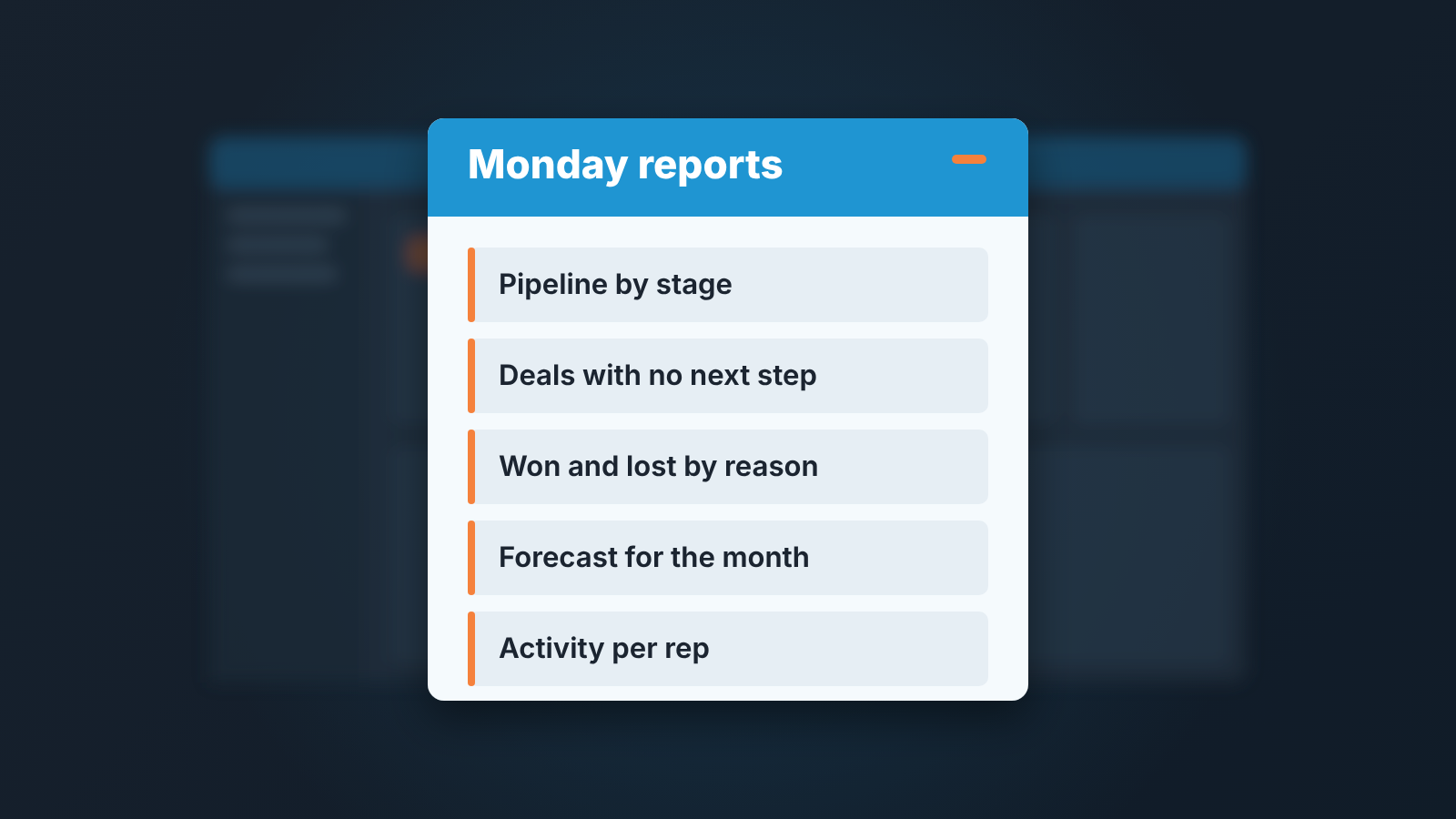
Choose a CRM for a small sales team by the five reports the manager needs every week and the fields that make those reports true. Write the reports down, decide which fields have to be mandatory, then test the shortlist on a pilot of ten live deals. A CRM that cannot produce those five reports from the fields your reps will actually fill in is the wrong CRM, whatever its feature list says.
That is the whole method. The rest of this article is how to run it without spending a quarter on it. We are not ranking vendors here, and we are not comparing prices; the price articles for a five-person team are separate, and they are linked where they belong.
To choose a CRM, start from the five reports you need
Every demo starts with features. Every regret starts with a report the manager could not get.
So reverse the order. Before you open a single vendor page, write the five reports you will look at on Monday morning. Ours, for a team of five, look like this:
- the pipeline by stage, with deal value and age in stage;
- deals with no next activity scheduled, by rep;
- won and lost deals for the month, with the lost reason;
- the forecast for the current month against the target;
- activities per rep for the week (calls, meetings, emails logged).
Now take each report and ask what field it depends on. The “no next activity” report needs a next activity date that reps fill in, or an activity object the CRM links to the deal. Lost reasons need a mandatory lost-reason field at the moment a deal is marked lost, not a free-text note someone writes later. The forecast needs an expected close date that is not allowed to be empty once a deal passes the proposal stage.
That list of fields is your real requirement. Our five reports come down to six or seven fields, and the question for each vendor becomes very narrow: can I make this field mandatory at this stage, and does the report read from it? We wrote about the six fields a sales manager leans on in the five questions a CRM should answer in five minutes; that article is the longer version of this step. If the shortlist is down to cloud vendors, these are the five questions to ask before you sign a cloud-based CRM for a team of five.
A side effect worth having: when the reports come first the team hears a different message. The CRM is not being bought to watch them. It is being bought so the manager stops asking “where are we on that deal” in the hallway.
Seven questions to ask in every demo
A vendor demo is a sales call, and the person running it is good at it. Bring your own agenda or you will leave with theirs. Ask these seven in this order, and write the answers down in the same document for every vendor so the comparison is on one page.
- Show me a mandatory field that blocks a stage change. Not “can you make fields required” but a live click: move a deal to Proposal without the expected close date and show me the CRM refusing. Ask whether that is a setting, an automation rule or a higher plan; you want to know which before the contract.
- Build my “no next activity” report in front of me. If the person on the demo needs to come back with it next week, the report is not a report, it is a project.
- What happens when a rep marks a deal lost? You are listening for a mandatory lost reason with a fixed list. “They can add a note” means you will never get a lost-reasons report you believe.
- Can the manager see every rep’s pipeline in one view without switching accounts? Ask about visibility settings and whether that view costs a higher plan.
- Where does email live? Is it logged against the deal, against the contact, or only when a rep remembers to use a BCC address? The answer decides whether “last contact” in your reports means anything.
- How do we get our data out? A full export of deals, contacts, activities and notes, in a file you can open, without a support ticket. You will want it for the next migration, or for the day you want to analyse something the CRM cannot.
- Who on our side can change the pipeline stages and the mandatory fields? You want an answer that includes the sales manager, not only an admin role that costs more or belongs to IT.
Two more things to notice while they answer. Which questions make the presenter switch to a different screen with a different plan name on it? That is where the real cost sits. And which answers start with “most of our customers”: that usually means the feature exists but is not the way the product wants to be used.
If you are down to two of the four CRMs we work with, the manager checklists do the feature-by-feature part: Pipedrive against HubSpot, HubSpot against Salesforce and Zoho CRM against Pipedrive.
Pilot with ten real deals
A free trial with made-up deals tells you how the CRM looks. A pilot with ten real deals tells you how it behaves when a rep is tired and the customer is on the other line.
Pick ten deals that are live right now, from at least three of your five reps, and spread across stages. Not the ten best ones. Include a deal that has been sitting for weeks, one that is about to close, and one that will probably be lost, because the lost-reason flow is the part nobody tests until it is too late.
Set up only what the five reports need: the stages, the six or seven mandatory fields, the activity types. Resist importing your entire contact list. The point is to see whether reps keep the the fields honest for two weeks, and whether the Monday reports come out of the CRM without anyone building them in a spreadsheet first.
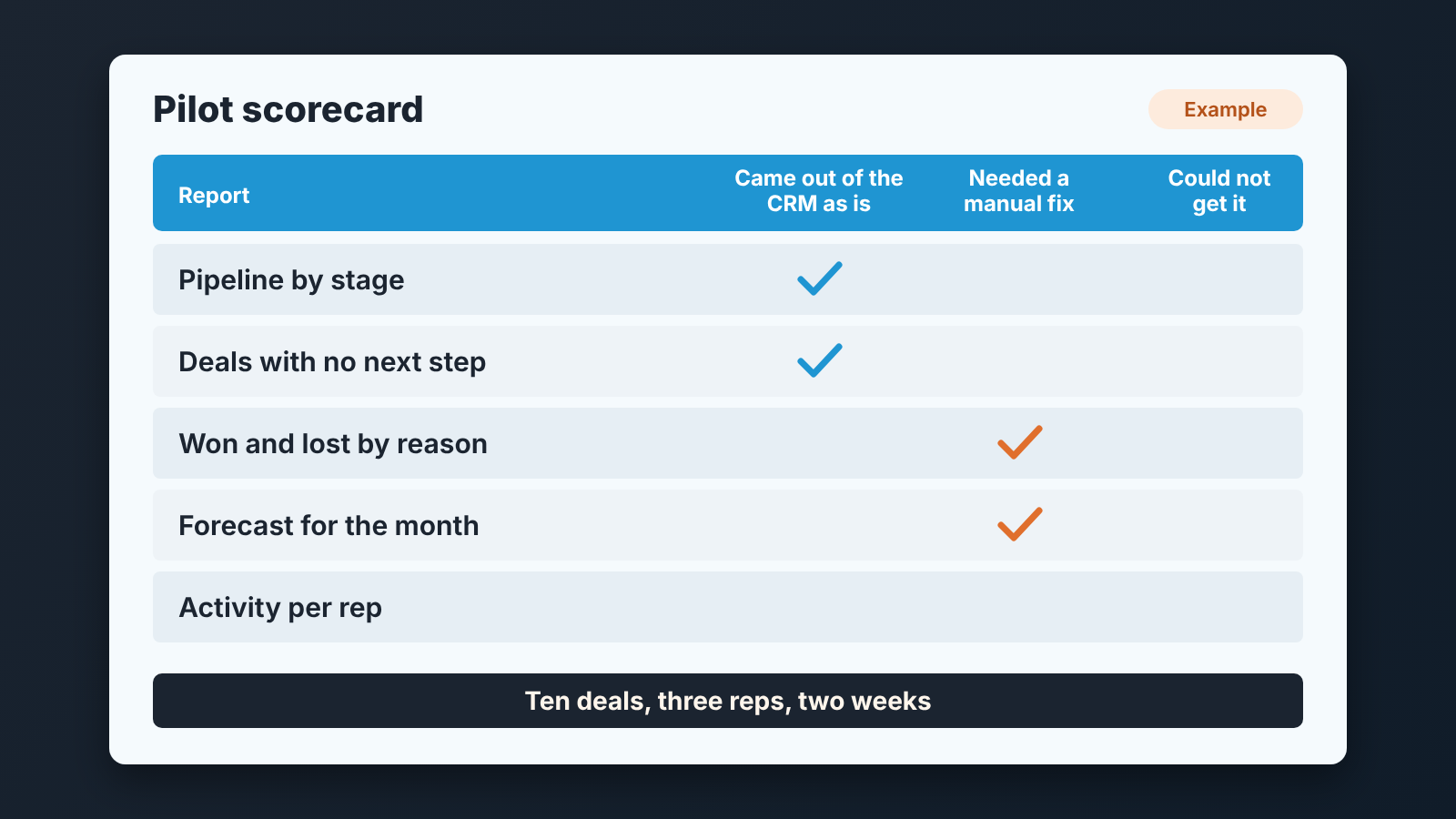
Then run two Monday reviews from the CRM alone. If the manager opens a spreadsheet during either review, write down why. Those reasons are the verdict. One or two of them are usually a setup fix. Five of them mean the CRM is not going to carry this team, and no training plan changes that.
There is one thing we watch during a pilot that no report shows: how long a rep takes to update a deal after a call. Longer than the call itself? Then the fields are wrong, not the rep. Cut a field, run another week.
The pilot ends with a decision, written in one paragraph: which reports came out as is, which needed a workaround, and what the workaround costs in minutes per week. That paragraph is the thing to put next to the price.
Cost per seat is not total cost
The number on the pricing page is the price of a rep logging in. It is rarely the price of the manager getting the five reports.
For a team of five, the money tends to sit in what the reports need rather than in the seat: a higher plan for the report builder or the forecast view, automation, an extra admin seat, email sync. Which of those costs extra is not the same at any two vendors, so we counted it per CRM in separate articles instead of repeating figures here: what Pipedrive costs for a team of five, HubSpot Sales Hub seats for five people, Salesforce editions for a five-person team and Zoho CRM editions for five.
The honest total has three parts. The subscription at the plan that actually produces your five reports, found in the demo with question seven in mind. The setup time, which the pilot measured for you. And the weekly minutes of workaround from the pilot paragraph, multiplied by the number of people doing them. The third part is teh one teams forget, and it is the one that grows.
We have a position here: for five people, a CRM on a lower plan that gives you four of the five reports as is beats a higher plan that gives you all five but needs an admin to maintain it. The admin leaves, or gets busy and the reports stop. A manager who can change a mandatory field without a ticket keeps the system alive.
When switching is a mistake
Sometimes the right answer to “how do I choose a CRM” is: you already did, and the problem is not the CRM.
Run the same five-report test on the CRM you have today. If three or more of the reports can be produced from it once the fields are made mandatory and the stages are cleaned up, switching buys you a migration, months of reps relearning habits and a pipeline history that will not fully carry over. All that for a problem a settings page could have fixed. The symptoms that push teams to switch (stale deals, empty close dates, a forecast nobody trusts) are usually discipline problems, and a new CRM imports them on day one.
The cases where switching is the right call are narrower than vendors suggest. The CRM cannot make a field mandatory at a stage at all. The manager cannot see all reps’ pipelines without buying something. Email cannot be attached to deals. Export is a support ticket. If one of those is true, move. If none of them is, fix the setup and come back to this question in a year.
A disclosure, since we are at the point where the manager has the reports and still has to read them every week: we build SalesBond, a sales management layer on top of the CRM a team already uses; we started with Pipedrive, and it works with Pipedrive, HubSpot, Salesforce and Zoho CRM. Its Deal Health checks every deal continuously against more than 20 rules and tells the manager which deals need attention and why, so the five reports turn into a short list of actions. It does not replace the choice described above; a CRM with empty fields gives it nothing to check. If your fields are in order and the reports still take your Monday, check your CRM with SalesBond.
FAQ
What is the most affordable CRM for a team of five?
The cheapest plan that produces your five weekly reports from mandatory fields, with the manager able to see all five pipelines. That is a different plan for every vendor, and it is rarely the entry plan on the pricing page. The per-vendor counts for a five-person team are in the Pipedrive, HubSpot, Salesforce and Zoho CRM cost articles linked above.
Is CRM software difficult to learn?
The interface is the easy part; the deal screen is not where teams struggle. What is hard is keeping the fields honest after week three, and that is a management habit, not a software skill. A CRM with six mandatory fields and a Monday review from the reports is easier to live with than one with forty optional fields and no review. The ten-deal pilot shows you which one you are buying.
Does the type of CRM matter for a small team?
Less than vendor pages suggest. You will see CRMs split into operational, analytical and collaborative, but in Pipedrive, HubSpot, Salesforce and Zoho CRM these are views of one system: the analytical part is the reports and dashboards built on the same deal records, the collaborative part is the account timeline. The difference that does matter for five people, and where the built-in reporting stops, is in operational CRM against analytical CRM.


